4.
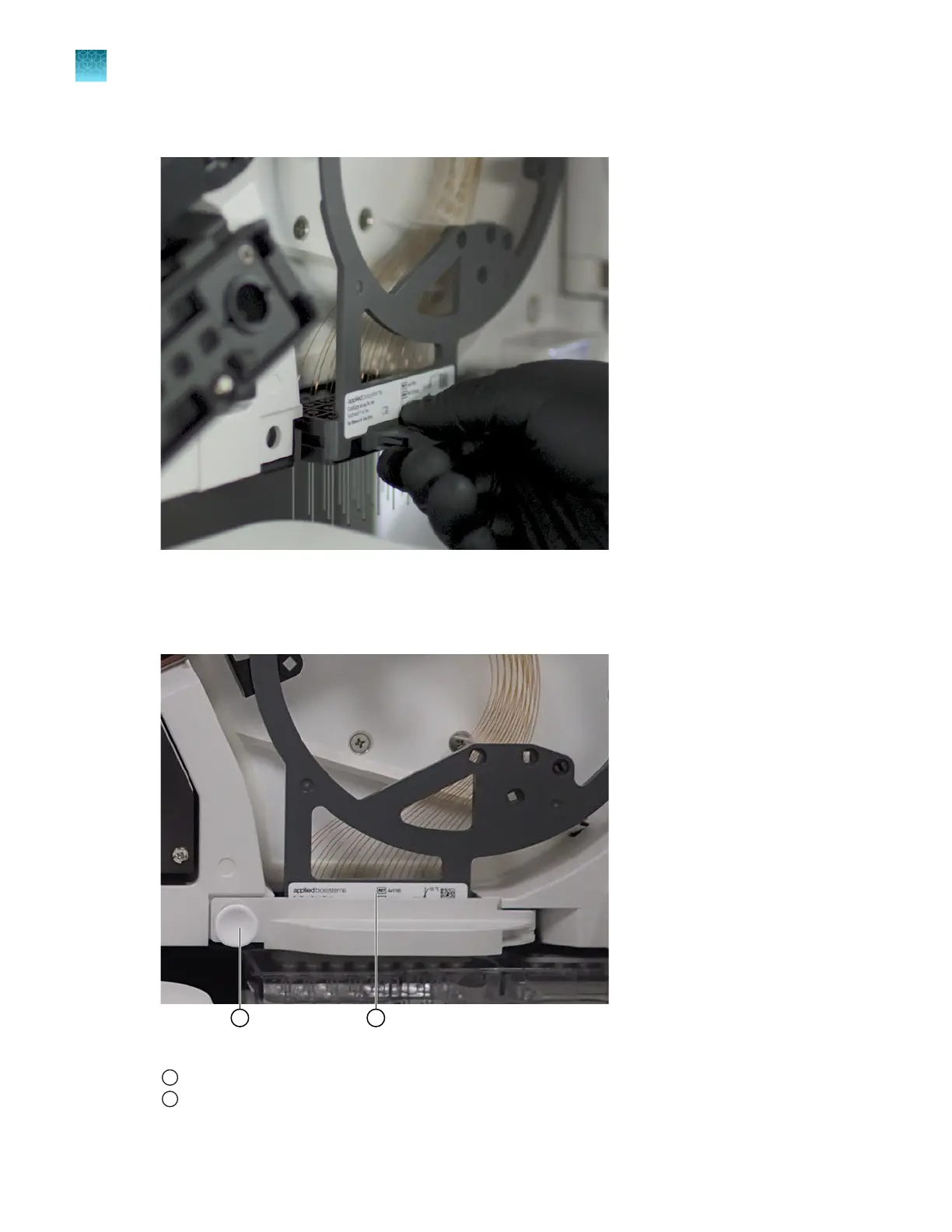
Slide the array header into the housing at the bottom edge of the oven.
Figure 34 Slide the array header into the housing
5.
Close the array header latch: swing the latch arm to the left, then push the snap-pin connector to
lock it.
Figure 35 Array header latch and array housing
1
Snap-pin connector on the array header latch
2
Array header
Chapter 13 Maintain the Instrument
Maintenance wizard procedures
13
390
SeqStudio
™
Flex Series Genetic Analyzer with Instrument Software v1.0 User Guide













 To Next Page