3.
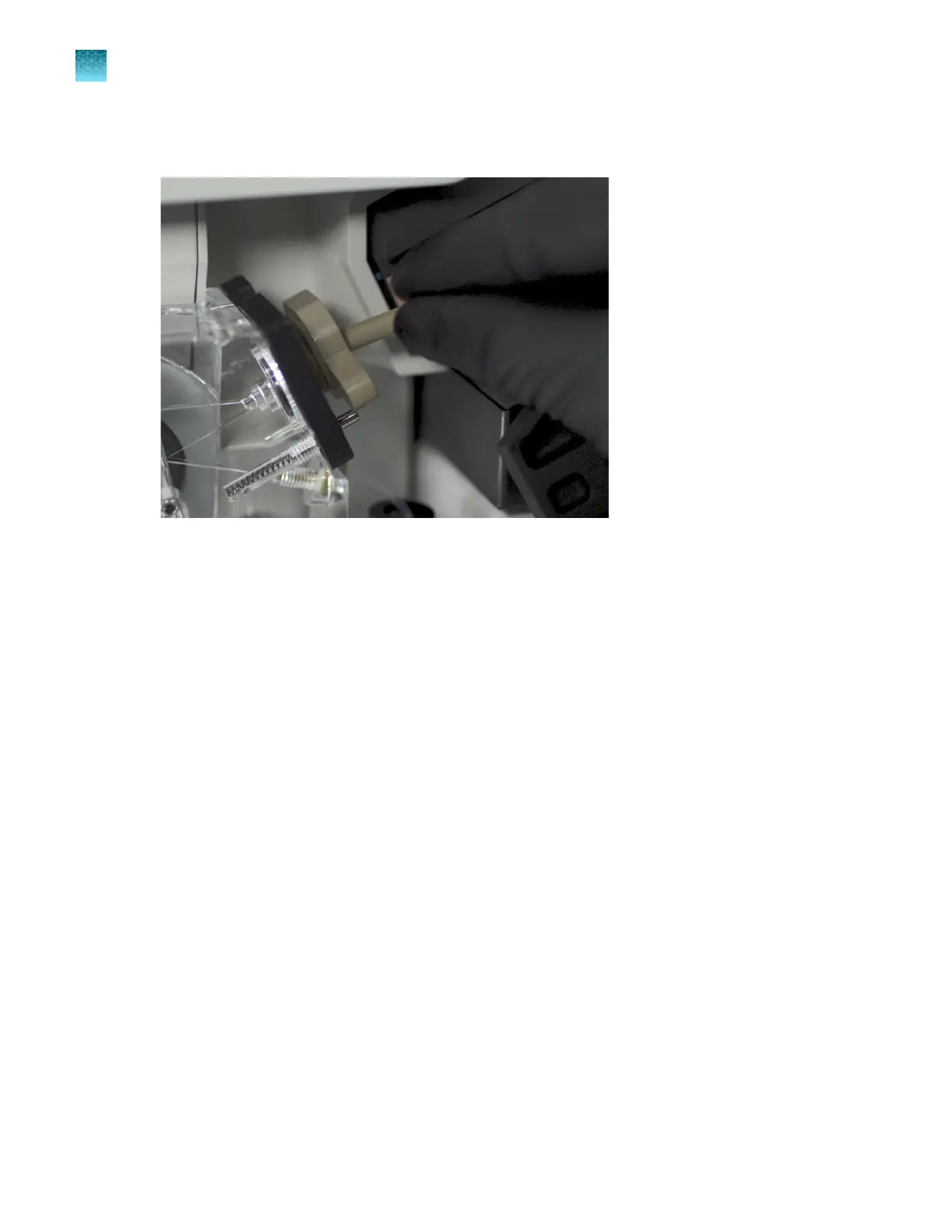
Remove the array port plug from the array port. Clean it with a moistened lab wipe. Store it in the
holder on the pump block near the buer valve.
Figure 50 Remove the array port plug
4.
Obtain the capillar
y array to install. Carefully remove the covers from the capillary array tip,
detection cell window, and array header. Retain the covers for future use.
Ensure that the capillary tips are not crushed or damaged.
Chapter 13 Maintain the Instrument
Maint
enance wizard procedures
13
402
SeqStudio
™
Flex Series Genetic Analyzer with Instrument Software v1.0 User Guide













 To Next Page