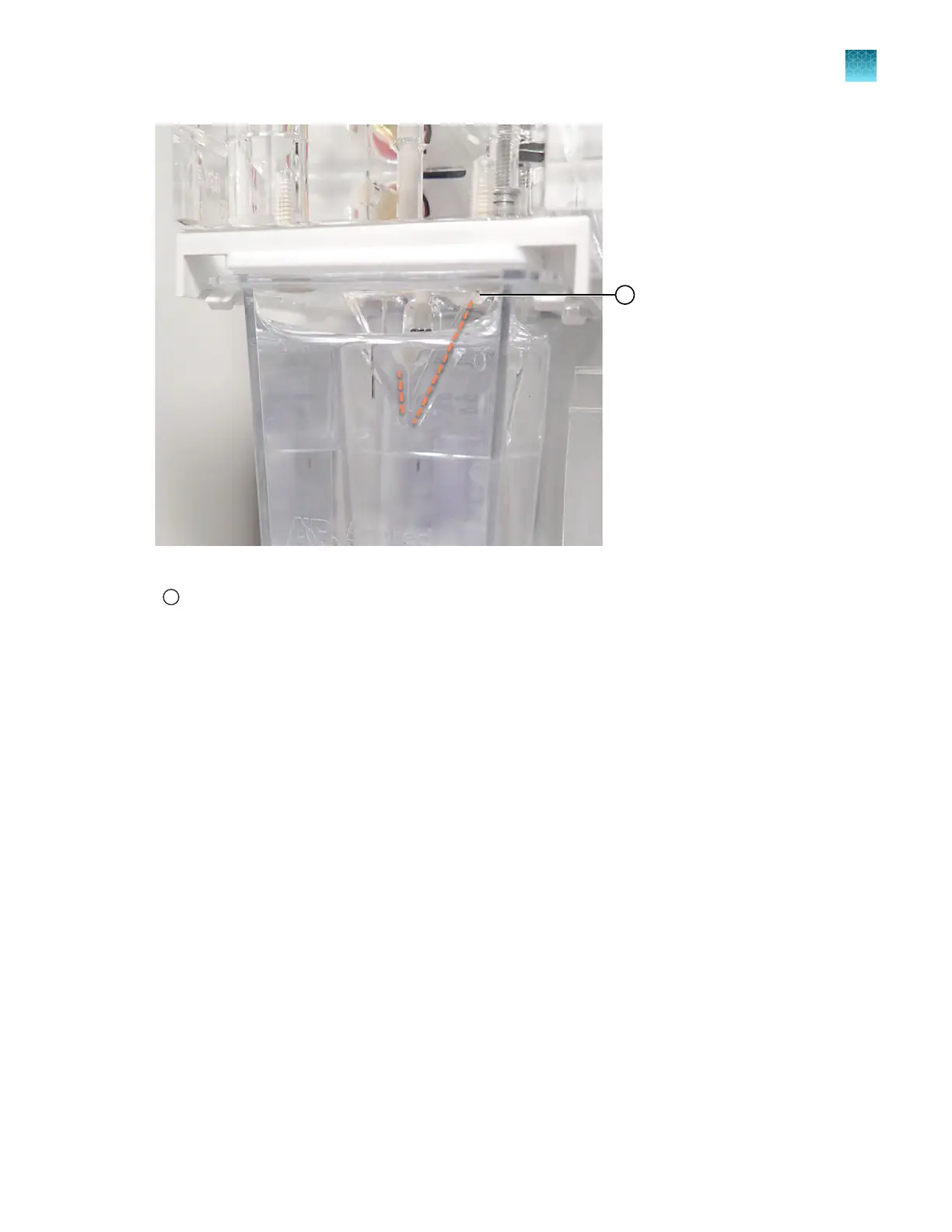
Figure 61 Examine anode channels for bubbles
1
To pump channels
Dotted lines are shown to the left and right sides of the channels that can contain bubbles. No bubbles are shown in the
image.
Fill Array with Polymer
Tap an option:
• To fill the capillary array with polymer, tap Fill array.
Wait ~2 minutes for the fill array procedure to complete.
• To close the wizard, tap Finish.
Chapter 13 Maintain the Instrument
Maintenance wizard procedures
13
SeqStudio
™
Flex Series Genetic Analyzer with Instrument Software v1.0 User Guide
411













 To Next Page