In this procedure, you fill capillary array covers with purified water (if you will store the capillary array)
and remove the capillary array from the instrument.
1.
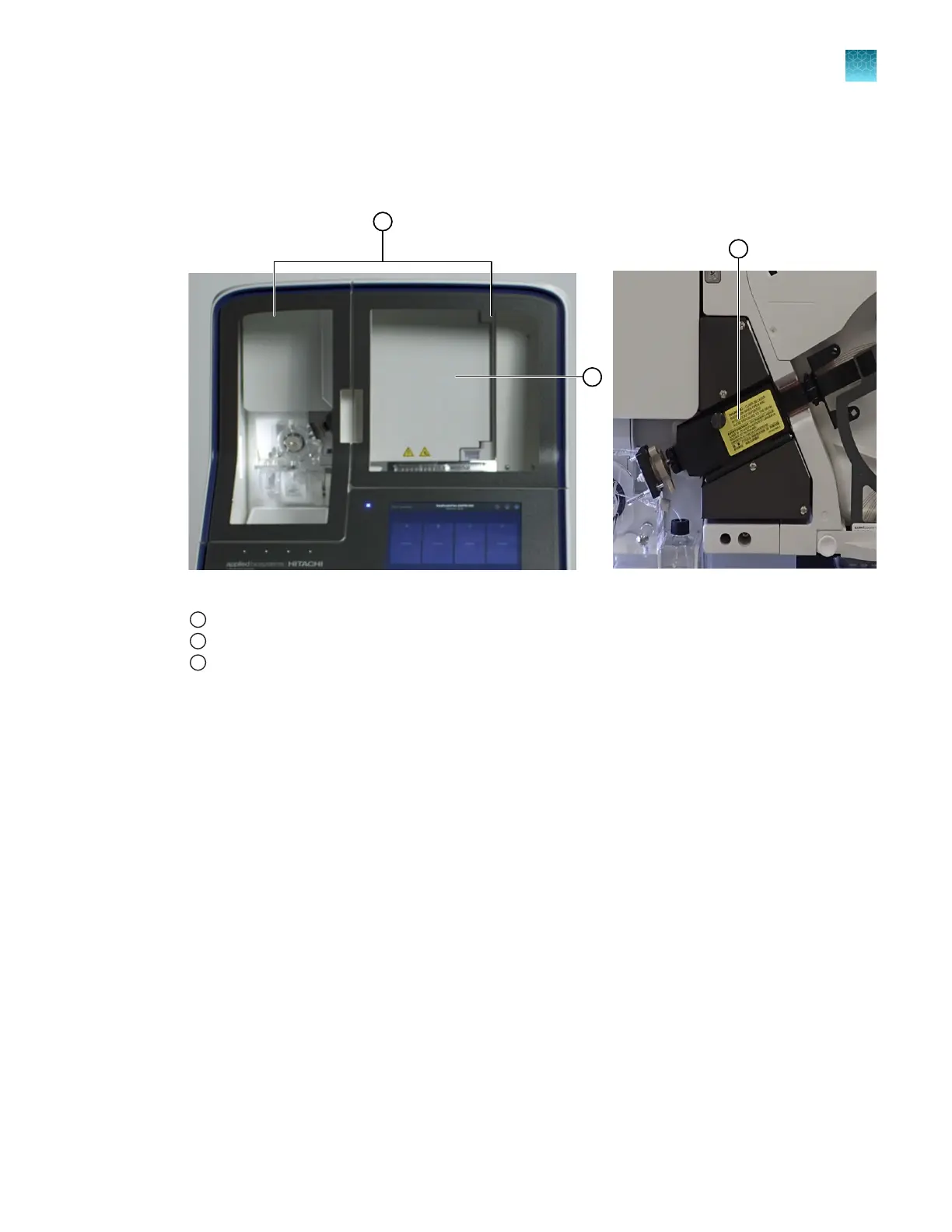
Open the instrument, oven, and detection block doors.
Figure 66 Location of instrument, oven, and detection cell doors
1
Instrument doors
2
Oven door
3
Detection block door (with oven door open)
2.
Remove and discar
d the ABC. Insert an empty ABC to capture waste.
3.
Remove and discard the CBC.
Chapter 13 Maintain the Instrument
Maint
enance wizard procedures
13
SeqStudio
™
Flex Series Genetic Analyzer with Instrument Software v1.0 User Guide
421













 To Next Page