c.
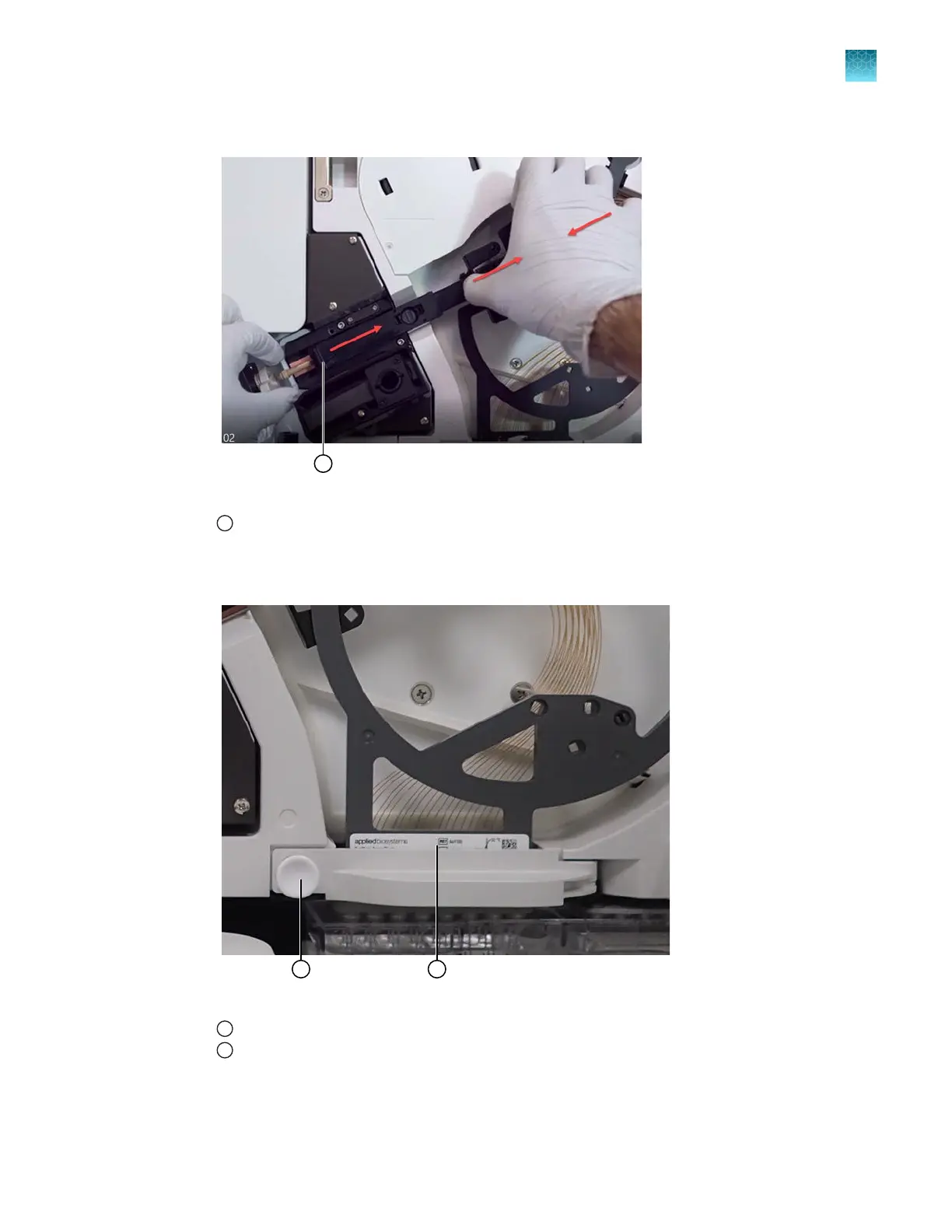
Slide the retractor tab on the array to the right until it clicks into place in the retracted position.
Figure 69 Retracted end of the capillary array exposes the array tip
1
End retracted
d.
Open the arr
ay header latch: pull the snap-pin connector to release it, then swing the latch
arm to the right.
Figure 70 Array header latch and array housing
1
Snap-pin connector on the array header latch
2
Array header
Chapter 13 Maintain the Instrument
Maintenance wizard procedures
13
SeqStudio
™
Flex Series Genetic Analyzer with Instrument Software v1.0 User Guide
423













 To Next Page