7.
Tap Verify pouch to update the pouch information.
8.
Remove the ABC, discard the contents, then re-install the empty ABC in the instrument.
9.
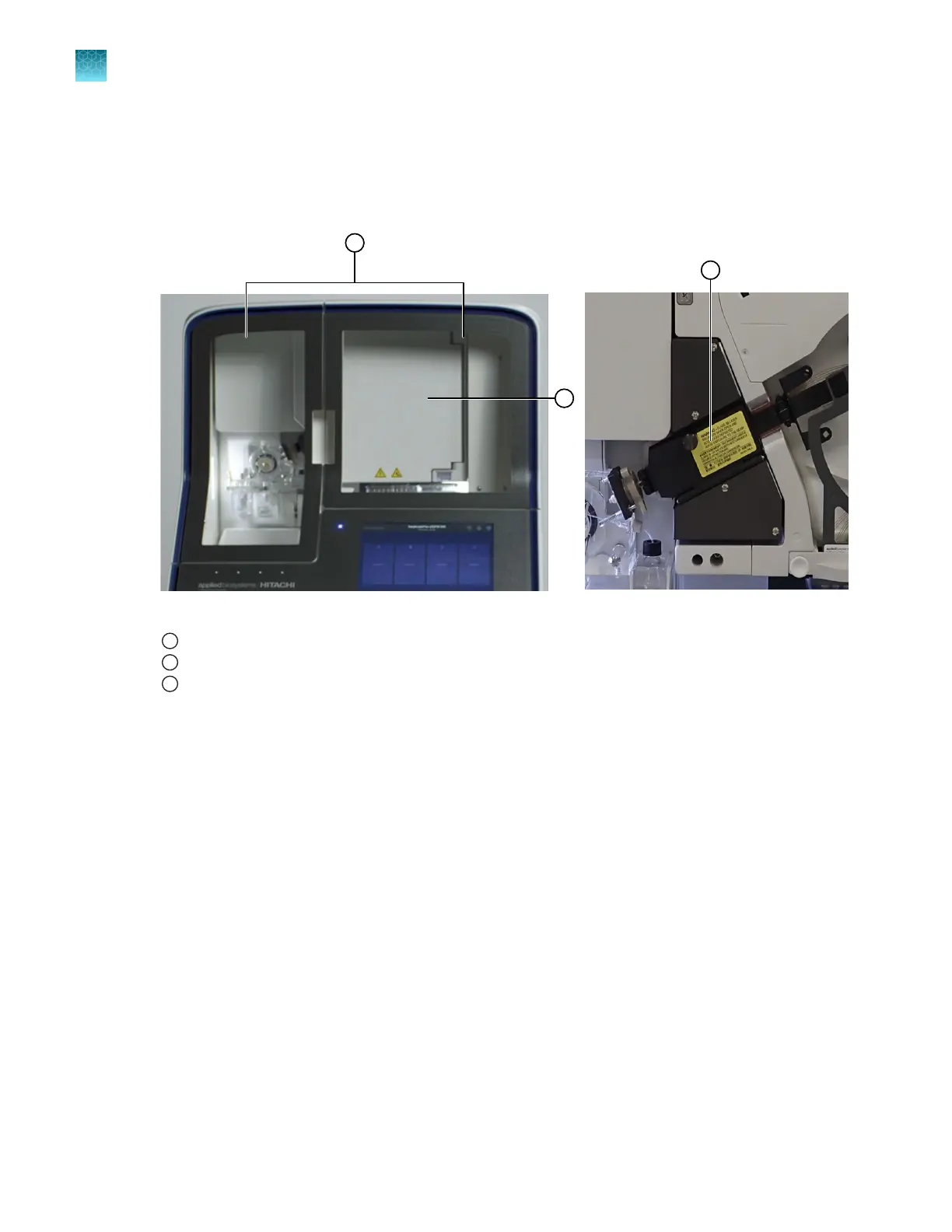
Open the oven and detection block doors.
Figure 74 Location of instrument, oven, and detection cell doors
1
Instrument doors
2
Oven door
3
Detection block door (with oven door open)
10.
Loosen the array port lock by turning it ~1/4 turn counter-clockwise until it stops.
Chapter 13 Maintain the Instrument
Maintenance wizard procedures
13
428
SeqStudio
™
Flex Series Genetic Analyzer with Instrument Software v1.0 User Guide













 To Next Page