11.
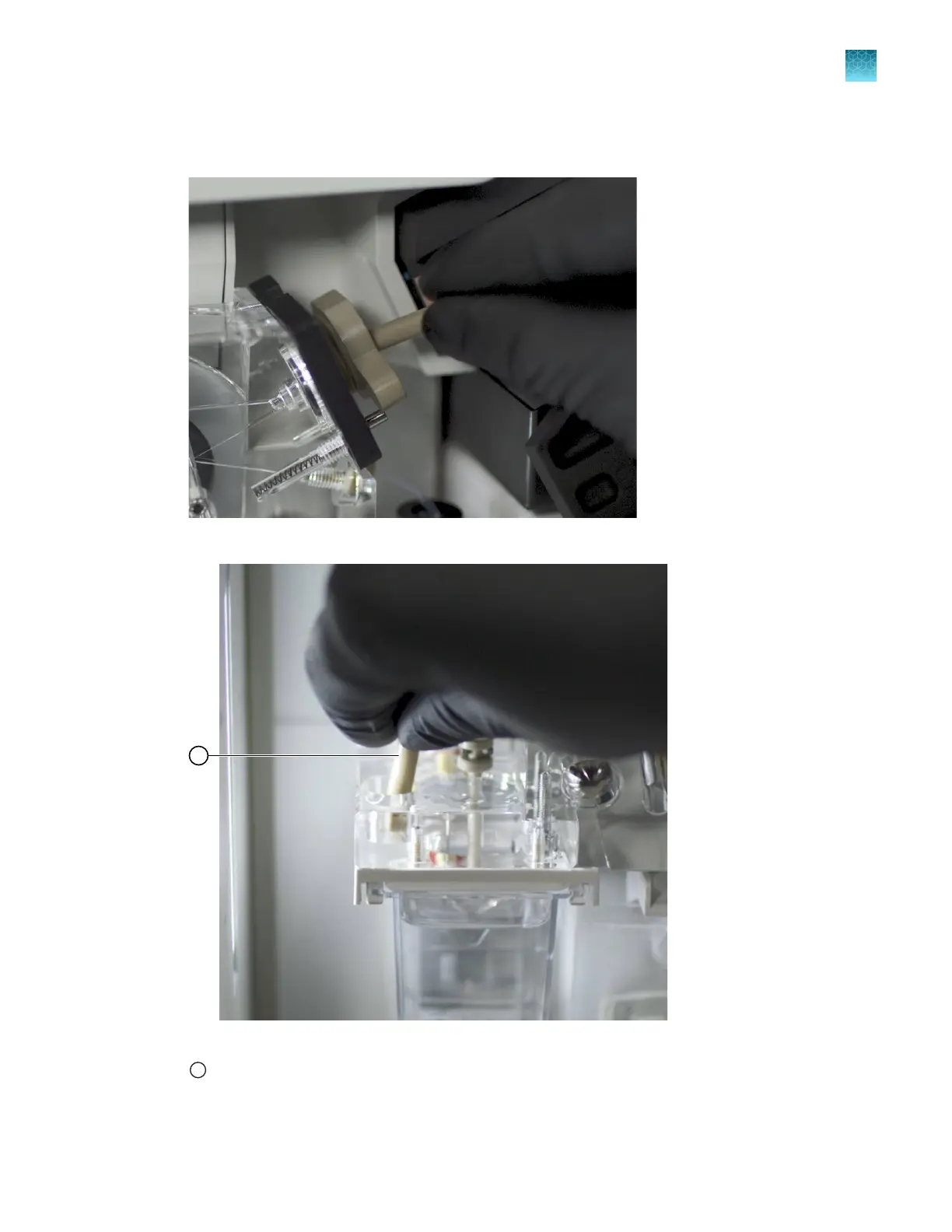
Remove the array port plug from the array port. Clean it with a moistened lab wipe. Store it in the
holder on the pump block near the buer valve.
Figure 75 Remove the array port plug
Figure 76 Obtain the array port plug
1
Obtain the array port plug in holder on pump block above the ABC
Chapter 13 Maintain the Instrument
Maintenance wizard procedures
13
SeqStudio
™
Flex Series Genetic Analyzer with Instrument Software v1.0 User Guide
429













 To Next Page