1.
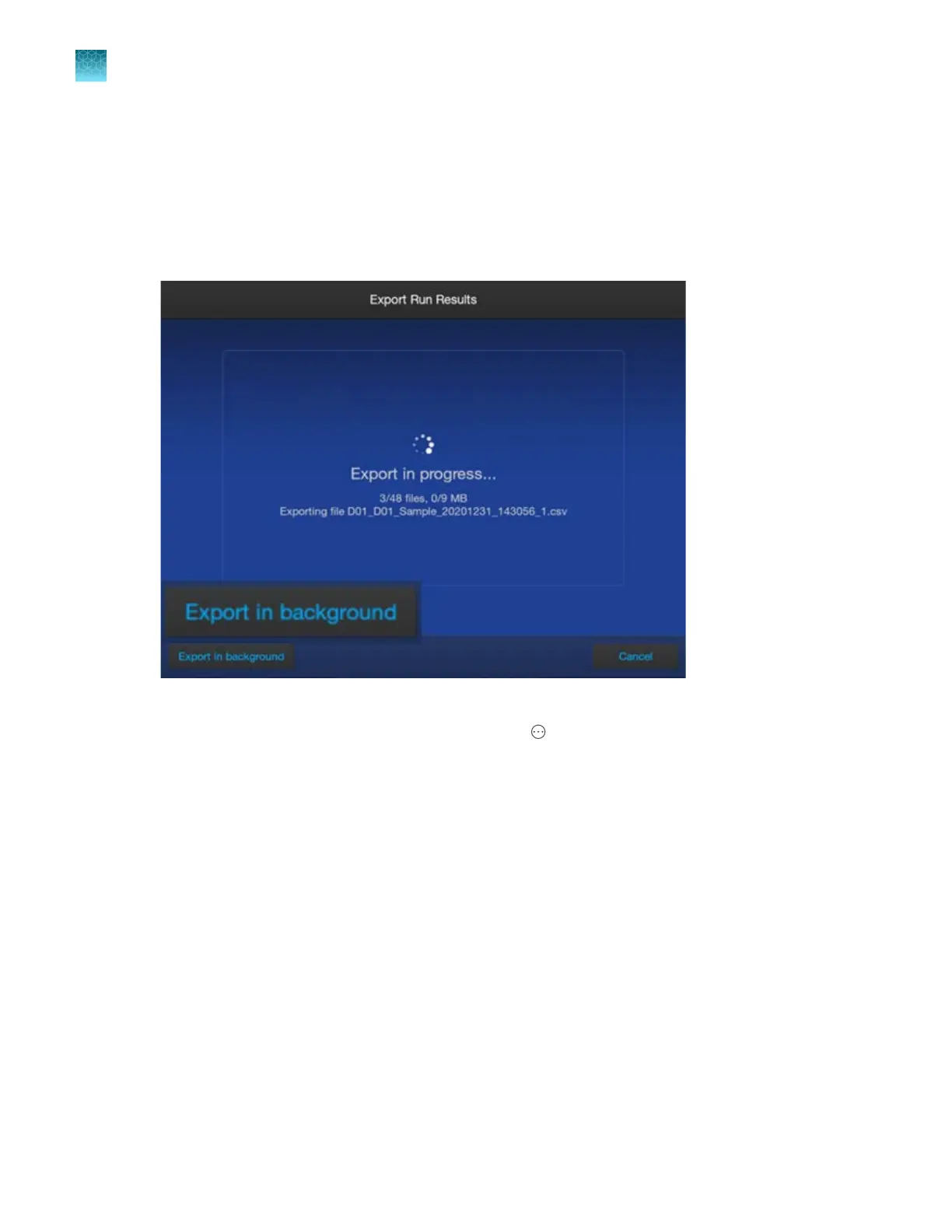
Start an export or back up.
When a file starts exporting, or when a backup of user data starts, a This is useful for exports that
take time to complete (such as run results). A message is also displayed at the bottom-right of
the home screen. Background export allows you to continue using the instrument while the export
continues.
2.
In the progress message screen, tap Export in background.
The Backgr
ound Export Status screen is displayed with the export job listed. You can also
display this screen from the home screen by tapping
Actions4Backgr
ound export.
Chapter 14 Manage the softwar
e (instrument)
Configure, check status, and cancel background exports and backups
14
466
SeqStudio
™
Flex Series Genetic Analyzer with Instrument Software v1.0 User Guide













 To Next Page