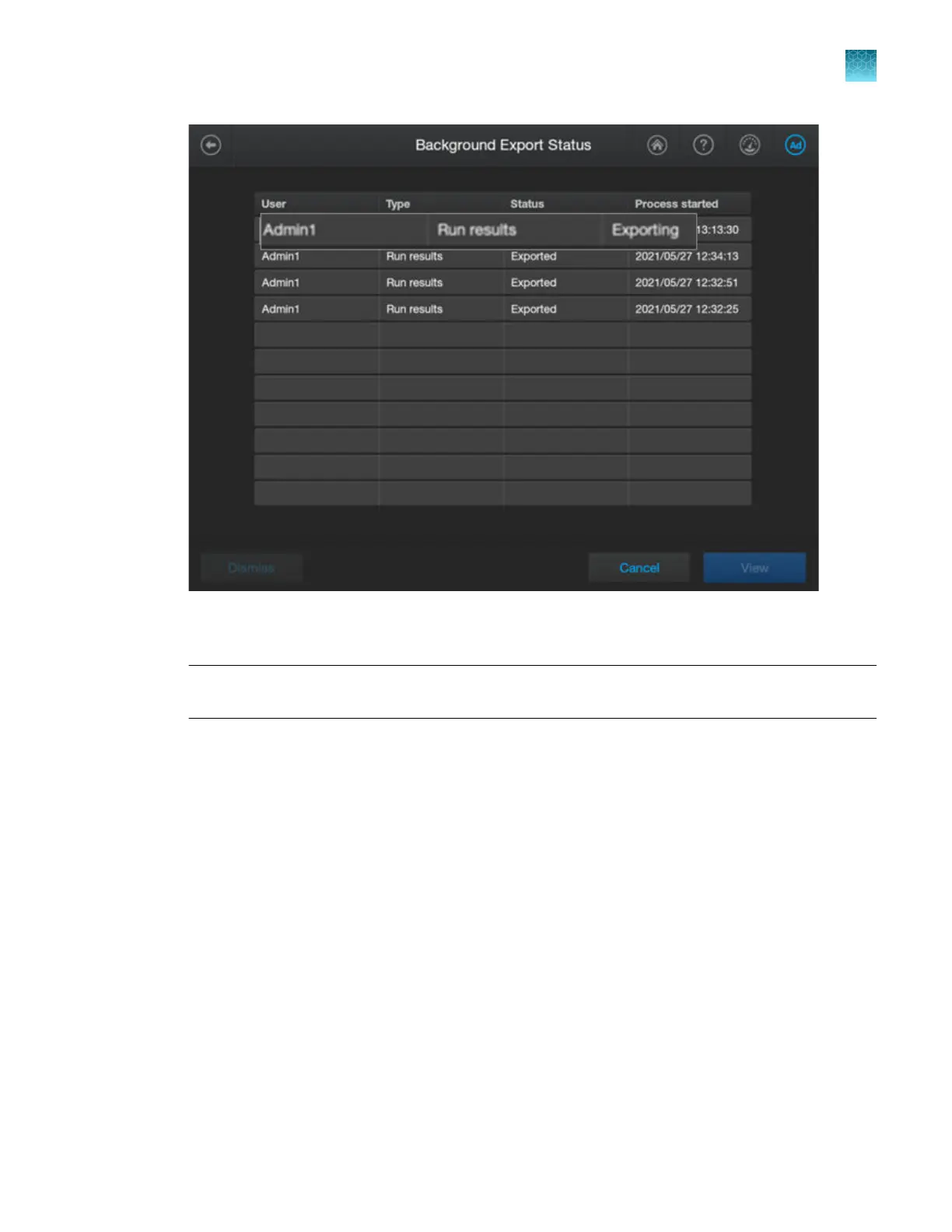
Entries are displayed in the list for 24 hours, or until the user who initiated the export dismisses the
it
em.
Note: When files are actively exporting, a message is displayed in the bottom-right of the home
screen. See “Instrument conditions in the home screen” on page 40.
3.
P
erform any of the following actions as needed.
•
To cancel a job—Tap a row with a status of Exporting, tap View, then tap Cancel.
•
To view a list of exported files—Tap a row with a status of Exported, then tap View.
•
To remove a job from the list—Tap a row, then tap Dismiss. The Dismiss button is active only
if the user who initiated the export is signed in and selects the item.
•
To close the screen—Tap Cancel.
Chapter 14 Manage the softwar
e (instrument)
Configure, check status, and cancel background exports and backups
14
SeqStudio
™
Flex Series Genetic Analyzer with Instrument Software v1.0 User Guide
467













 To Next Page