(continued)
Screen element Description
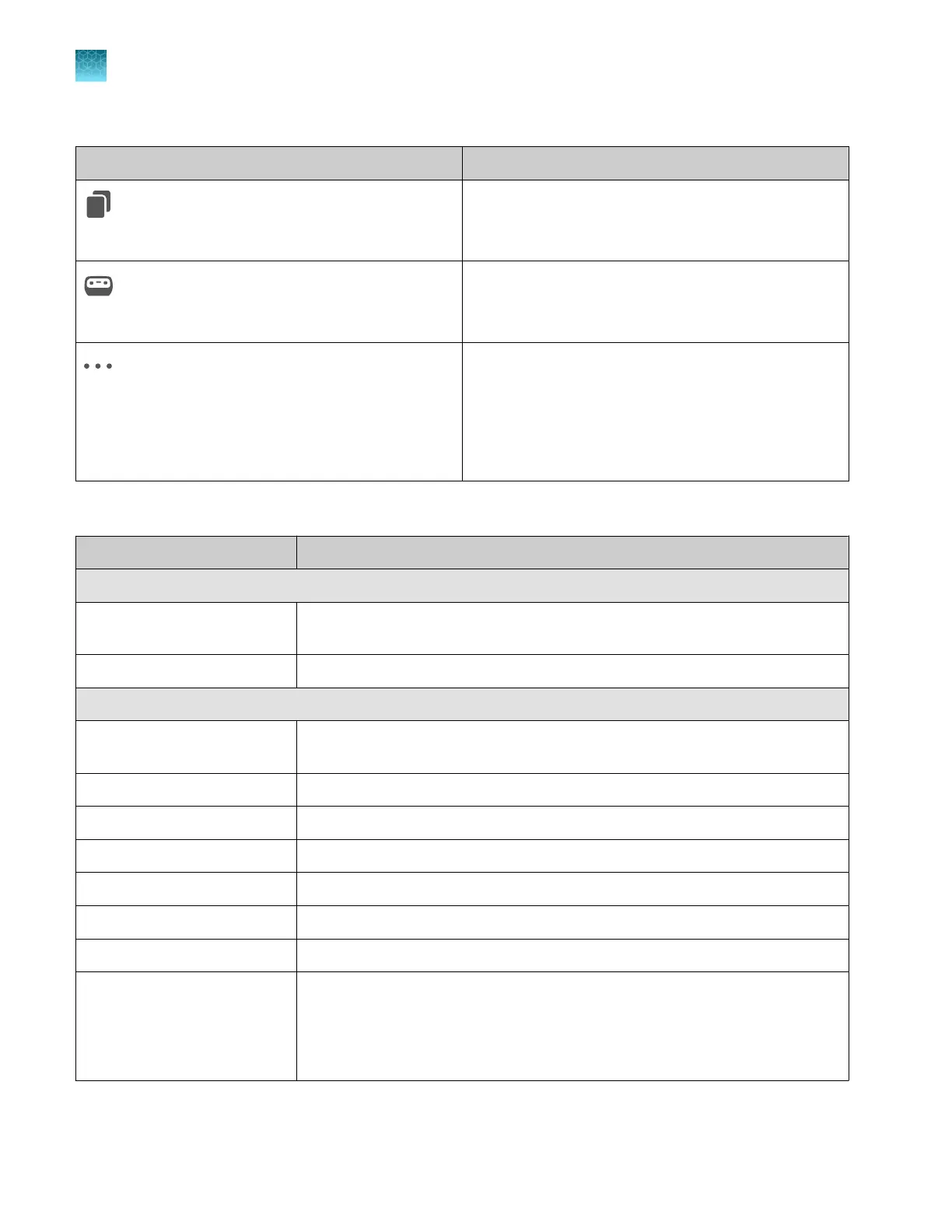
(Copy & edit, in Recent plate files list)
Makes a copy of the selected plate file with _Copy
appended to the plate name.
(Send to instrument, in Recent plate files list)
Allows you to select one or more instruments, then
sends the selected plate file to the Inbox on the
instrument(s).
(Actions, in Recent plate files list)
Includes the following commands:
•
Export (plate file)
•
Remove from Recent Files
•
Delete Permanently
•
Cancel Send to Instrument
Plate position status and plate run status
Status
Description
Plate position status
Occupied The corresponding position in the instrument drawer contains a plate. These
positions are labeled as Link plate file in the instrument home screen.
Available The corresponding position in the instrument drawer is empty.
Plate run status
In queue An injection is waiting to start. The injection will start based on the order of the
injection list displayed in the Run Queue screen.
Running Data collection for the injection is in process.
Analyzing Data collection for the injection is complete, analysis is in process.
Exporting Result files are being sent to the Save location in the plate file.
Completed Analysis and export is complete, results are available.
Aborting/aborted An injection with status of Running was cancelled.
Cancelled An injection with status of In queue was cancelled.
Paused The instrument was paused and the "pause immediately" option was selected.
The pause and cancel commands can be issued in the SeqStudio
™
Flex Remote
Monitoring software or on the instrument.
Runs must be resumed on the instrument.
Chapter 5 Create a plate file in the Plate Manager software
Get started with the Plate Manager software (cloud)
5
108
SeqStudio
™
Flex Series Genetic Analyzer with Instrument Software v1.0 User Guide













 To Next Page