2.
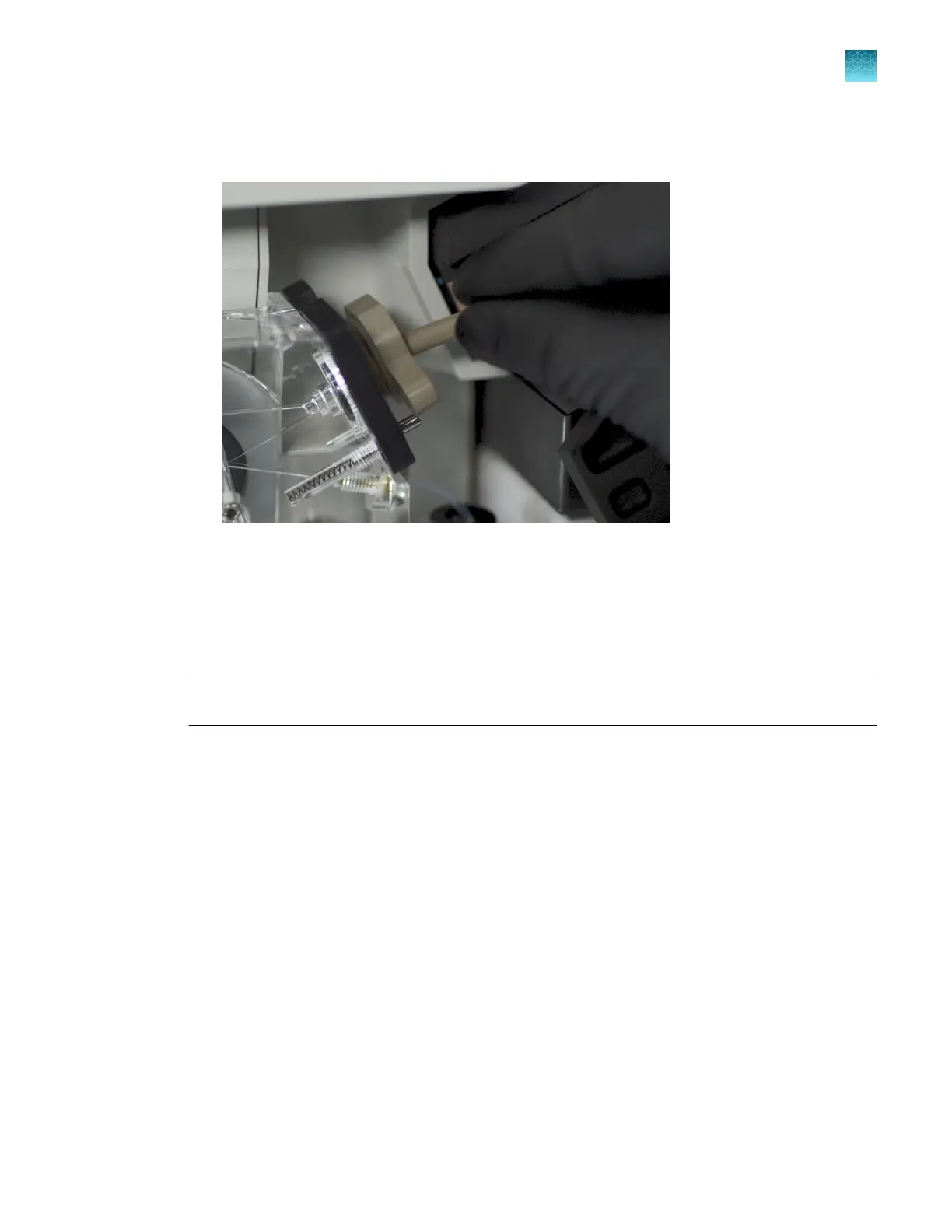
Insert the array port plug into the array port:
a.
Insert the array port plug into the array port. Press firmly to seat the array port plug in the port.
Figure 47 Insert the array port plug
b.
Align the r
ectangular part of the array port plug with the opening in the array port lock.
3.
Turn the array port lock ~1/4 turn clockwise to tighten it. Do not overtighten it.
4.
Close the detection block door, then tighten the fastener.
IMPORTANT! Ensur
e that the fastener on the detection cell door is firmly tightened. If the fastener
is not firmly tightened, peaks may be incorrectly detected.
5.
Close the arr
ay snap-pin connector.
6.
Close the oven door.
7.
Tap Next to continue.
Change Polymer Type—Prepare for wash, remove polymer pouch, install
conditioning reagent
In this procedure, you install an empty anode buer container (ABC) to capture waste, replace the
polymer pouch with a conditioning reagent pouch, then wash the pump and channels with conditioning
reagent.
1.
Allow polymer to equilibrate to room temperature (15–30°C) before you run the wizard.
2.
Open the instrument doors.
Chapter 13 Maintain the Instrument
Maint
enance wizard procedures
13
SeqStudio
™
Flex Series Genetic Analyzer with Instrument Software v1.0 User Guide
399













 To Next Page