BPswitch Operators Manual
100 / 413
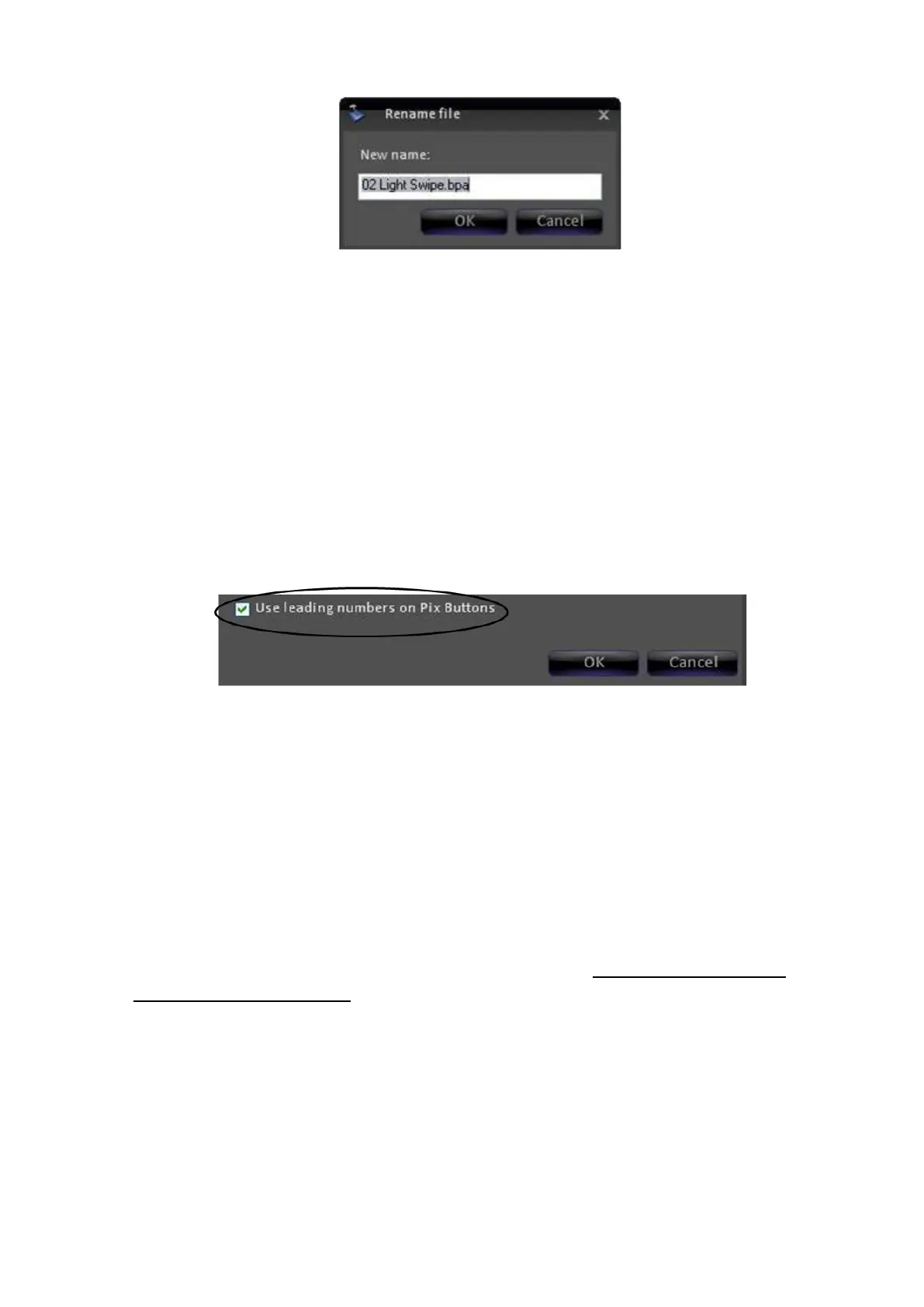
Enter the desired name and click on OK. If a number is placed in front of the
file (also known as a leading number), for example “02 Light Swipe.bpa”, you
then can recall the graphic/clip by the number directly from the PixPad for
easy navigation, see section 6.3.1.
If leadings numbers are being used on content, you have the option to not
view the number on the PixButton. When active, this option allows for more
characters to be used on the PixButton, instead of space being taken up by
numbers. However the number will still appear in the display and Multi-View
for your convenience. This setting is not selected as a default.
To activate the option, in the content side of the window select the check box
labeled Use leading numbers on PixButtons, as shown below.
Removing Content from a Show
Select the item you wish to remove, and it will highlight.
Click on the remove button in the content window, and it will be removed
from the show.
A shortcut to remove content out of a show is double-clicking with the mouse,
instead of using the Remove button. The content will still be retained in the
central library, as removing a content does not delete it from your system. If
you want to delete content from the hard drive, see Permanently Deleting
Content from the Library.



 To Next Page