BPswitch Operators Manual
185 / 413
SnapShot Memories, or “Mems” for short, are generally saved during pre-
production before a show is on-air. The saving process takes several steps to
indicate exactly which portions of the panel to save, and whether to save just the
set-ups or the source assignments as well. In contrast, since the recalls of
memories happen on air, recall is streamlined and designed to be quickly
accessible. There are a total of 999 global memories, which can be sorted in
PixMaster, as described in PixMaster Show Editor.
To Save a Mem
Begin by putting the panel into the desired state that you would like to save
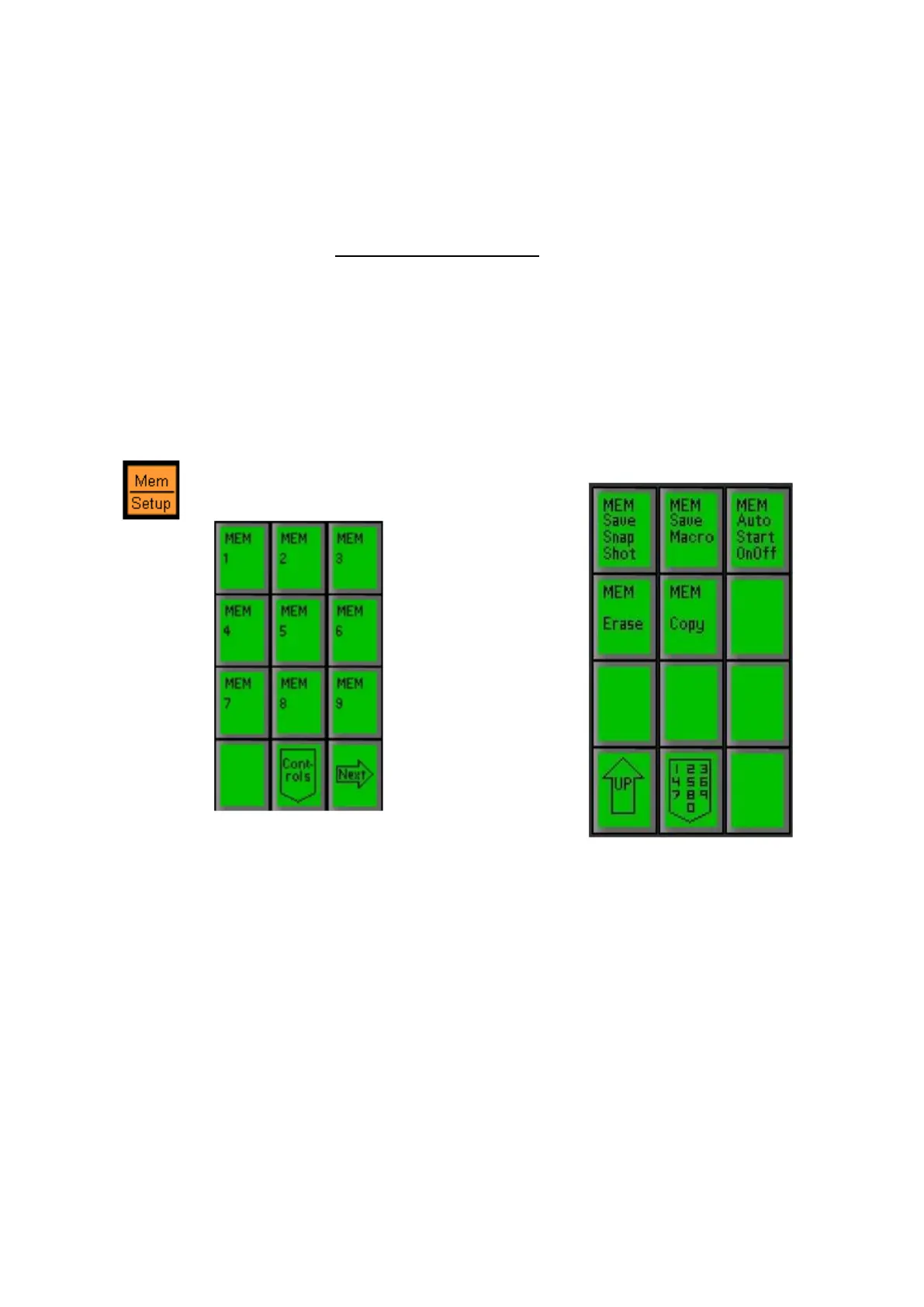
Press the [Mem] button in the Device
Select, and the first page of your
memories will appear in Mem PixPad.
On the Mem PixPad, press
the [Controls] PixButton, and
the following Mem controls
PixPad will appear.



 To Next Page