BPswitch Operators Manual
68 / 413
and names, as shown on the right.
Once all the text has been entered in the
Translation column, click on the Save…
button to save your custom language
translation.
A Windows Save As window will appear
enter the desired name. The name entered
will be the name that appears in the
Broadcast Pix software.
Click on the Close button to close the
Translation Assistant program.
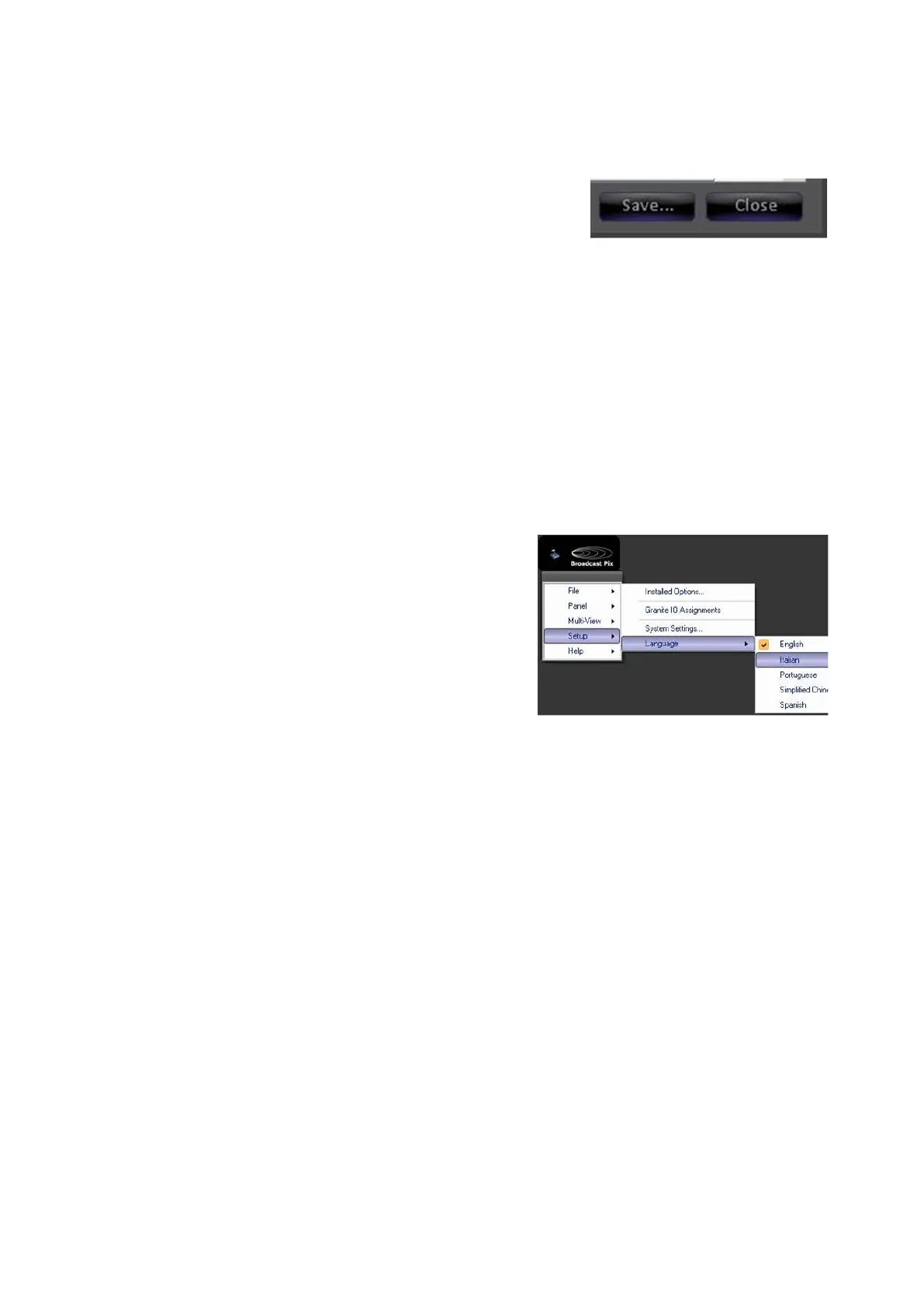
To use a custom translation:
In BPswitcher, click on the Broadcast Pix
Logo menu and select the Setup drop down
menu.
Click on the Language menu item, as
shown on the right.
The list of default language names will now
include any of the created custom
translations.
In the drop down menu select the desired
language, in this example Italian.
Clocks on the Multi-View
There are 3 types of clocks on the Broadcast Pix Multi-View: an Analog Clock, a
Digital Clock and a Timer. All three options are floatable and resizable, as
described in the previous section and all three can be floated at the same time.
The analog clock provides a graphical analog clock with a seconds hand in both
12-hour and 24-hour formats and allows for time-shifting and color settings. The
digital clock provides a green digital clock that updates every tenth of a second
clock in both 12-hour and 24-hour formats. The timer can set to either be a red
stopwatch/count up clock or a countdown clock (useful when timing out the end of
your production), this timer may also be controlled from the panel and/or Multi-
View PixPad as a device. Multiple Analog and Digital clocks and multiple Timers
may be floated.
To float a clock:
Select the Multi-View drop down menu.



 To Next Page