BPswitch Operators Manual
294 / 413
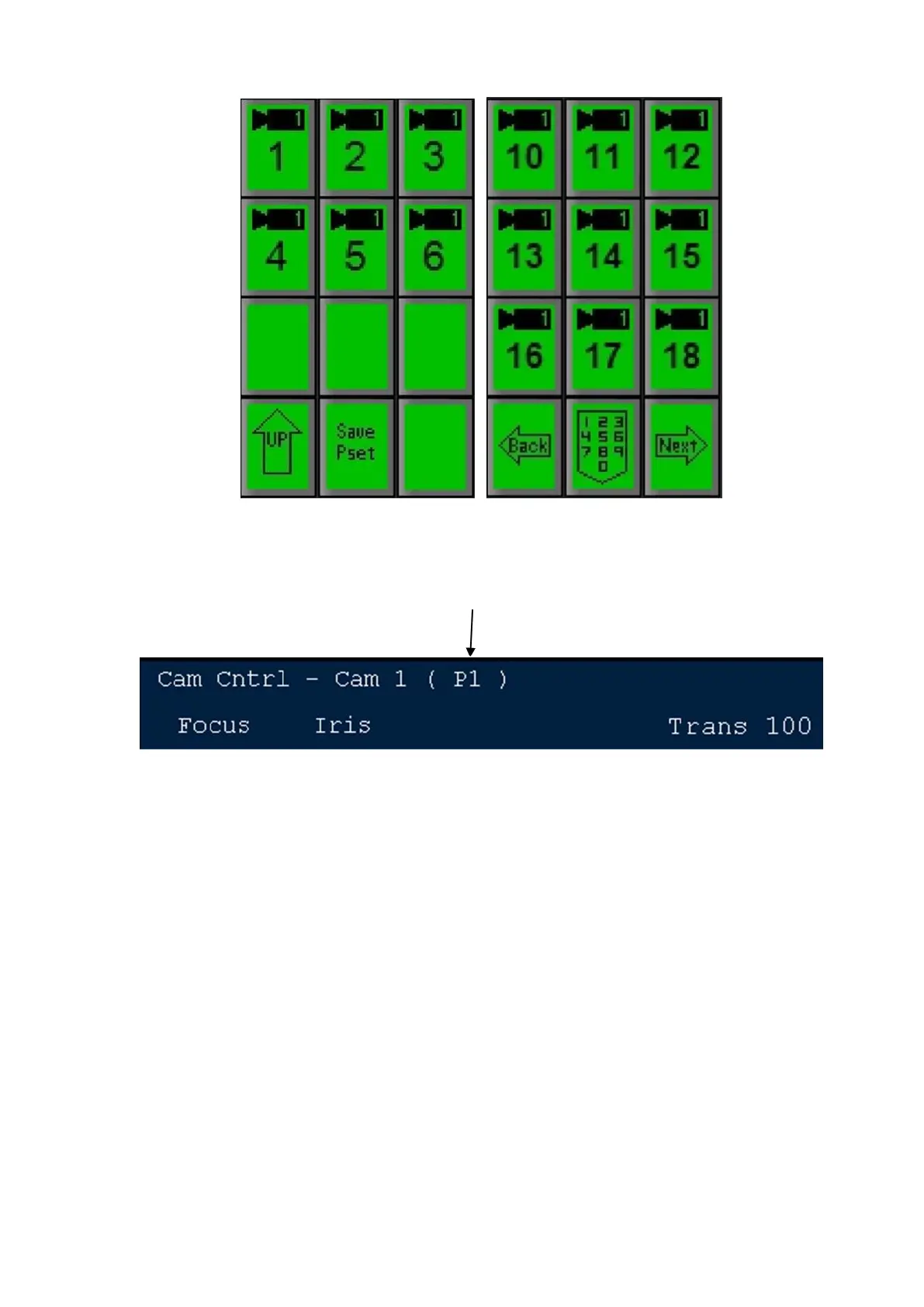
Press the [Save Pset] PixButton, and now the camera position will be saved
in the location you just chose. The display will show the newly saved Preset
Position, as shown below, P1.
NOTE: If Preset 1 already had a saved preset position, this will now be overwritten with the
position you just saved.
Recalling Preset Camera Positions
Preset Positions are designed to be recalled rapidly. When using Telemetrics
Studio Software, sequences stored in the CTS-ST-S may be triggered by the
Broadcast Pix at the stored recall speed.
To recall a preset position:
Select the desired camera from the list available on the top level PixPad for
camera control as shown on the lower left, such as Camera 1. The Preset
Positions PixPad for the selected camera will appear, as shown on the lower
right.
On Panasonic & Sony cameras, when only 1 camera is assigned in the
Camera Control Settings window, the first page of camera numbers is
automatically skipped. Selecting the Camera Control Device button will bring
up the Preset PixPad.



 To Next Page