BPswitch Operators Manual
360 / 413
Creating a Microsoft Expression Job
Similar to Flash Profiles, the Expression
encoder uses Jobs as saved presets to
stream from.
Repeat steps 1-4 from section Creating
a Flash Media Live Encoder Profile to
open the Streamer Settings window.
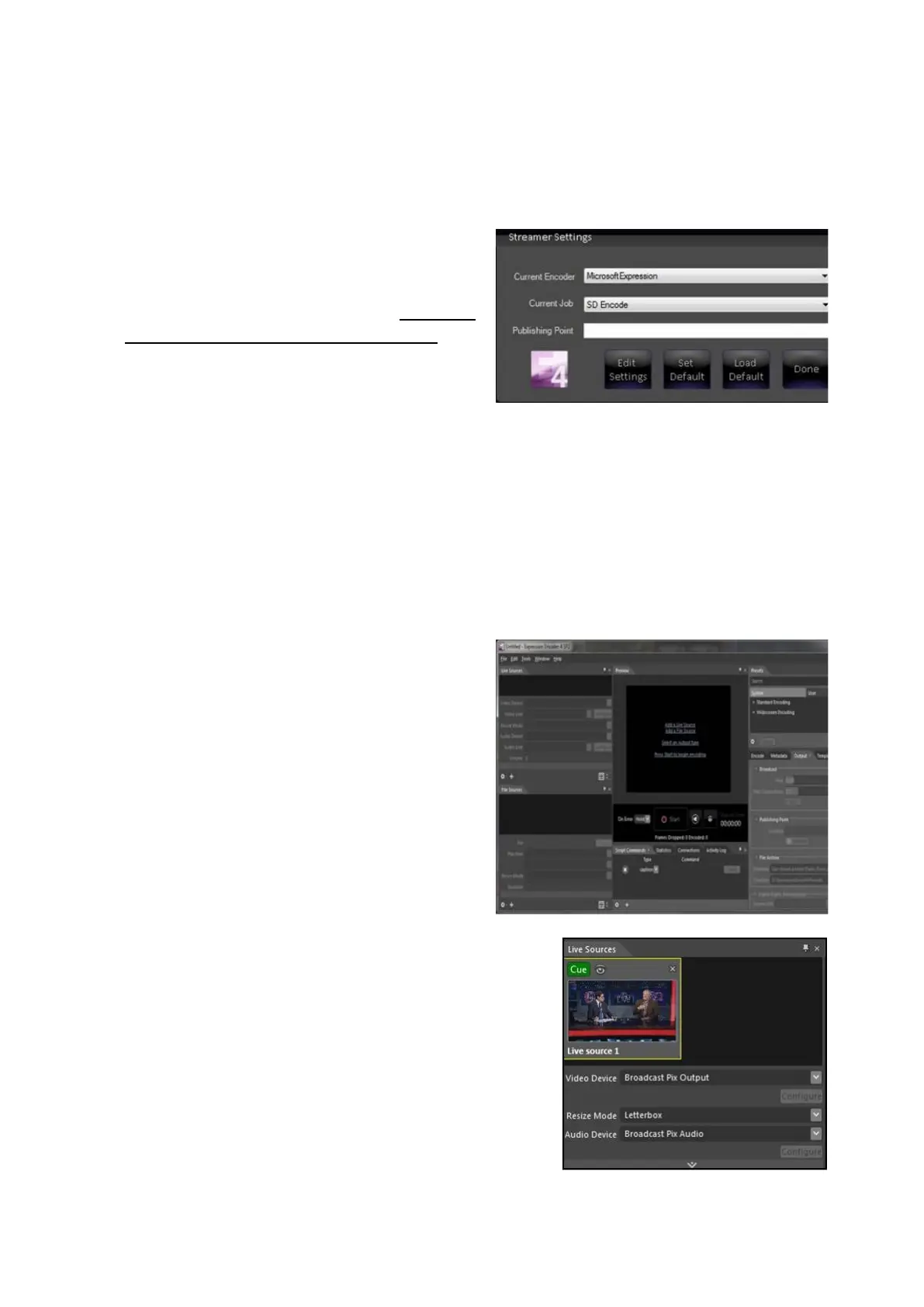
Under the Current Encoder drop down
menu, select Microsoft Expression
Encoder, as shown on the right.
Select a job from the Current Job drop
down menu.
If you have a previously saved job it will
appear here, to create a new profile
select any one to modify it.
Click on the Edit Settings button.
The Expression application will open, as
shown on the right.
If no video or audio have been
configured, click on the Add a Live
Source link in the middle of the
application.
In the Live Sources tab, select
Broadcast Pix Output under the Video
Source drop down menu and
Broadcast
Pix Audio under the Audio Source drop
down menu, as shown on the right.
Selecting any other option will not
function and may display a popup
message.



 To Next Page