BPswitch Operators Manual
188 / 413
[Mem Save All] PixButton saves the state of all the
devices on the control panel. Press it again and it will
clear the memory and the display.
[Mem Sav ME 1] This function is not available on an
FX/RX System.
[Mem Sav More] PixButton saves the state of the
auxiliary outputs. It does this individually by bringing
up a secondary PixPad that lets you select the each
option. When finished press the [Up Arrow] to return
to this PixPad.
[Mem Save iBoB DSK] This function is not available
on an FX/RX System.
[MEM Save Aux] This function is not available on an
FX/RX System.
When finished press the [Up Arrow] to return to this
PixPad
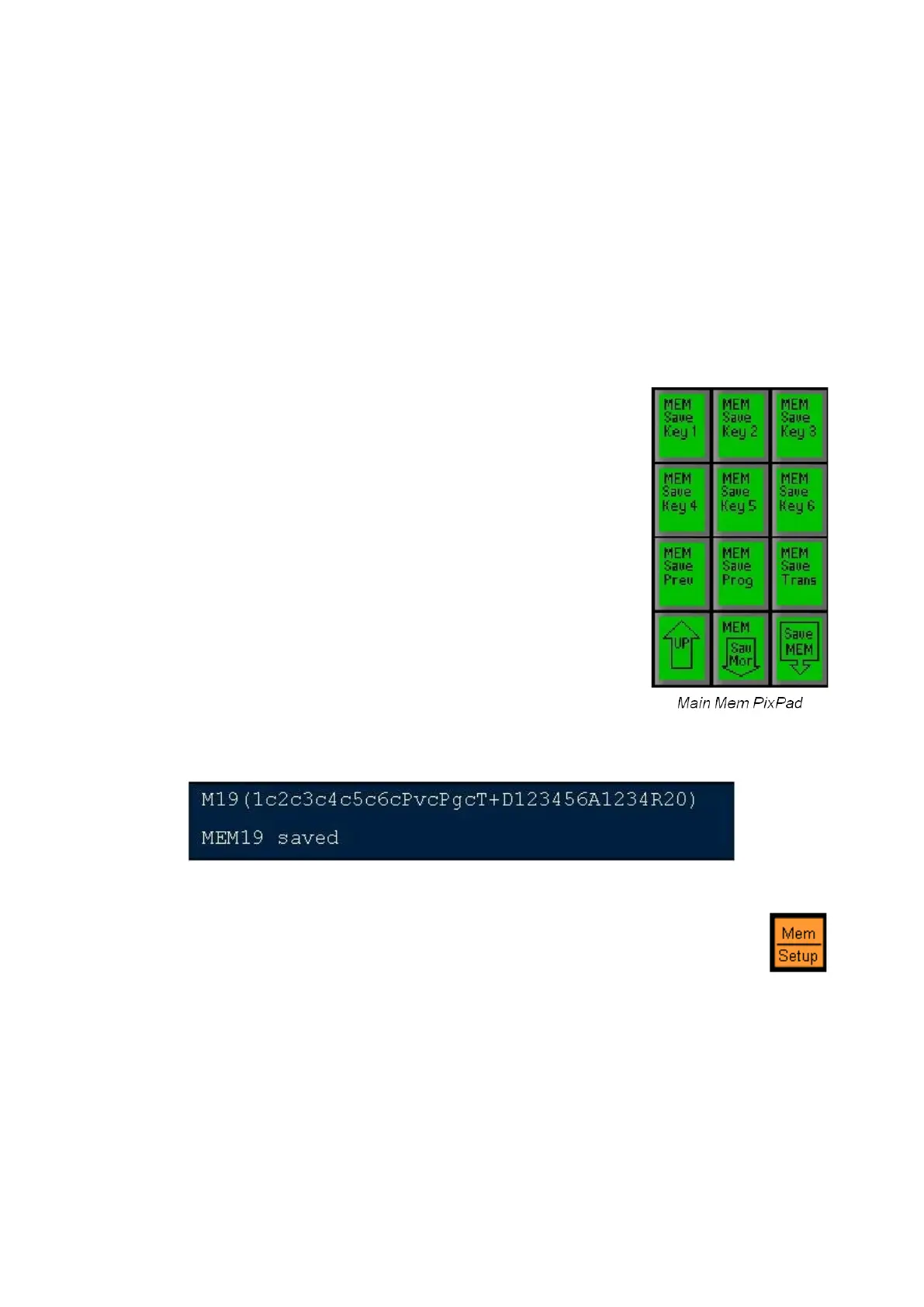
Once all your options are selected, on the main Mem
controls PixPad press [Save MEM].
If the main Mem PixPad is not visible, press the [UP]
PixButton until it is visible.
Once select the display will read out that your
memory is saved, similar to as shown below.
To Recall a Mem
Press the [Mem] device button, and the Mem PixPad
will appear.
Press the desired [Mem x] PixButton and the memory
will be recalled at the frame rate saved in that Mem.



 To Next Page