BPswitch Operators Manual
115 / 413
Click on Save show to apply your show settings.
Show Linking
When a show is loaded, in addition to control panel mapping, content loading and
custom source naming, a show can also be set to have a Fluent-View layout and a
Fluent Macro linked to each show load. This show linking allows each custom
show to
start and open exactly how the technical director or producer would like. Macros or
Snapshot memories to be used should be more of a setup memory to configure
the system to a known good starting point. Note that a layout must be pre-saved
and a
Macro pre-saved/recorded to be available as a selection.
To Link a Layout to a Show:
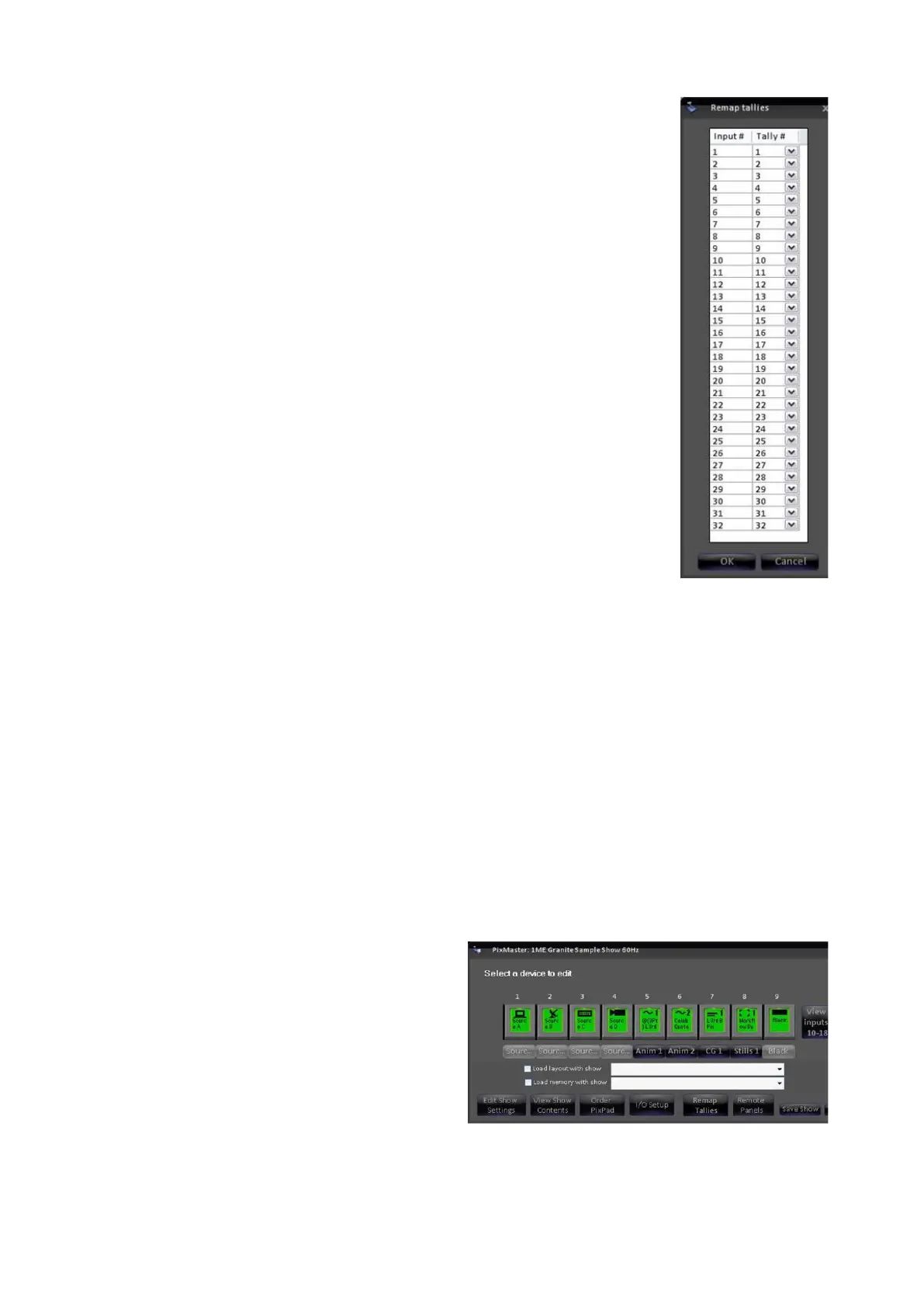
Open PixMaster to its first editable
screen, the Select a device to edit,
as shown to the right.
Place a check mark next to the Load
layout with show.



 To Next Page