BPswitch Operators Manual
251 / 413
To resolve this issue, select the [Setup] button and reselect your clips.
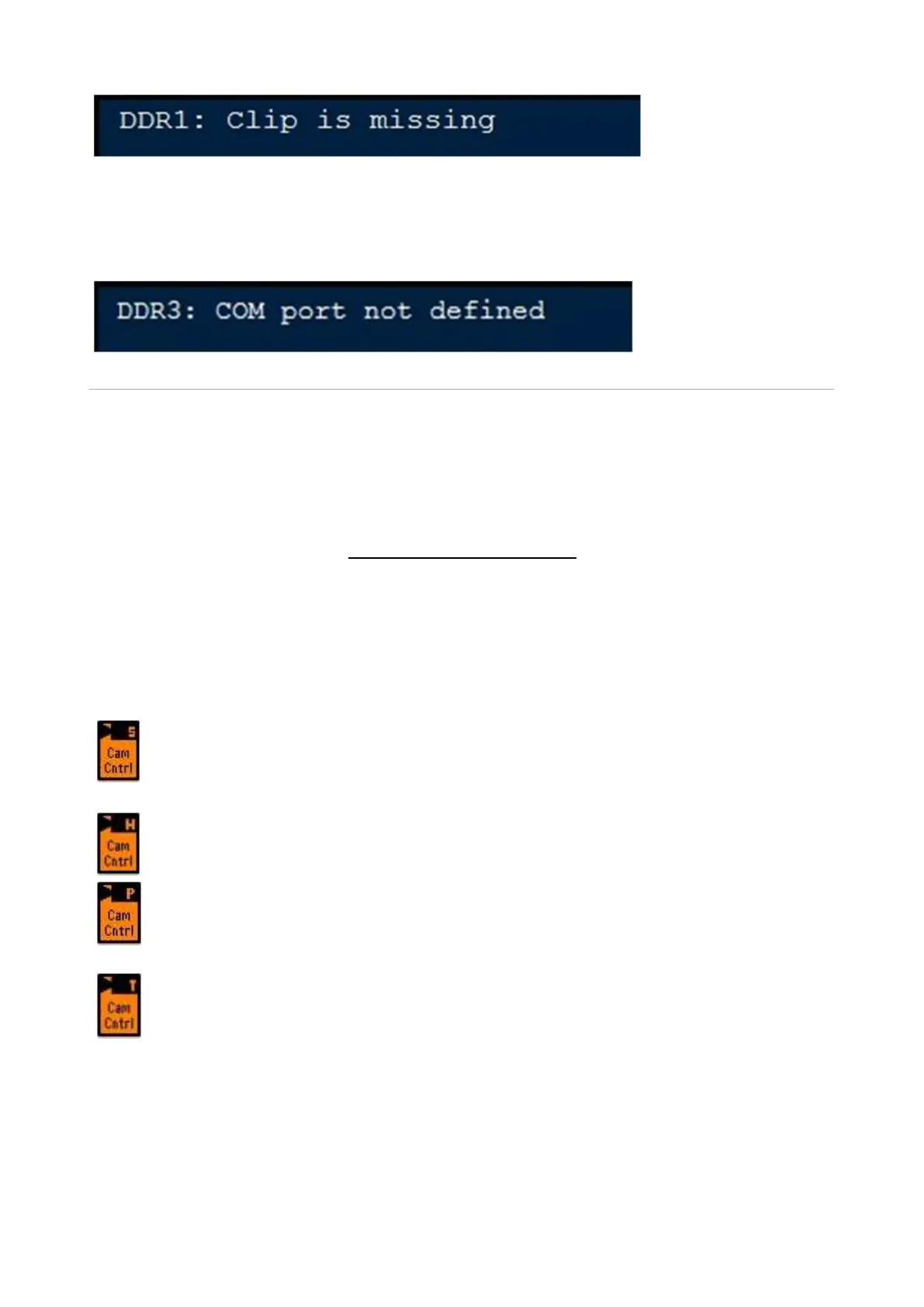
If no communications port has been assigned to a channel, selecting that channel
will display:
Optional Device Controls
The Broadcast Pix system may control a number of external devices, one of which
is DDR control which was described in the previous section. As an option the
switcher can also control robotic cameras, external audio mixers and streamers,
for a true one-man production. Prior to using any of the optional devices, including
DDR/Server control, the appropriate option code needs to be installed under the
Installed Options menu, see Installing System Options for more information.
Camera Control Option
Broadcast Pix offers software for 4 pan/tilt systems: Sony, Lumens, Vaddio,
Marshall (through VISCA Control), Hitachi (through Eagle Pan/Tilt Control),
Panasonic and Telemetrics. This option enables control of the following features:
Sony/Lumens/Vaddio/Marshall - Control up to 12 cameras with tilt, pan,
zoom, focus, iris, speed control, up to 16 preset positions per camera, white
balance and tally control.
Hitachi - Control up to 9 cameras with tilt, pan, zoom, focus, iris, speed
control, up to 32 preset positions per camera and white balance.
Panasonic - Control up to 12 cameras with tilt, pan, zoom, focus, iris, speed
control, up to 100 preset positions per camera, white balance, tally and
menu control.
Telemetrics - Control up to 10 cameras directly or use the Telemetrics
Studio Software with tilt, pan, zoom, focus, iris, speed control, pedestal,
dolly and preset positions.
Even though the basic operation of the four camera systems are similar, there are
some minor differences between them, as is indicated in the following sections. If
desired, you may control all 4 types of cameras or any combination of the 4 in any
Broadcast Pix Show.



 To Next Page