BPswitch Operators Manual
99 / 413
NOTE: If no Preview is shown, then a thumbnail needs to created for that clip, see Creating Clip
Thumbnails
Renaming Content
From within PixMaster you can also rename any file at anytime. This lets you
change a file to ensure the correct name of the content matches the file and to
shorten/modify a name to make the name fit on PixButtons and the Multi-View.
To rename content:
Make sure that your are viewing the Entire Library by selecting the View
Entire Library button.
Select the item you wish to rename in the Entire Library section of the
window.
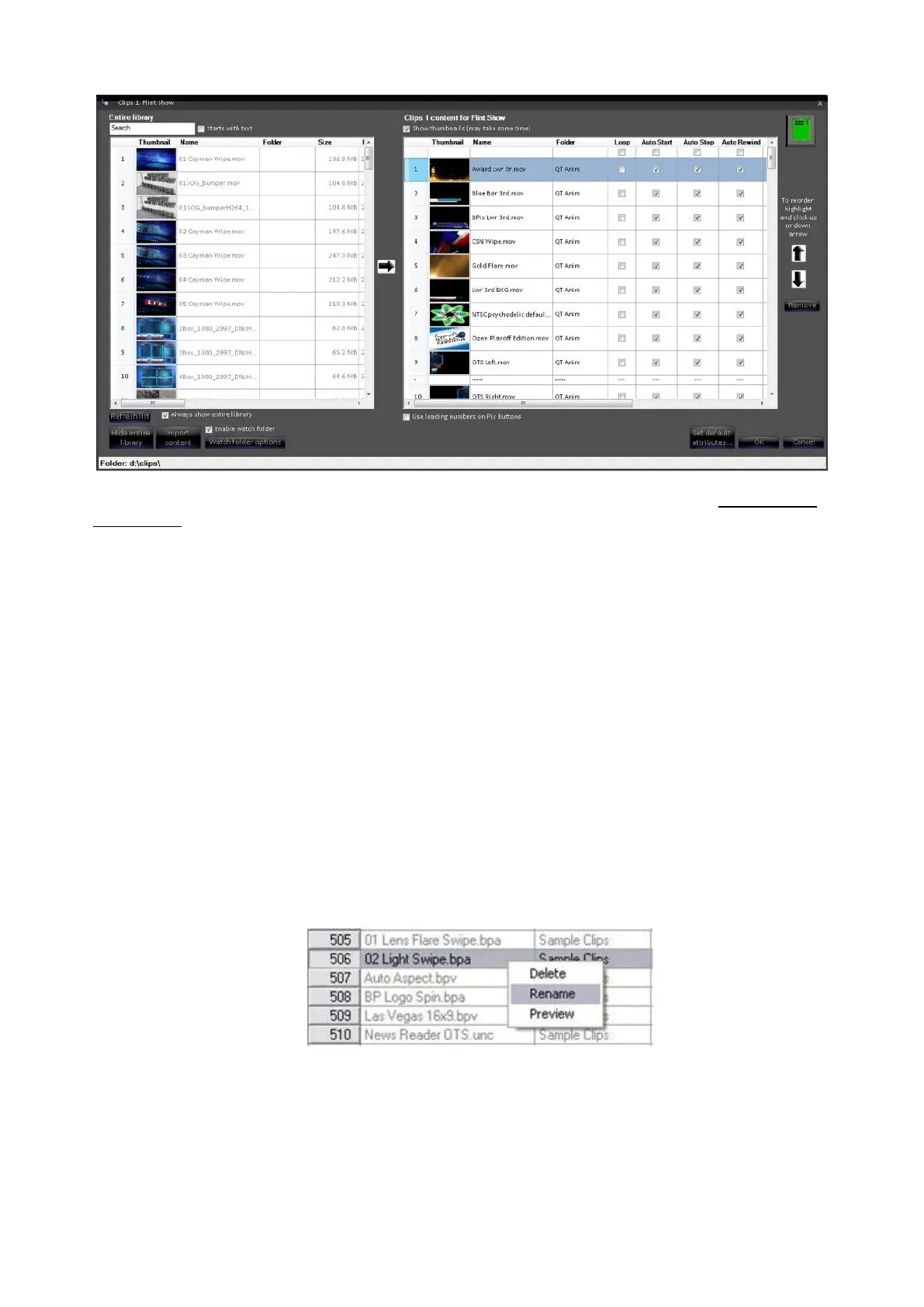
Right-click on the file and a drop down menu will appear with 3 options, as
shown below.
Select on Rename and a rename file window will appear, as shown below.



 To Next Page