BPswitch Operators Manual
150 / 413
The PixPad will change showing the controls for the
keyer.
Select the [Controls] PixButton.
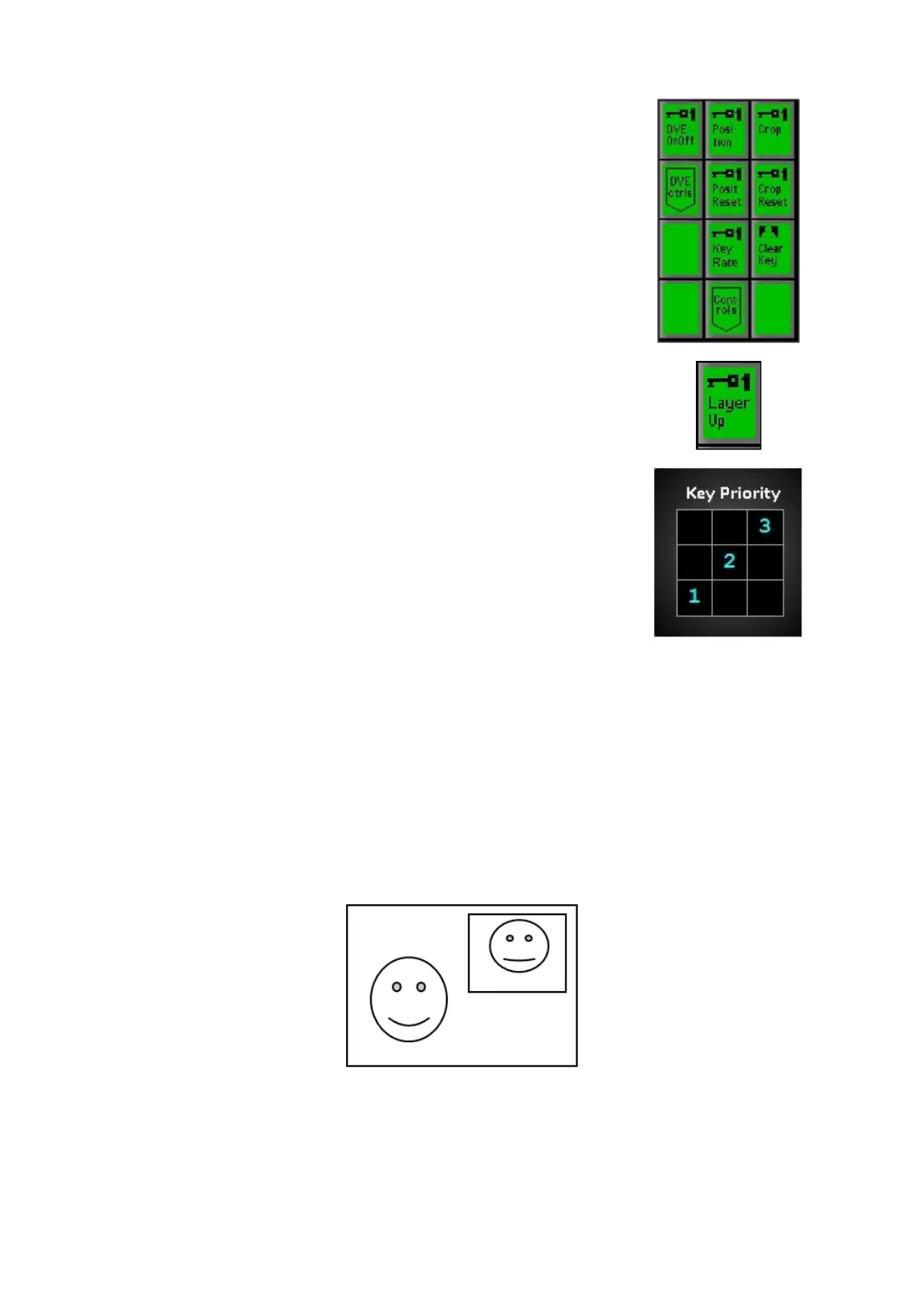
In the new PixPad page, select the [Layer Down]
PixButton, as shown on the right.
The keyer will move down one layer and the display
will update to reflect that, as shown on the right.
To move the same keyer down more layers, continue
to select the [Layer Down] PixButton.
To move a different keyer down one layer, repeat
steps 1-3.
DVE Boxes (Picture in Picture)
All 3 Keyers may have a DVE (Digital Video Effect) Box, otherwise known as a
Picture-in-Picture, applied to it. In television news shows, the DVE Box is used
extensively for “over-the-shoulder” boxes that may contain a still, clip or another
camera.
The DVE Box enables one video or graphic to be placed in a smaller picture on
top of the background video.
To Create a DVE Box
Press the Key transition button for the desired keyer, either [Key 1
Transition], [Key 2 Transition] or [Key 3 Transition] , and it will illuminate
orange, and the content of the key will appear on the preview monitor.



 To Next Page