BPswitch Operators Manual
104 / 413
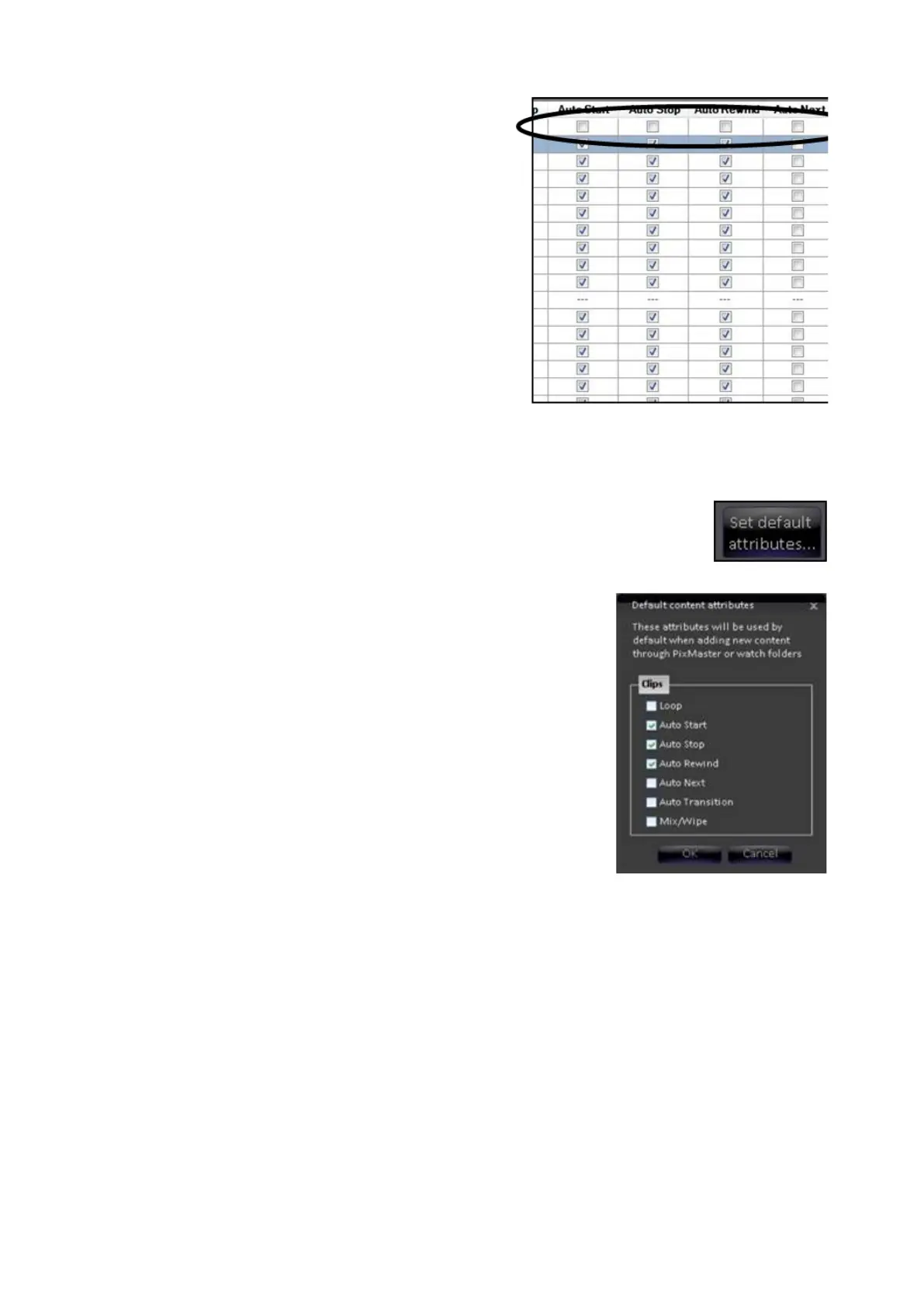
To turn a specific attribute on or off for
ALL content click on the first check box at
the top of the grid under each attribute
label, as shown on the right. If you
mistakenly set the attributes for an entire
column, you can cancel out of the content
organizer and reopen it. All of the
previous attributes will be restored.
NOTE: Any of the columns in the Content
Organizer may be rearranged for better
viewing, however when you close the
content window that arrangement is no
longer remembered.
To Change the Default Attributes:
Click on the Set default attributes… in the
Show Content section, as shown of the
right.
In the Default content attributes window,
place a check mark next to the desired
attributes, as shown on the right.
Click on the OK button. Now when when
content is added to a show those attributes
will automatically be selected.
Note: You can also set the default attributes globally using the system settings
dialog.
Show Content Summary
The Content Summary allows you to see, save and print a handy list of all your
show’s content.



 To Next Page