BPswitch Operators Manual
137 / 413
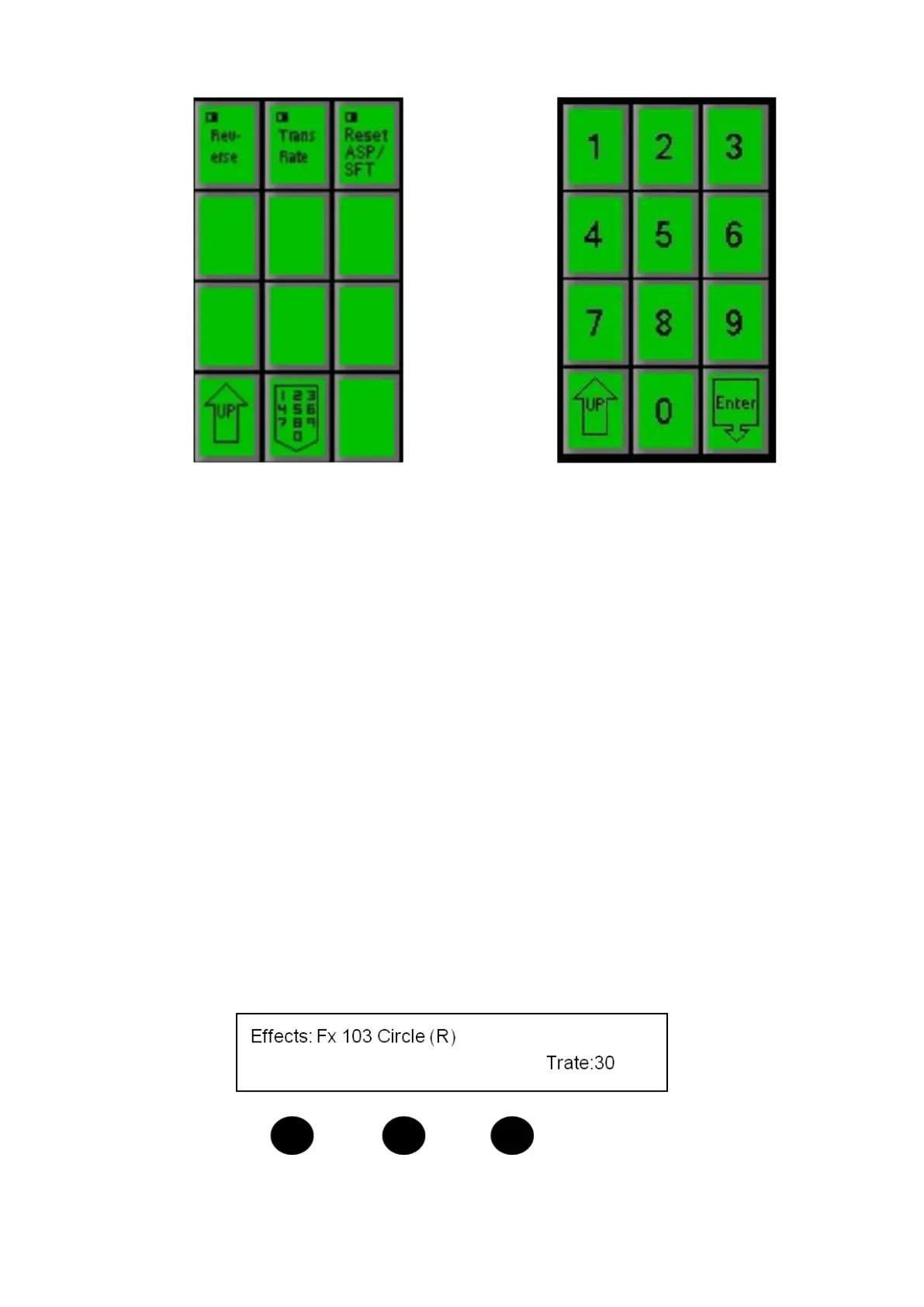
Enter the rate [Number] you wish using the numeric keypad. As you enter
each number it will appear in the display. You can also change the rate value
by using the first knob.
If you enter a wrong number press the [UP] PixButton and repeat step #3.
Press the [Enter] PixButton and the rate will appear in the display, and the
PixPad will revert to PixPad containing the selected effect. .
Reversing an Effect
All effects will execute in the reverse direction. A left Push-off will become a right
push-off, a circle wipe that starts in the center and goes out, will now start on the
outside and go to the center, etc.
To reverse an effect:
To Reverse the direction of all effects, on the Effects PixPad press the [Controls]
PixButton, then press the [Reverse] PixButton.
To indicate that Reverse has been selected, the letter (R) will be appended to
every effect name in the display, as shown below:
To remove reverse and return to the normal state, press the [Reverse] PixButton



 To Next Page