BPswitch Operators Manual
101 / 413
Permanently Deleting Content from the Library
The best way to ensure that all media and pointer files are deleted properly from
the library/hard drive is from within PixMaster. Even though you may manually
delete files off the hard drive using Windows, not every file may be deleted, and it
is not recommended.
To Delete a Clip or Graphic from the Library:
Make sure your are viewing the entire library by clicking on the View entire
library button and the content window will expand to show the library.
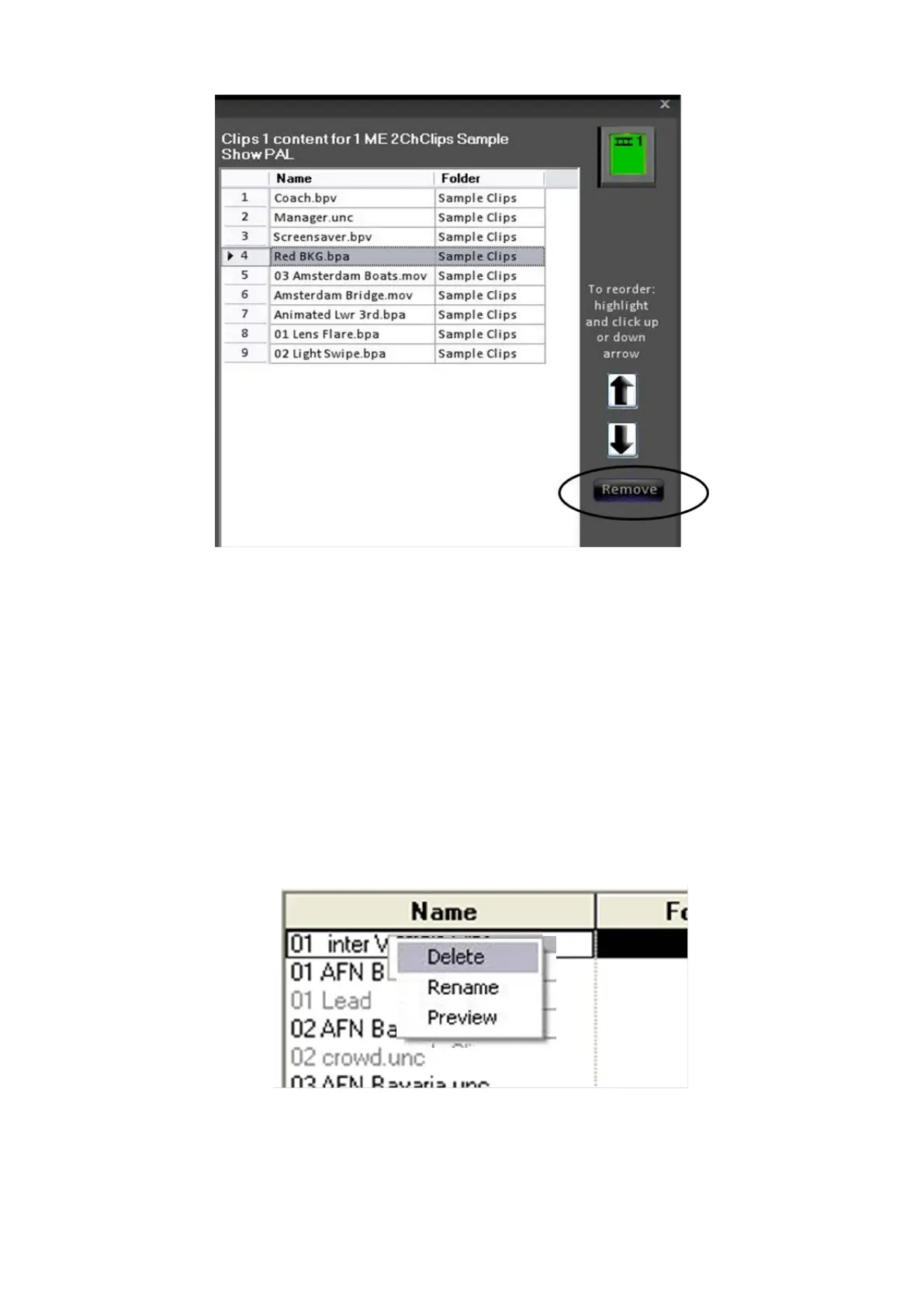
Right click on the item you wish to delete, and a drop down menu with 3
options will appear, as shown below.
Click on the word Delete, and a window will pop up to ask to confirm your
decision, as it will completely remove the item from your system so that it will
not be usable by any show. This act is not undoable.



 To Next Page