BPswitch Operators Manual
286 / 413
example, to control camera 2, press the [Cam 2] PixButton and the large display
will
show Cam 2.
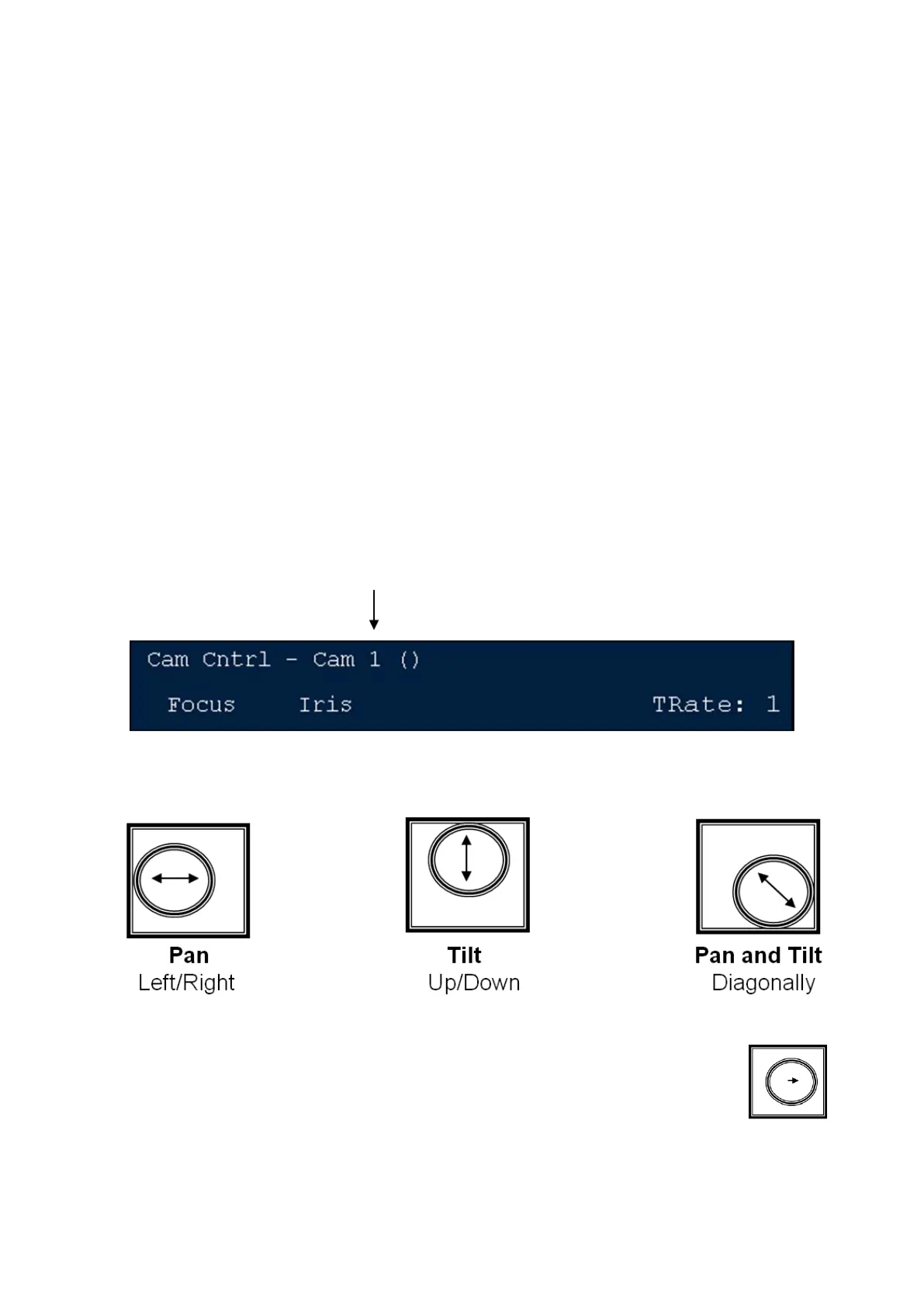
The display indicates 3 pieces of information:
The top left corner always shows the device currently assigned to the panel’s
bank of device controls. In this case, the words Cam Cntrl indicate that they
are set to camera control.
Cam 1 indicates that Camera 1 is the camera now being controlled.
The first two knobs are always assigned to focus and iris (even if the words
Focus and Iris aren’t always present), while the third knob changes to one of
many camera control settings, including gain.
Controlling a Camera Manually
Whichever camera is active may be manually controlled with the joystick and
knobs. To control camera 1, the display must show that it is active as follows:
To manually control the active camera’s pan and tilt position, move the
joystick
For Slow movement, move the joystick a little



 To Next Page