BPswitch Operators Manual
299 / 413
Travel Limits of Tilt and Pan
Travel limits are 4 settings for the maximum limit a camera head can move to. This
is useful when objects may be obstructing the view or physical movement of each
camera to prevent the operator to go past the normal or usable limits. There are 2
for Tilt (Up and Down) and 2 for Pan (Left and Right), all of which need to be set,
prior to saving any camera presets.
Travel limits must be set on each camera/camera head prior to powering off the
camera system, as this will ensure that all the communication, iris and other
camera settings are properly saved to each head.
To set Travel Limits of Tilt and Pan:
Select the camera which you wish to set limits on by pressing the [Cam #]
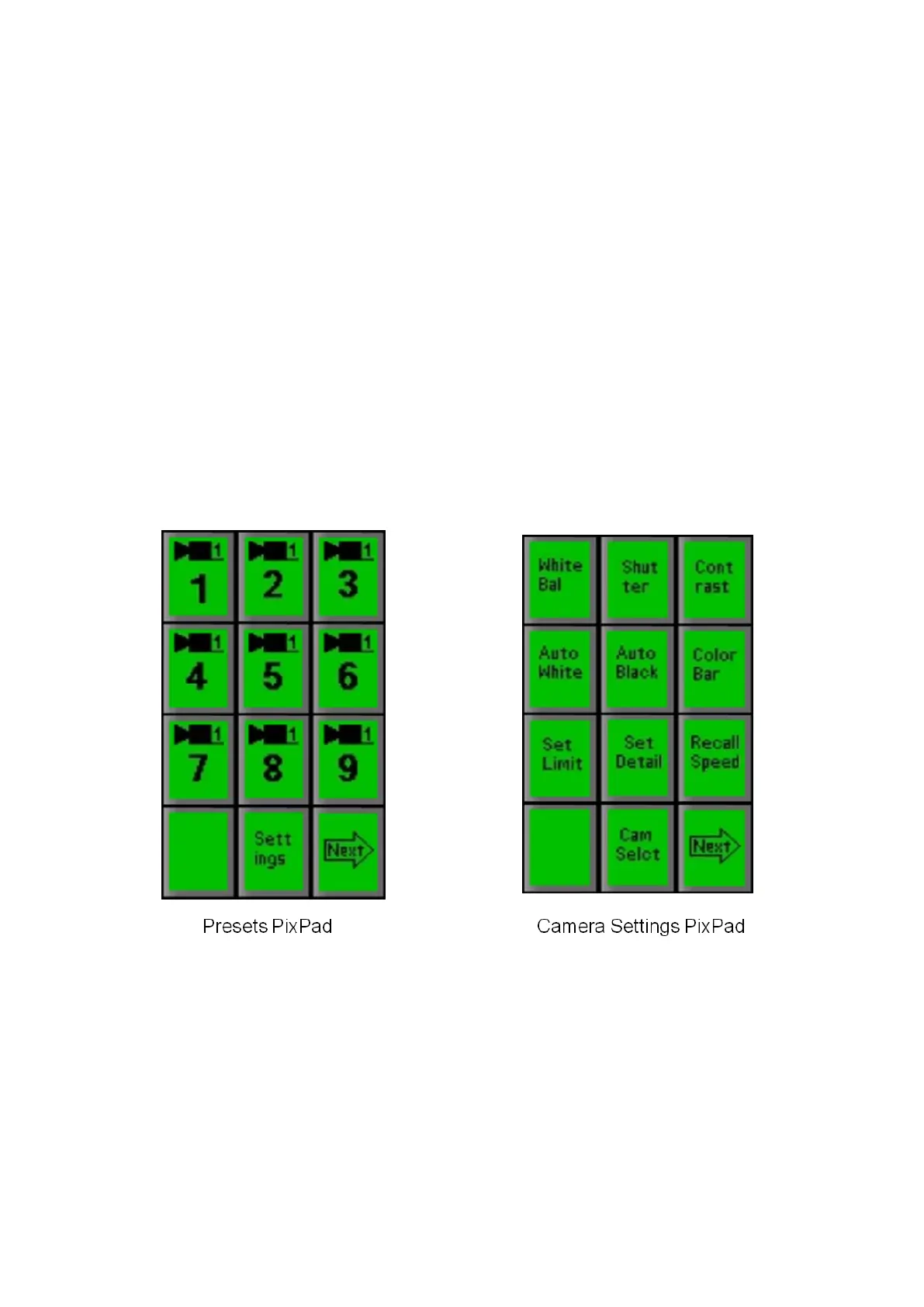
PixButton and its first Presets PixPad will appear, as shown below left.
Press the [Settings] PixButton and the Settings PixPad will appear, as
shown below right.
Press the [Set Limit] PixButton on the PixPad and the following PixPad will
appear:



 To Next Page