BPswitch Operators Manual
131 / 413
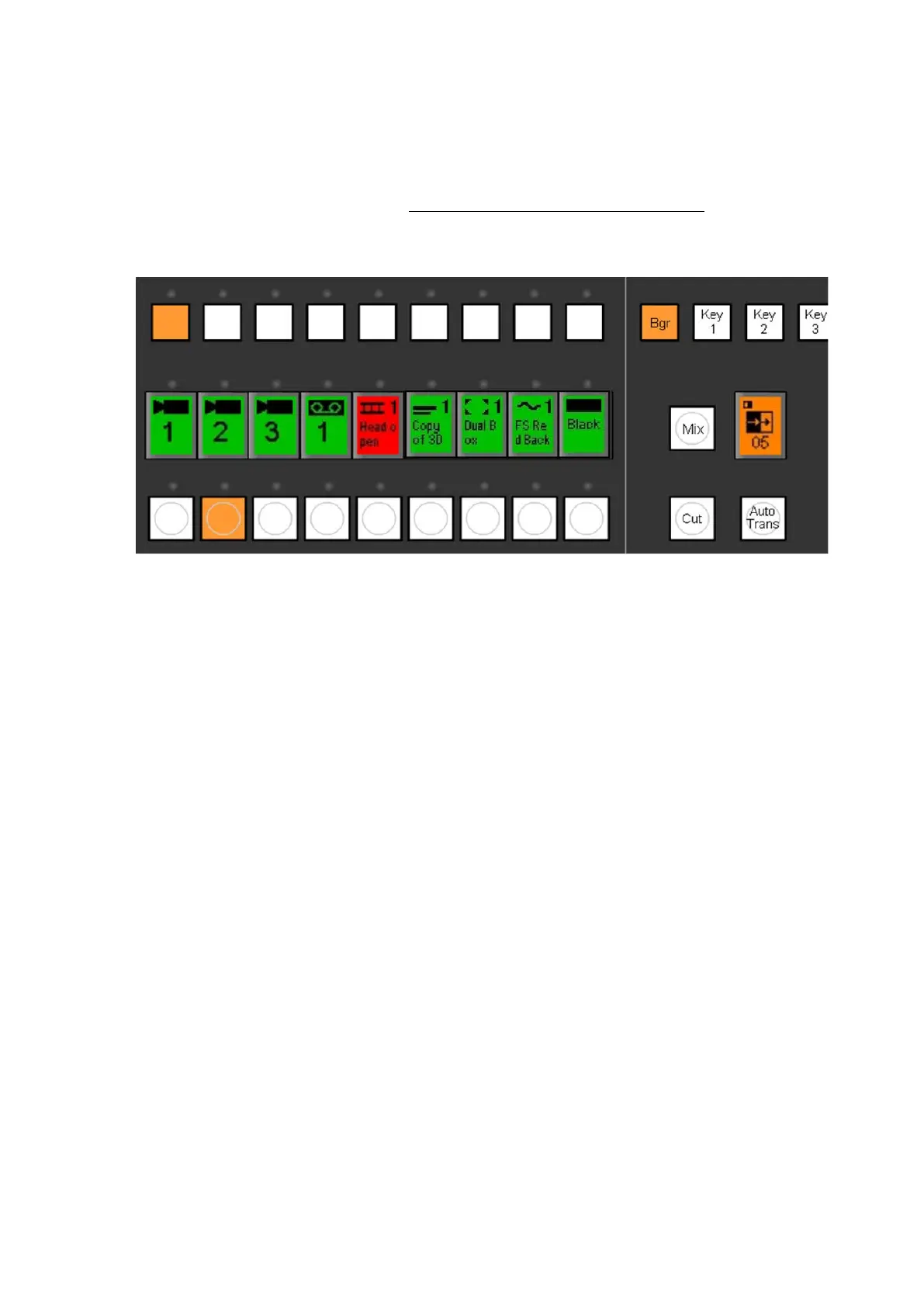
style, and whatever was on program to the preview monitor. The illuminated
buttons will also “flip-flop” on the program and preview rows. During the
transition, the color of both the Auto and Preview Source buttons will change
from orange to red. You can change the rate at which the effect occurs, as
described in the rates section, Changing Effect Transition Rates.
To execute a manual effect, move the Fader Arm up or down.
Transition Effects
The Transition Control section will execute whichever effect is currently selected,
as shown both on the effects PixButton and on the LED display. You can also
select a
different effect or modify an effect then use the Effects Device Controls.
To select a different Effect:
Assign the device controls to effects by pressing the [Effect] PixButton.
This will cause the following device controls to appear:



 To Next Page