BPswitch Operators Manual
279 / 413
To verify it was programmed correctly, you can press Cam Select at the
bottom of the Pix pad and select the camera you just programmed. Move the
joystick and the head of that camera should move. If the head does move,
you can unplug that camera and repeat the process with the remaining
cameras, to assign each a number.
Panasonic Camera Control Settings
It is possible to change various settings in the Panasonic Camera Control Settings
window. For Panasonic Camera Control you may change the COM port
assignment for each camera, tally input number (if the camera supports tally), as
well as which model of camera head being controlling. If desired the Broadcast Pix
system may control different models of cameras within the same show. In addition
to having Broadcast Pix being the camera controller, the first 5 cameras may also
be controlled with a Panasonic controller, like the AW-RP655. This type of
configuration is useful for having a secondary operator control camera shading,
but still have Broadcast Pix control camera presets and camera movements.
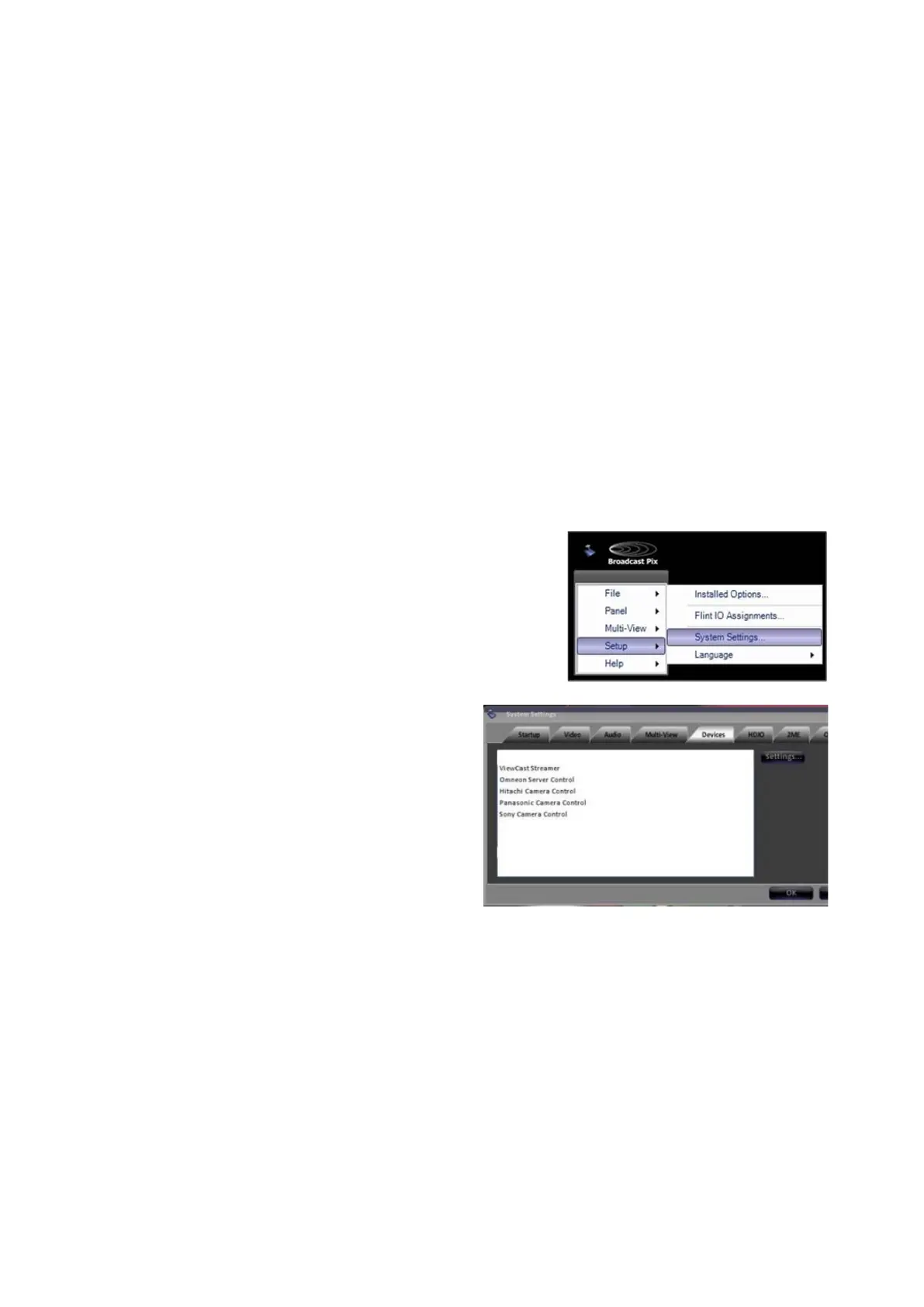
In BPswitcher go to the Setup menu
and select System Settings…, as
shown on the right.
In the System settings window, select
the Devices tab.
In the list of enabled devices select
Panasonic Camera Control and
select the Settings… button.
The Camera Control Settings window
will appear as shown on the right.



 To Next Page