BPswitch Operators Manual
65 / 413
Labeling the Multi-View
As described in I/O Assignments, sources on the Multi-View may be labeled
through the Input Assignments menu. In addition, source names may be entered
directly on the Multi-View without opening any menu, for quick changes. Also, all
the output monitors (Program/Preview) may be relabeled to a custom name,
useful when using multiple outputs to feed different destinations.
Both the source names and the output names are saved with each show file, and
not with the layout.
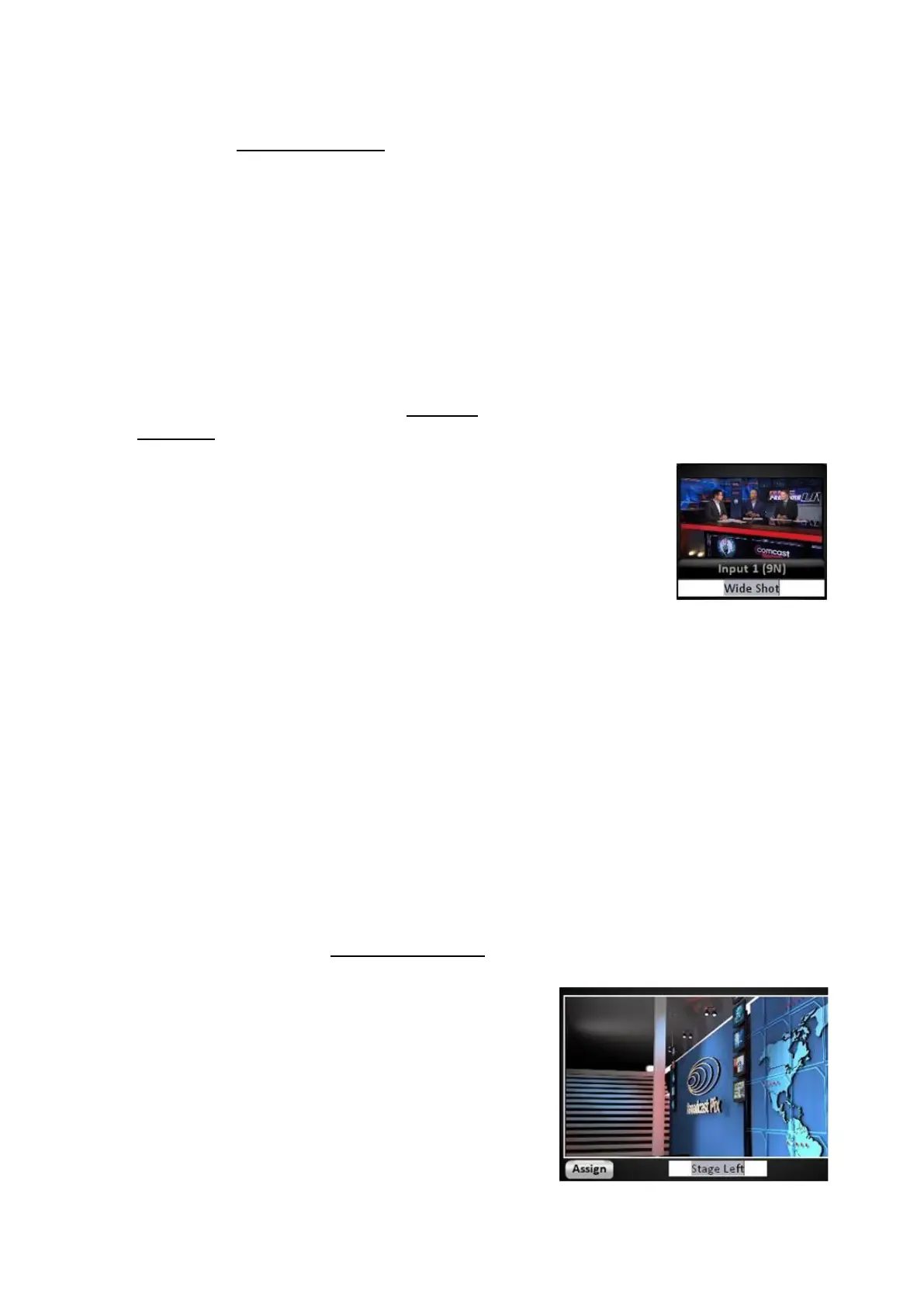
To rename a source monitor:
Float the desired source monitor, if not
already open, as described in Floating
Monitors.
Right-click on the label name (the
bottom label).
A white text box will appear, enter the
desired name, in this example ‘Wide
Shot’.
Press the [Enter] key on the keyboard.
To rename the top input name, right-click
on the top input name and repeat steps
3 & 4 above.
All the label and input names on each
copy of the selected source window will
update.
To rename an output monitor:
Float the desired output monitor, if not already
open, as described in Floating Monitors.
Right-click on the label name .
A white text box will appear, enter the desired
name, in this example ‘Stage Left’.
Press the [Enter] key on the keyboard.
All the labels on each copy of the selected
output window will update.



 To Next Page