BPswitch Operators Manual
162 / 413
Luma Key
Similar to chromakey, luminance key or Luma key is a method of removing the
dark portions of a video picture and replacing that with another image with a
different image. A common application for Luma key is in worship productions,
where white song words with a black background from a computer signal input
(like PowerPoint), and then using a Luma key the words are cut out of the image
and placed on a different background, such as a clip from the clip store or over a
camera filming the choir.
One Luma key comes standard with the Broadcast Pix switcher, and as an option,
multiple sources may have a Luma key assigned to it. When using a Luma key, all
controls are accessed through the Source Controls PixPad. Also, when a Luma
key is applied to a source, the Luma key will appear everywhere that source is
applied to, i.e. program, preview, key, etc.
Activating & Adjusting the Luma Key
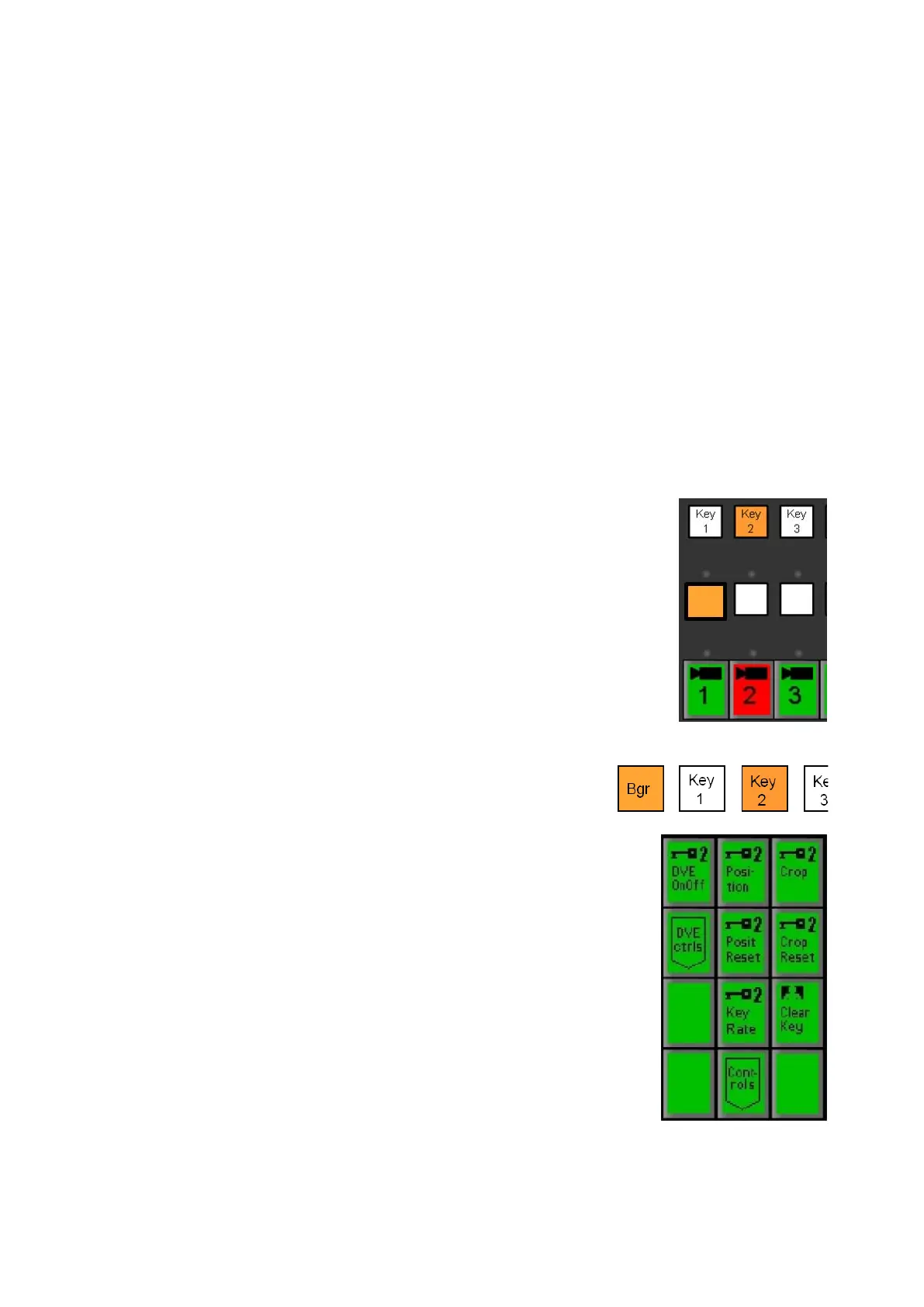
Place the video source to be lumakeyed in a Keyer
by pressing the [Key Select]
button of that key in the
destination row.
Then select the [source] button for the desired
camera in the source row, as shown on the right.
This example will assume Key 2 is the desired
location and source 1 as the desired camera. You
may Luma key any external live source, or any clip
from within the clip stores.
Bring Key 2 onto preview, by pressing the [Key 2
Transition] button, as shown on the right.
In the PixPad, which should have the Keyer PixPad
active, press the [ClearKey]
PixButton, as shown on
the right.
The PixPad will change to show the ClearKey
Controls.
To turn on the Luma Key, select the [Luma Key
OnOff] PixButton, as shown on the right.



 To Next Page