BPswitch Operators Manual
161 / 413
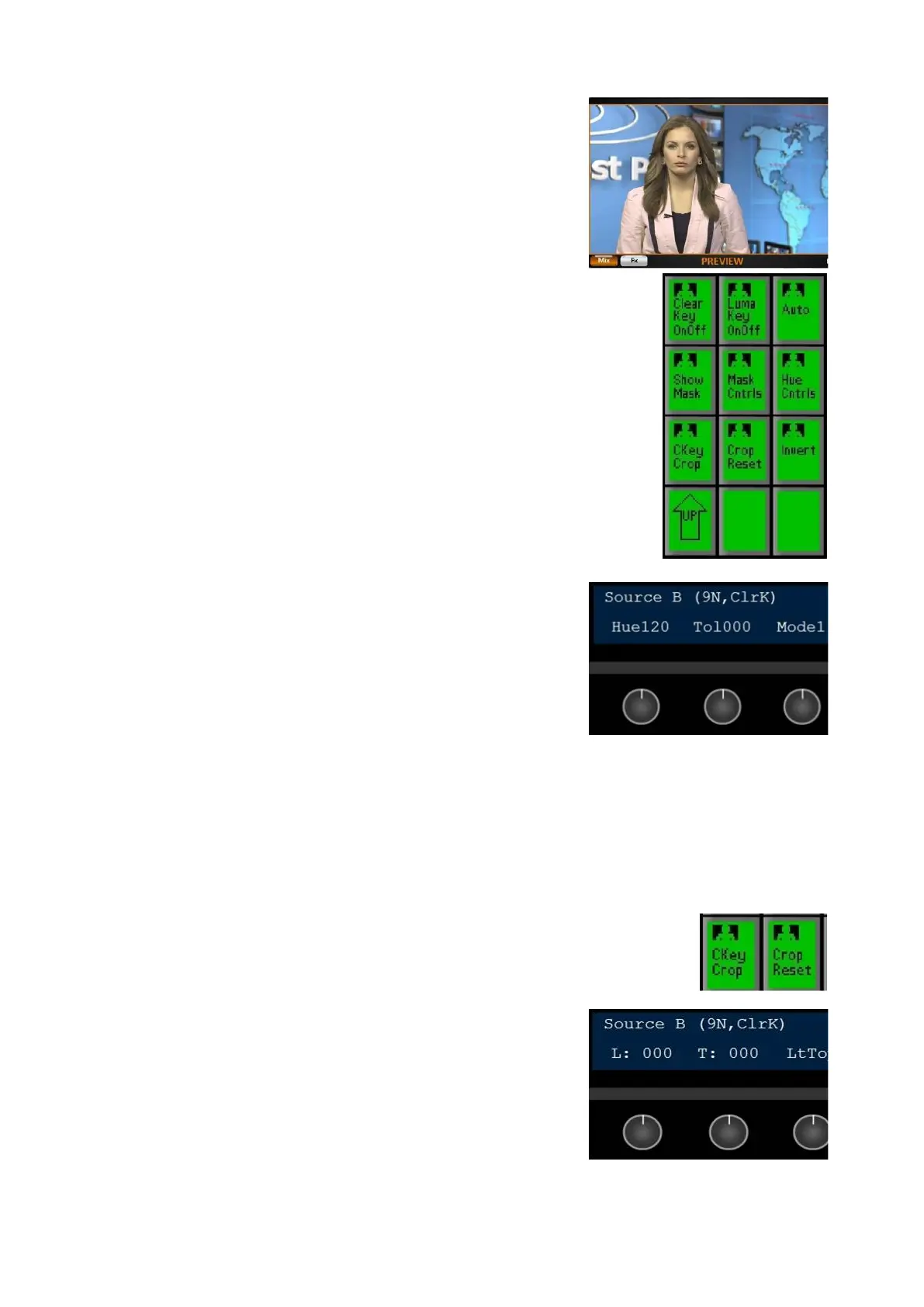
preview monitor., as shown on the right.
To change the background, simply change the
source assigned to the Preview bus.
If you notice too much of the background color
being spilled onto your foreground, slowly turn
the [3
rd
Knob] to affect the spill suppression, the
higher the number the more of the background
color will be removed from the foreground. Too
much spill removal may result in a pink/purple
mask over your video.
If you now notice that yellow or cyan colors are
being removed, select the [Hue Cntrls]
PixButton,
as shown on the right.
The display will change to show Hue (Hue),
Tolerance (Tol) and Mode, as shown on the right.
Turn the [3
rd
Knob] to the desired setting:
Keep Yellow & Cyan (Mode 1)
Keep None (Mode 2)
Keep Yellow (Mode 3)
Keep Cyan (Mode 4)
When chromakeying against a blue background,
yellow is replaced with magenta.
To return to the Brightness, Contract and Spill
knobs, select the [Mask Cntrls] PixButton.
To crop unwanted material from your video, press
the [CKey Crop] PixButton and the knobs will
change to show cropping controls, as shown on
the right.
Turn the knob to the right to remove from either
side, to the left to reveal more.
To reset the cropping press the [Crop
Reset] PIxButton.



 To Next Page