BPswitch Operators Manual
322 / 413
Stopped or in the process of Starting or Stopping, in this case Started.
Controlling a Streamer Group
To start a streamer group:
In Device Control select the [ViewCast]
button (A/B/C), it will illuminate orange.
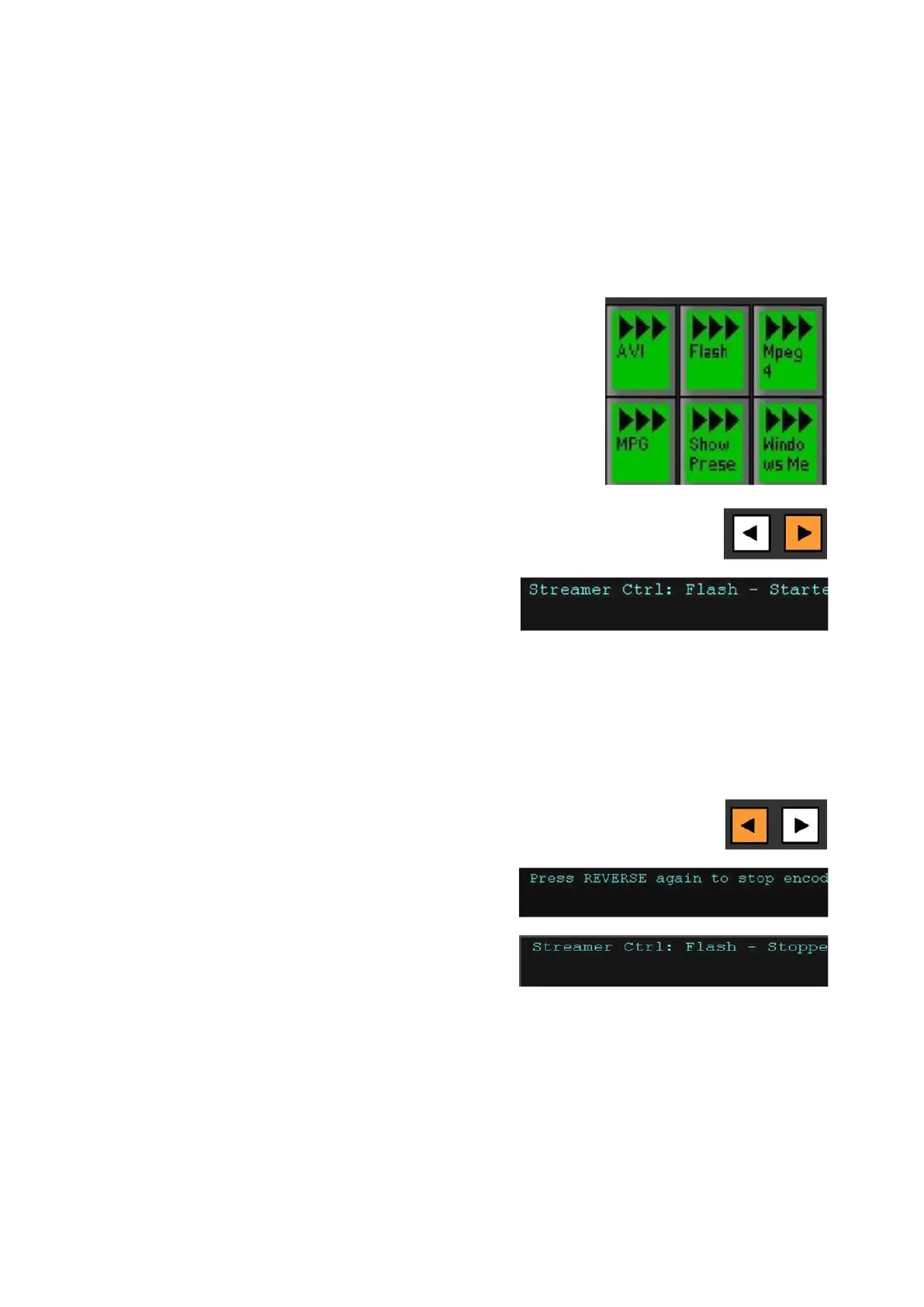
Select the desired group in the PixPad by
selecting the [Group Name] PixButton, in
this example Flash.
The display will show the selected group
and the current state of the group.
Select the [>] motion control button, it will
illuminate orange, as shown on the right.
The display will update with the words
Started, as shown on the right.
To start more groups, repeat steps 2 & 3
above.
To stop a streamer group:
Repeat steps 1 & 2 above.
Select the [<] motion control button, and as
a fail-safe the display will update asking to
select REVERSE again and the < button
will blink up to three times. To really stop
the streamer group select the [<] button
again.
The display will change to a Stopping
status to a Stopped status, once the group
has fully stopped.
To stop more groups, repeat steps 1 & 2
above.
Deck Control
The Broadcast Pix switcher can also provide control of the full line of AJA KiPro



 To Next Page