BPswitch Operators Manual
300 / 413
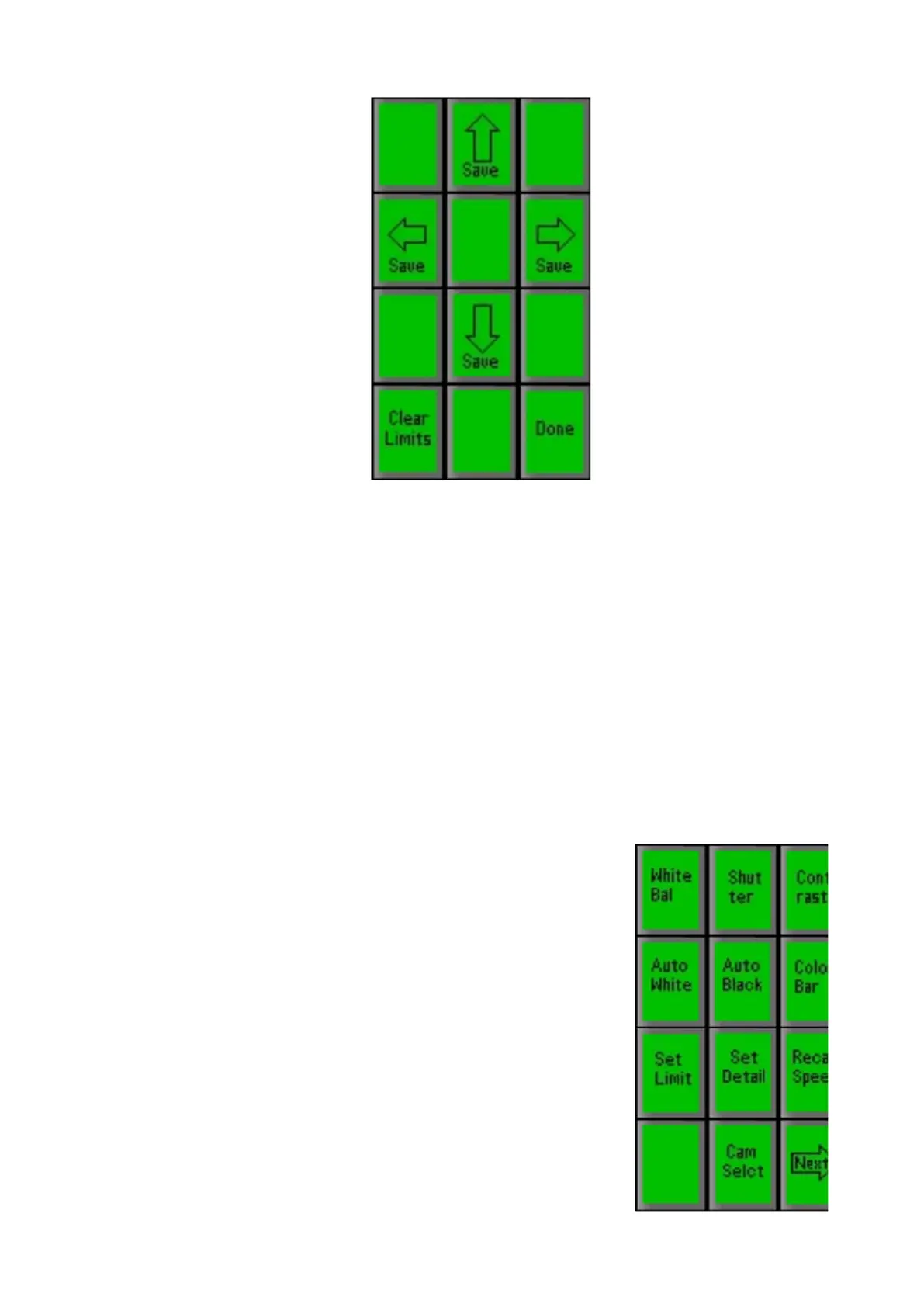
Use the 4 save PixButtons on the above PixPad to save each of the four
limits, after using the Joystick to manually move the camera to each position.
For example, move the camera to the upper limit you wish to set and then
press the [Save ^] PixButton. R
epeat for any other limits you wish to set. As
soon as you press one of the save buttons, the position is saved.
To return to the Settings PixPad home page, press the [Done] PixButton.
To Clear All Travel Limits:
On the above PixPad, press the [Clear Limits] PixButton, and all four limits will be
removed for this camera.
Adjusting CCU Functions
The Camera Settings PixPad can be accessed by selecting
the [Camera Control] device select PixButton, then
selecting a [Camera #] PixButton, then selecting the
[Settings] PixButton.
A wide variety of camera control functions can be controlled
directly from the PixPad.



 To Next Page