BPswitch Operators Manual
301 / 413
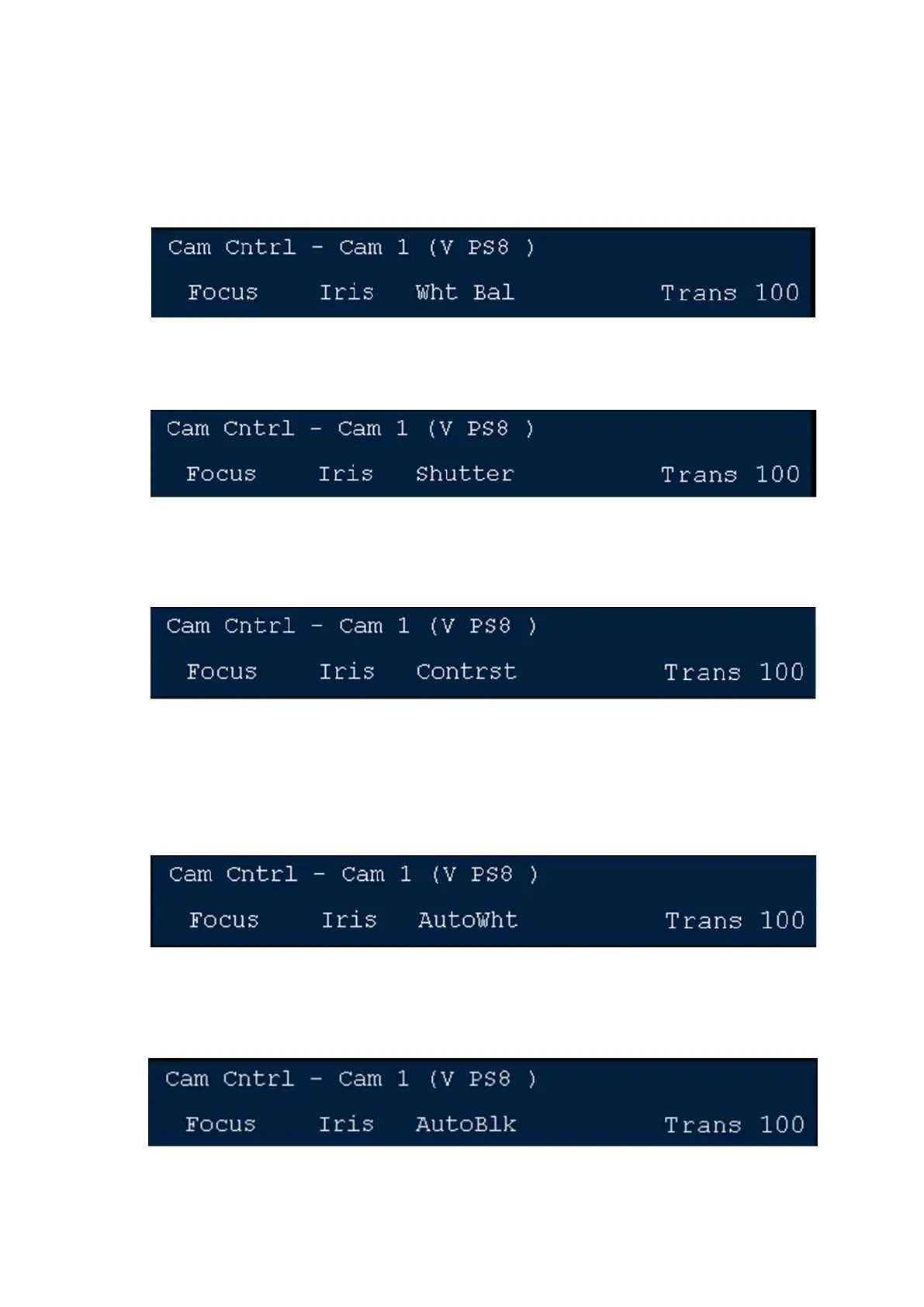
To change the White Balance preset
Press the [White Balance] PixButton and the display will show what is
illustrated below. Turn the 3
rd
knob to select either Preset, Memory 1 or
Memory 2.
To adjust the Shutter Speed
Press the [Shutter] PixButton and the display will show what is illustrated
below. Turn the 3
rd
knob to adjust.
To adjust Contrast/Black Levels
Press the [Contrast] PixButton and the display will show what is illustrated
below. Turn the 3
rd
knob to adjust.
To activate Auto White Balance
Press the [Auto White] PixButton and the display will show what is
illustrated below. Turn the 3
rd
knob to white balance the camera. The
setting will be saved in either in Memory 1 or Memory 2 of the above White
Balance function.
To adjust Auto Black
Press the [Auto Black] PixButton and the display will show what is
illustrated below. Turn the 3
rd
knob to auto black balance the camera.
To turn on/off color bars in the camera



 To Next Page