BPswitch Operators Manual
302 / 413
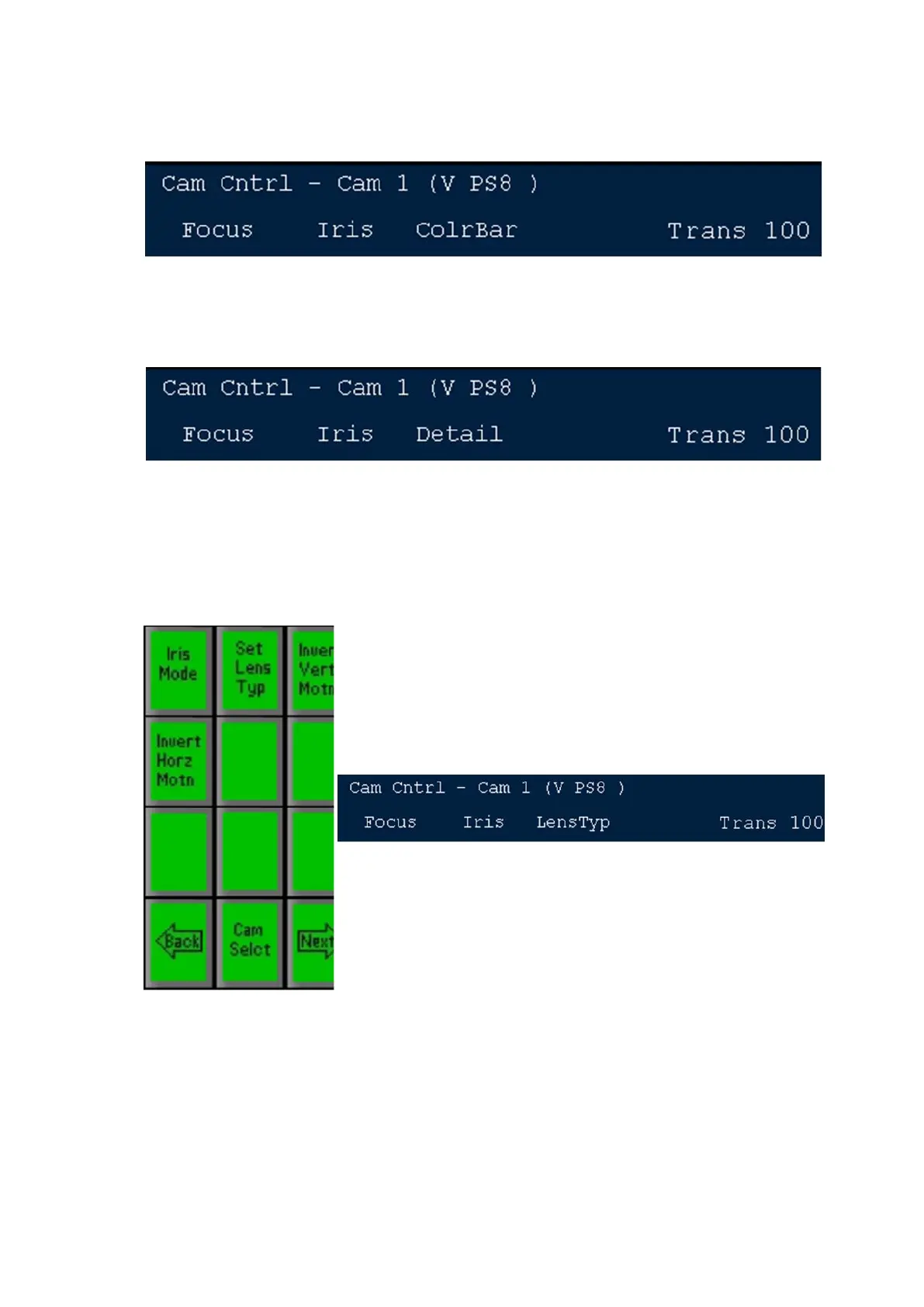
Press the [color bars] PixButton and the display will show what is illustrated
below. Turn the 3
rd
knob to display the color bars.
To adjust Detail
Press the [Set Detail] PixButton and the display will show what is illustrated
below. Turn the 3
rd
knob to adjust.
To adjust Lens Type
Press the [Next] PixButton and the additional controls will appear as shown
below. Then, press the [Lens Type] PixButton and the display will show
what is illustrated below. Turn the 3
rd
knob to adjust, select either Rainbow
for type 1/C-mount lenses or Fujinon for type 2/Bayonet lenses.
To Change the Iris Mode
Some cameras have automated iris capabilities, which you can set on
automatic or use manually. To select iris mode press the [Iris] PixButton on
the above PixPad, and the following PixPad will appear.



 To Next Page