BPswitch Operators Manual
305 / 413
Adjusting CCU Functions
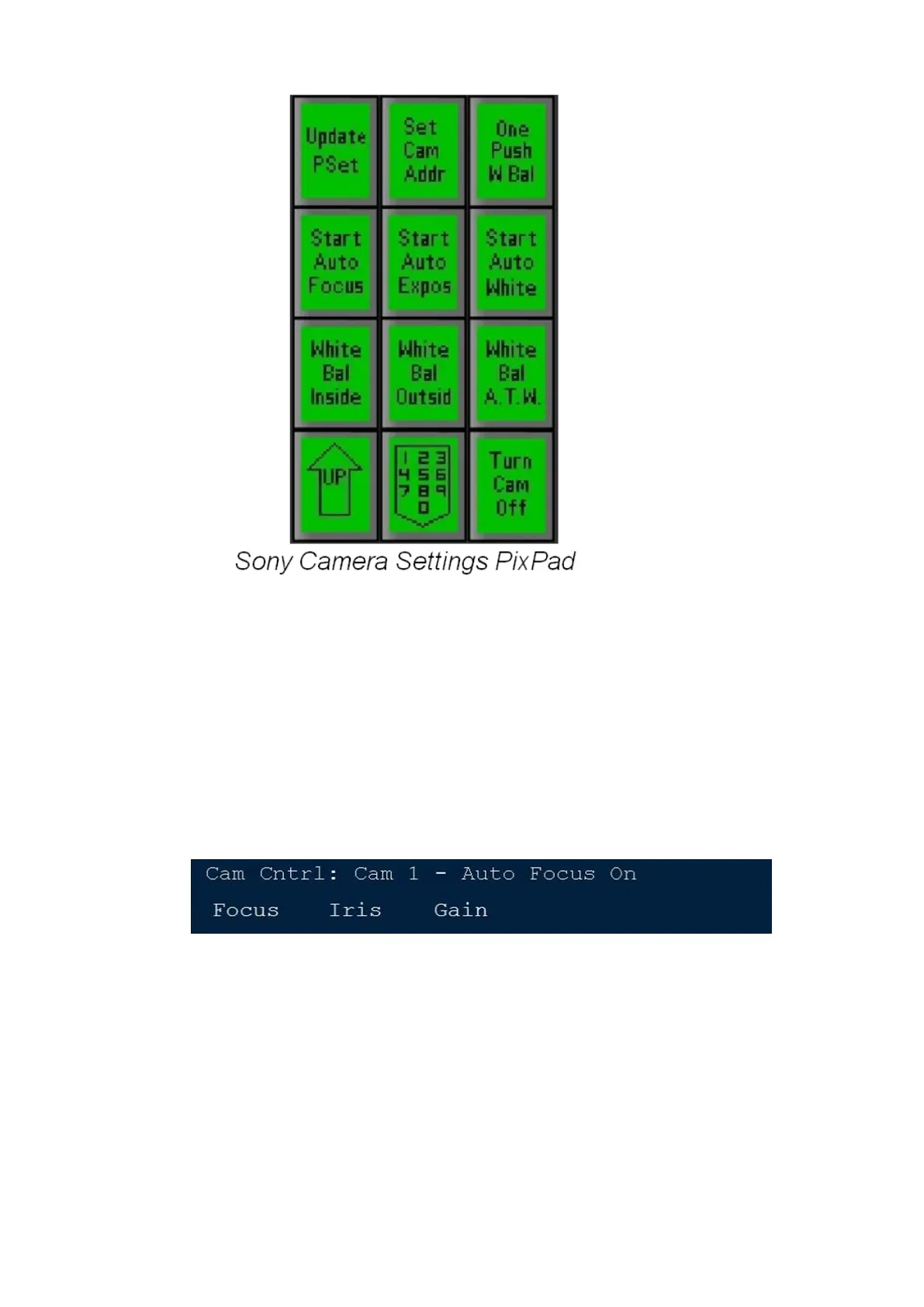
The Camera Settings PixPad can be accessed by selecting the [Camera Control]
device select PixButton, then selecting a [Camera #] PixButton, then selecting the
[Settings] PixButton.
To control the Focus
Turn the first knob labeled Focus. To set the camera to automatic focus,
press the [Start Auto Focus] PixButton in the PixPad. The display will show
Auto Focus On, as shown below. To turn off Auto Focus and to manually
focus, simply turn the Focus knob.
To control the Iris
Turn the second knob labeled Iris. Turn to the left to close the Iris, turn to the
right to open it. To set the camera to automatic exposure, press the [Start
Auto Expos] PixButton in the PixPad. The display will show Auto Exposure
On, as shown below. Auto Exposure uses Gain and Iris to adjust the picture.
To turn off Auto Exposure and to manually adjust the iris, simply turn the Iris
knob.



 To Next Page