To control the Gain
Turn the third knob labeled Gain. Turn to the left to reduce the amount of
gain, turn to the right to increase the amount of gain. Depending on the Sony
camera the range is -3db to 12db in steps.
To control the White Balance
There are 4 options for white balance, from preset to manual to automatic.
To set the camera to automatically track the white balance for different
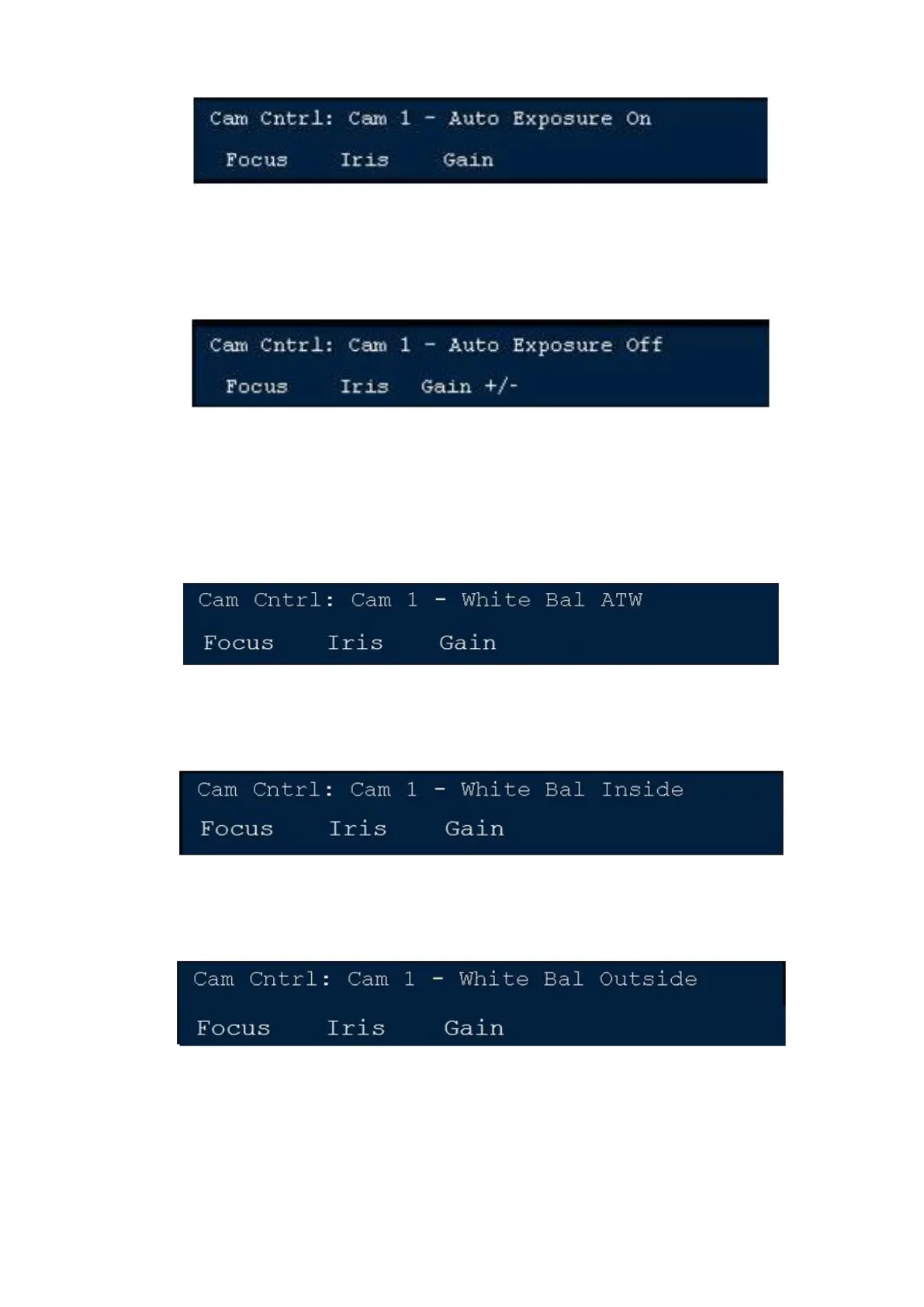
lighting scenarios, press the [White Bal A.T.W] PixButton in the PixPad. The
display will show White Bal ATW, as shown below.
To set the camera to an indoor 3200K color temperature preset, press the
[White Bal Inside] PixButton in the PixPad. The display will show White
Balance Inside, as shown below.
To set the camera to an outdoor 5600K color temperature preset, press the
[White Bal Outsid] PixButton in the PixPad. The display will show White
Balance Outside, as shown below.
To manually white balance the camera, point the camera to a white area and
press the [One Push W Bal] PixButton in the PixPad. When the camera has
successfully white balanced, the display will show White Balance Set, as
shown below.



 To Next Page