BPswitch Operators Manual
19 / 413
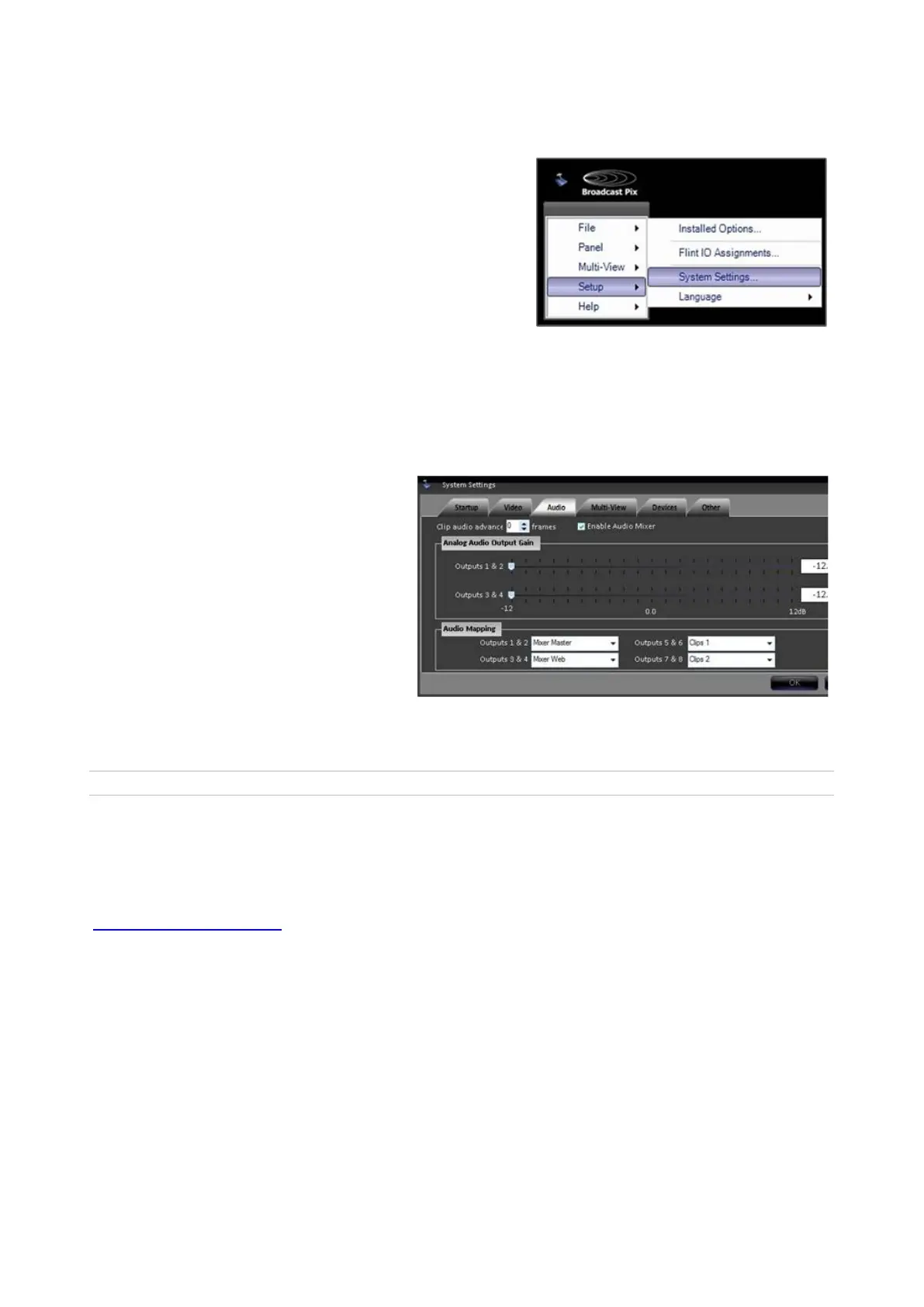
To adjust the analog audio gain:
In BPswitcher, click on Setup
and a drop down window will
appear, then select System
Settings… as shown on the
right.
The System Settings window
will appear.
In System Settings window,
click on the Audio Tab, which
will bring up the various audio
settings.
In the Analog Audio Output Gain
section move the sliders for the
Clip Store and/or Program
Output.
The range is from -12 dB to +12
dB, with the default being 0 dB.
Click on the OK button. This will
close the System Settings
window.
Created with the Personal Edition of HelpNDoc: Qt Help documentation made easy
Running a Show
Broadcast Pix has a concept of shows, which contain custom I/O settings and specific
content for each of your own productions. To run the switcher a show file needs to be
running from the Broadcast Pix Switcher application. To create or modify a show see
PixMaster Show Editor.
A show can be set to auto-load when the Switcher application is started and the Switcher
application can be set to auto-start when the Server is turned on. When the system
comes from the factory the application loads with an empty Multi-View. To run the
Broadcast Pix system and to use a control panel a show must be loaded. A show is
running when the Multi-View is filled with content/video.
To Run a Show:



 To Next Page