BPswitch Operators Manual
18 / 413
To advance the audio output:
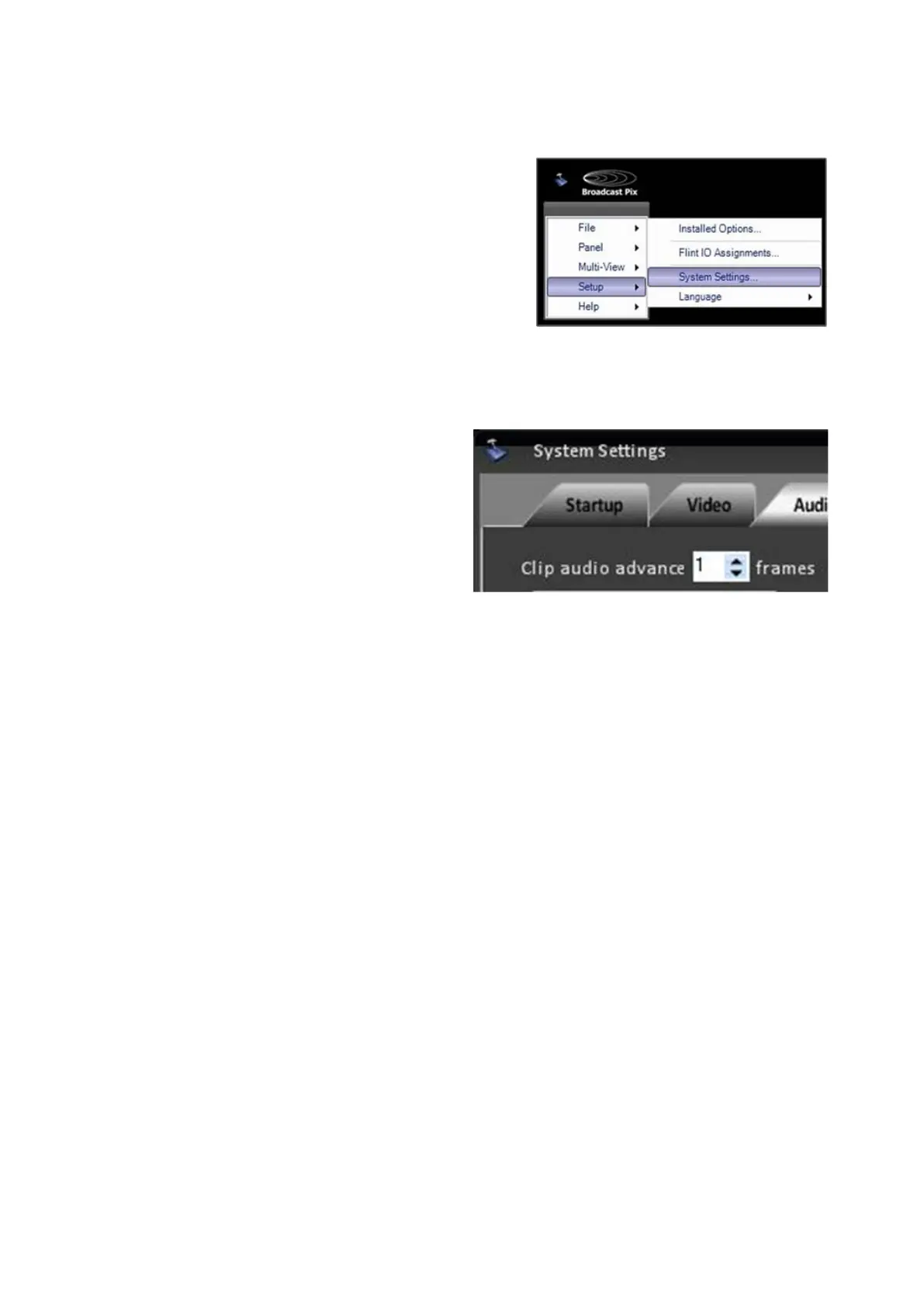
In BPswitcher, click on Setup and a
drop down window will appear, then
select System Settings… as shown
on the right.
The System Settings window will
appear.
In System Settings window, click on
the Audio
Tab, which will bring up the
various audio settings.
In the Clip audio advance text box,
enter a number from 0 to 15 frames.
The number entered will advance both
Clip Store channels. Normally this
number will be any where from 0
to 5 frames depending on how the
video and audio is delayed.
An application restart is necessary for
this setting to take affect.
Click on the OK button. This will close
the System Settings window.



 To Next Page