BPswitch Operators Manual
43 / 413
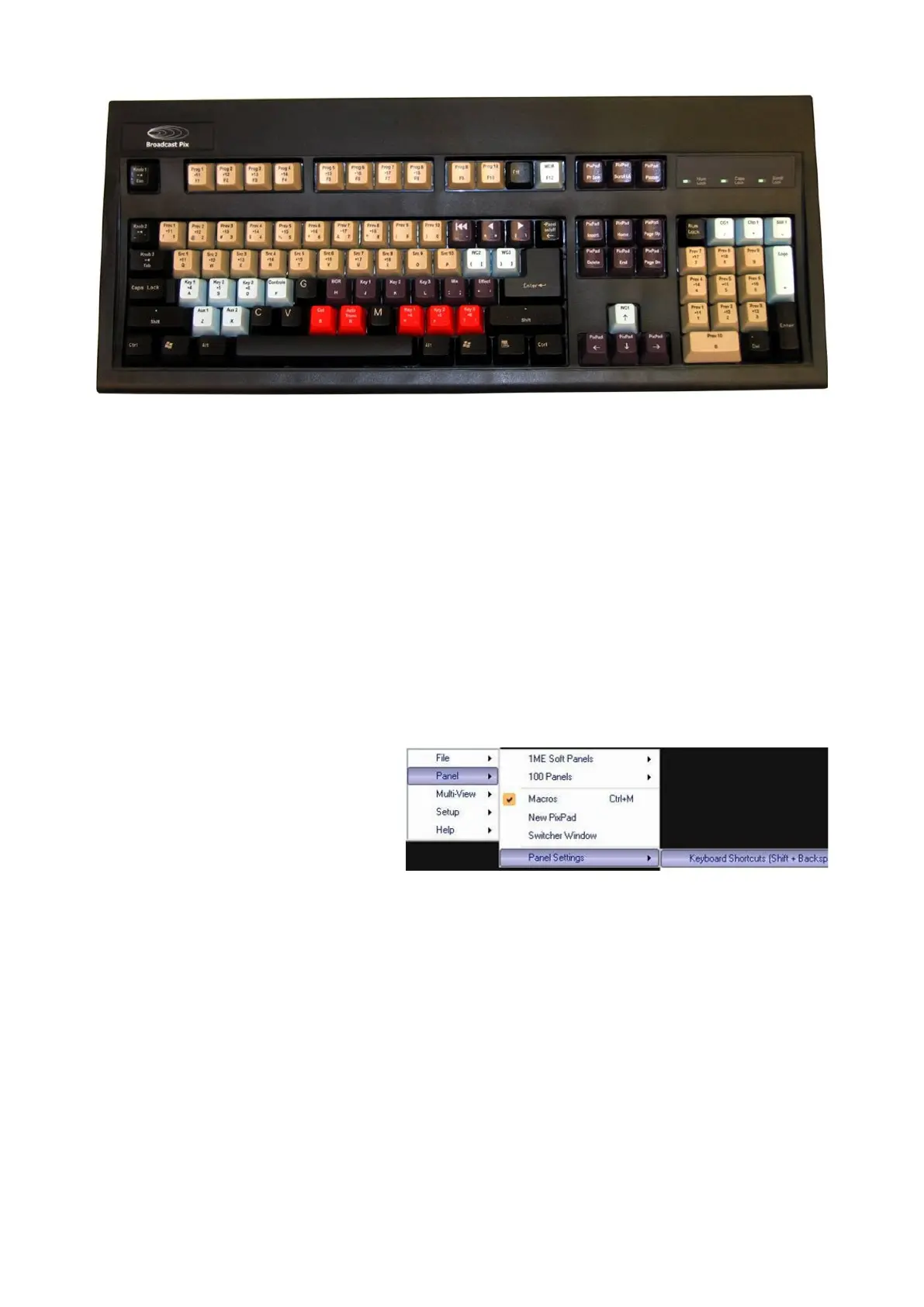
Broadcast Pix Custom Shortcuts Keyboard
Enabling Keyboard Shortcuts
You can enable keyboard shortcuts in one of two ways, either from the keyboard
or from a drop down menu in BPswitcher.
To enable shortcuts from the software:
In BPswitcher select the Panel
drop down menu, as shown at
the right.
Then select Keyboard
Shortcuts (Shift +
Backspace) by making sure a
check mark is active.
To disable repeat steps 1-3.
To enable shortcuts from the keyboard:
Hold down Shift and Panel On/Off (backspace delete on regular keyboards)
simultaneously.



 To Next Page