BPswitch Operators Manual
225 / 413
Auto Start
When clips are selected from the Clip Store, they must be manually started with
the [>] motion button. Instead, the auto-start function may be set to automatically
begin playing from its Mark-In point (or from the beginning if no mark in point is
set) when taken to air, by pressing [Cut], [Auto Trans] or using the [Fader].
To turn on Auto Start:
Select the desired clip, and press the [Controls] button on any Clip PixPad.
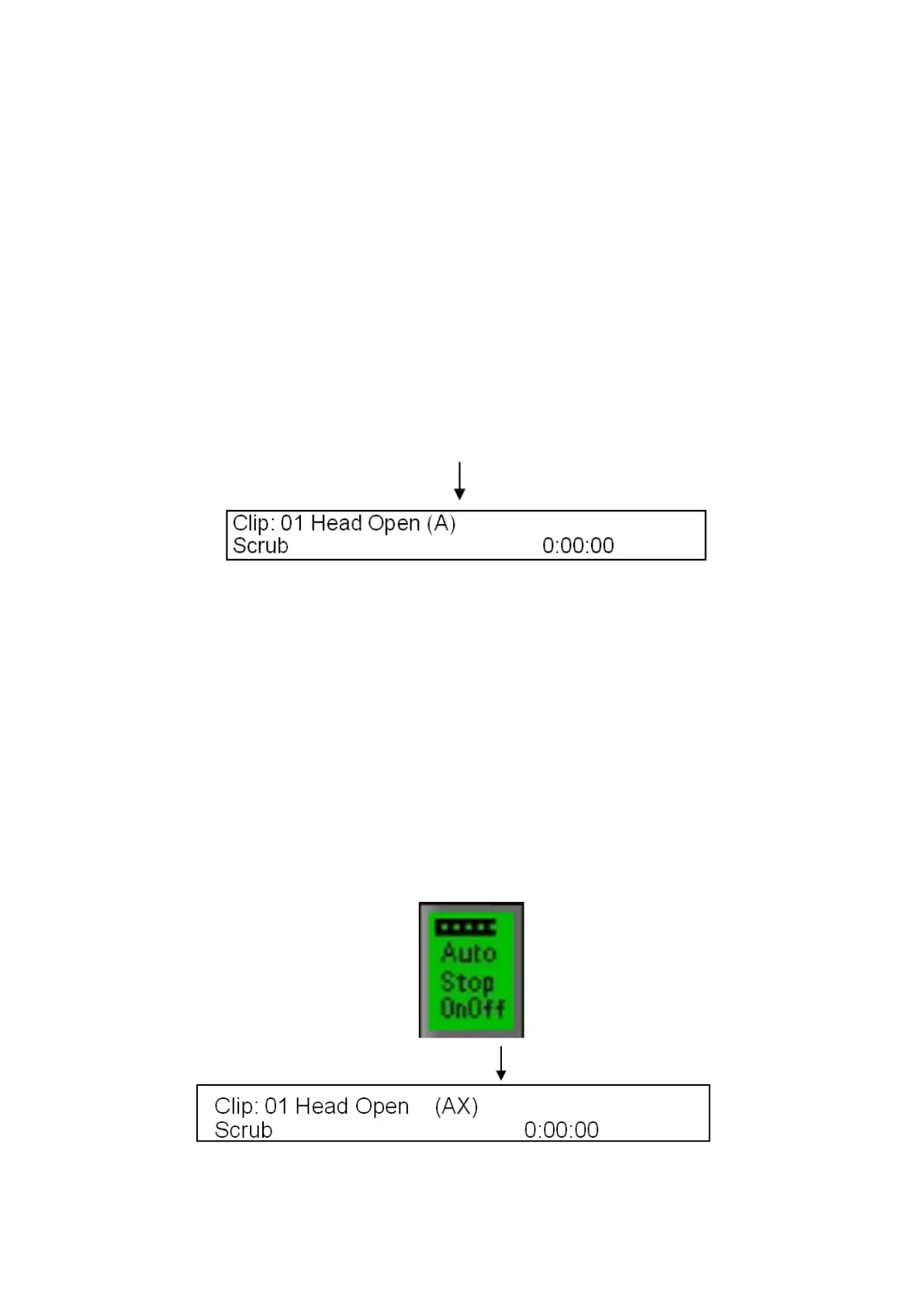
Press the [Auto Start OnOff] PixButton and the letter “A” will be appended to
the clip name in the display to let you know that the Auto-Start function has
been turned on for that clip. (If other modifiers are turned on they will also
appear)
Auto Stop
Just like it is possible to have a clip start on transition to program with Auto Start, a
clip can also be set to automatically stop when it transitions off program by
pressing [Cut] , [Auto Trans] or using the [Fader].
To turn on Auto Stop:
Select the desired clip, and press the [Controls] button on any Clip PixPad.
Press the [Auto Stop OnOff] PixButton and the letter “X” will be appended to
the clip name in the display to let you know that the Auto-Stop function has
been turned on for that clip.



 To Next Page