BPswitch Operators Manual
85 / 413
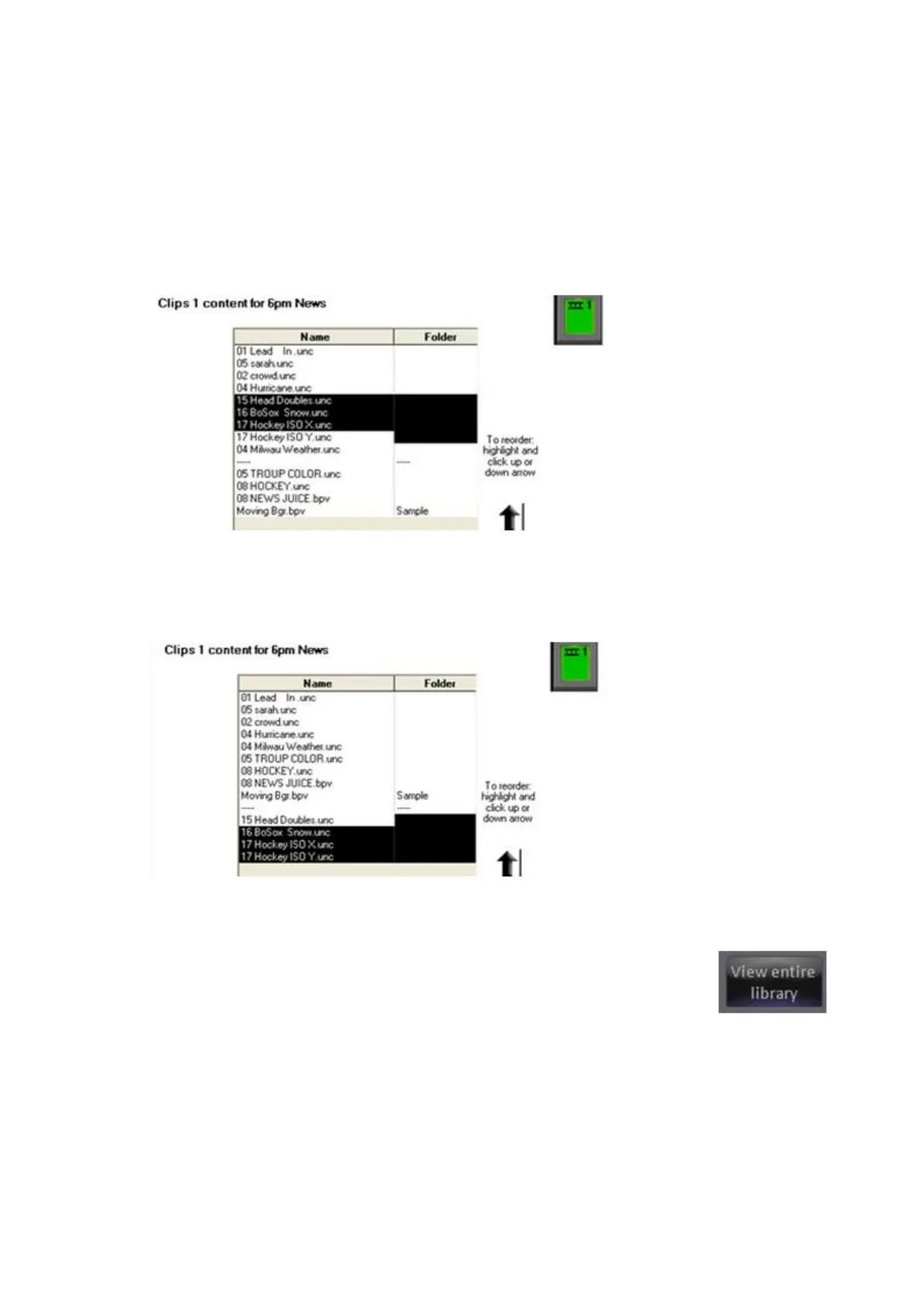
To move a group manually:
Select the first item you wish to move with your mouse, and it will highlight.
Press Shift on your keyboard and hold it down.
Select the last item you wish to move, and all the ones in between will
highlight:
Then click the up or down button one time for each position that you want
the selected group to move. In this case, four adjacent clips were moved
down to the bottom of the list.
Adding Content from the Central Library
Click on View entire library button in the content
window. This will open the complete library/folder that
your device is pointing to, as shown below.
To have PixMaster automatically show the entire library,
check the Always show entire library check box.



 To Next Page