BPswitch Operators Manual
247 / 413
To Pause press the [>] button again (and then again to resume playing)
To reverse the clip, press the [<] button
To rewind the clip to the beginning, press the [I<<] button
NOTE: When controlling an external DDR, it is important to select commands slowly. There is a
slight pause from when you select a command to when that command is executed. Any fast
button-pushes may break the communication to your external DDR.
DDR Controls
Similar to the internal Broadcast Pix clip store, each external clip from the
DDR/Server may be set to loop continuously and/or set to Auto-Start when
transitioned to Program. In addition, some servers may be configured to record,
they may be started and stopped directly from the control panel.
To set a clip to Loop:
Select a clip, as described in Controlling External DDR
Press the [Controls] PixButton at the bottom of the PixPad, which will
bring up a new PixPad.
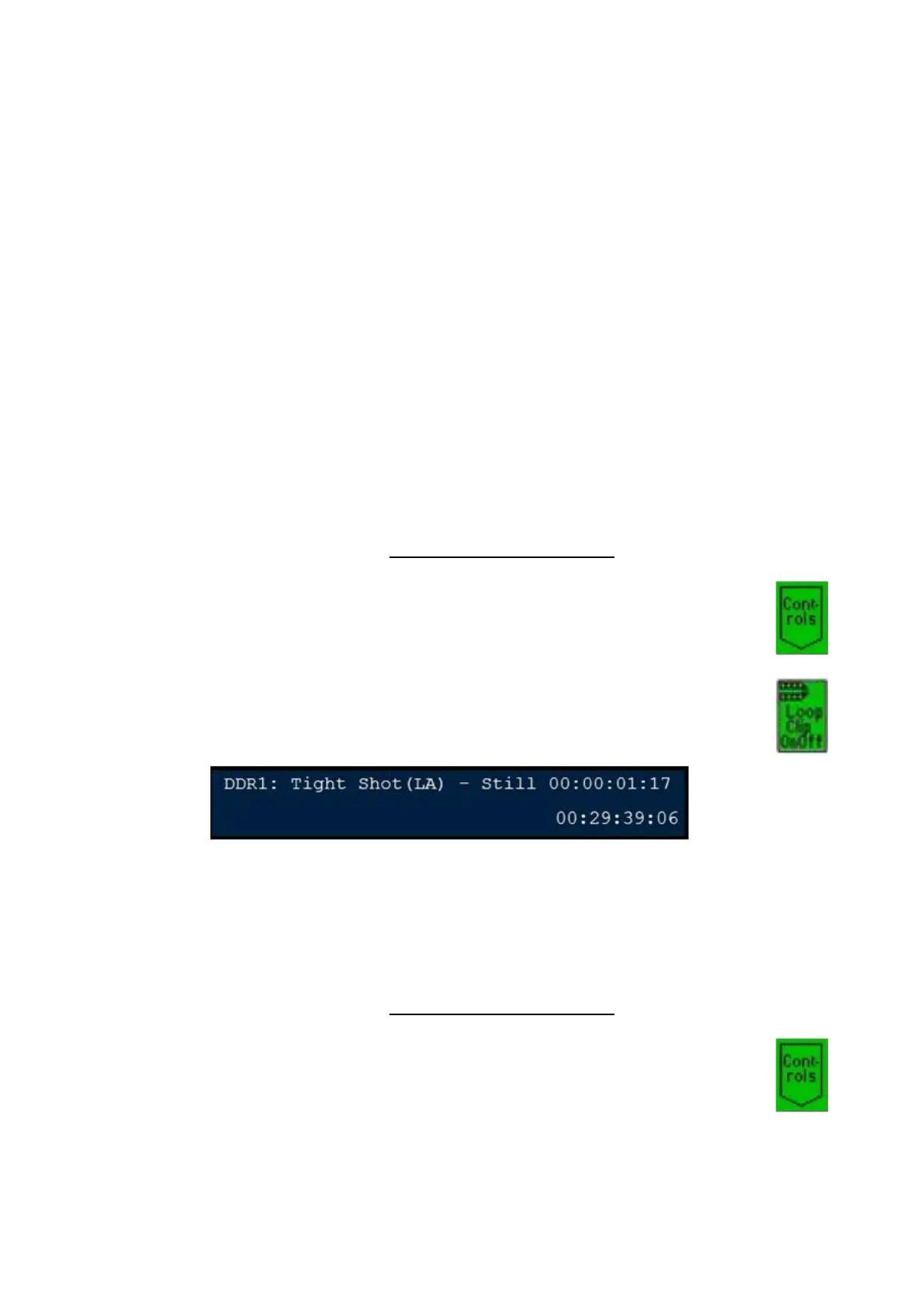
Press the [Loop Clip OnOff] PixButton. The letter L will be appended
to the clip name in the display to let you know that it has been set to
loop, as shown below.
To turn off looping, press the [Loop Clip OnOff] PixButton again, and
the L will be removed from the display
To set a clip to Auto-Start:
Select a clip, as described in Controlling External DDR
Press the [Controls] PixButton at the bottom of the PixPad, which will
bring up a new PixPad.



 To Next Page