BPswitch Operators Manual
246 / 413
As with other devices you may select from additional clips by pressing the
[Next] PixButton or by using the numeric keypad, see To Select a Clip by
Name and To Select a Clip by Number.
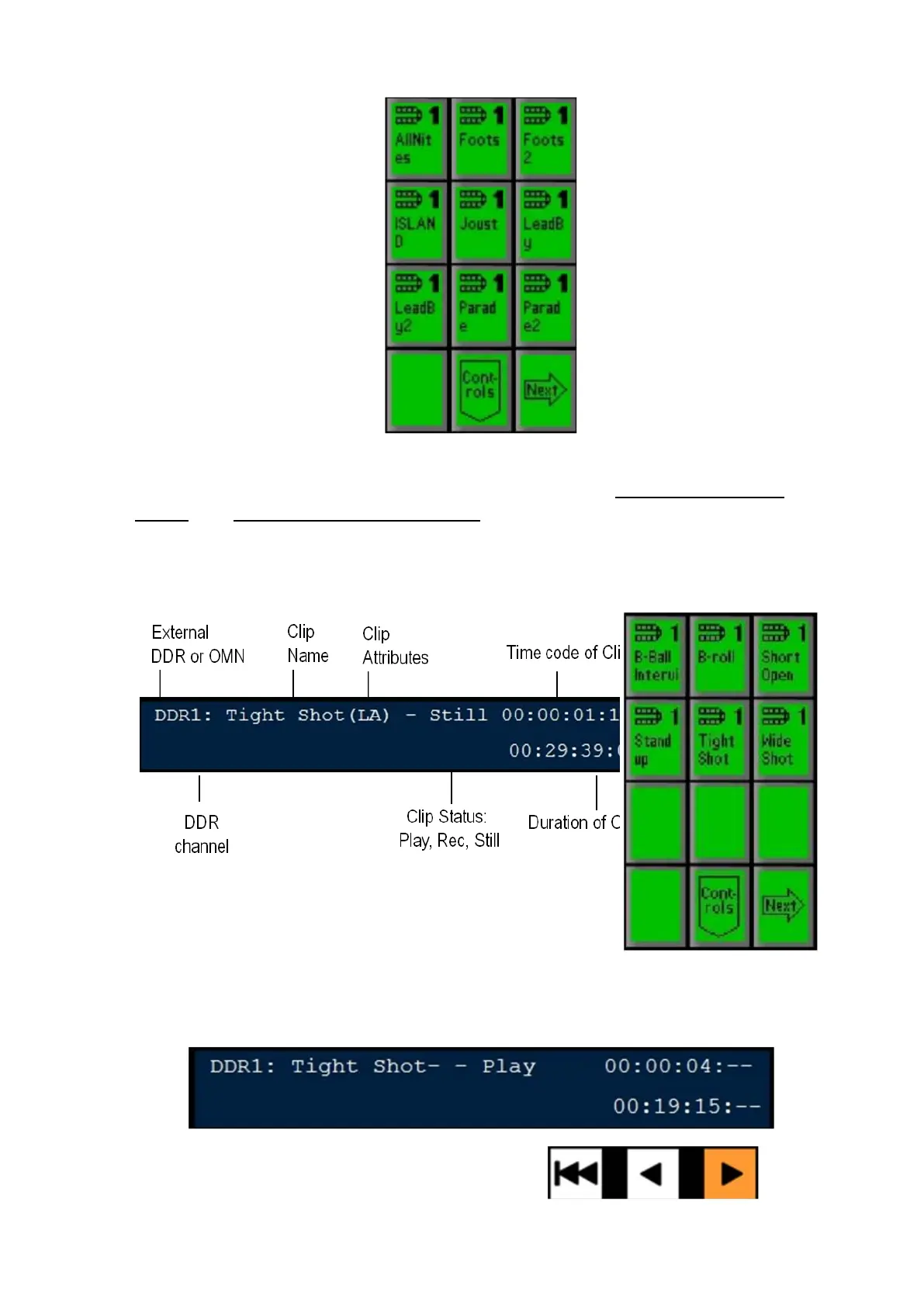
Select the desired clip and by pressing its PixButton, and the information for
that clip will appear in the large display, as shown below.
Press the [>] Button and the clip will begin to play. The display will show
both the status as Play, and the time code will count up and the duration will
count down, as shown below.



 To Next Page