BPswitch Operators Manual
218 / 413
To Select a Clip by Name
Press the [Clips] Button if it is not already illuminated.
Select the desired clip by name by pressing its PixButton in the PixPad. In
the example above, to select the “02 Light Swipe” clip, press the [Clip 1
Light Swipe]
PixButton, and it will illuminate. The selected clip will appear on
the Multi-View in its source window as well as on the PixPad where it will
change from grey to orange (red if the Clip Store is on air) and its name will
appear in the display and in the Clip PixButton in the program row.
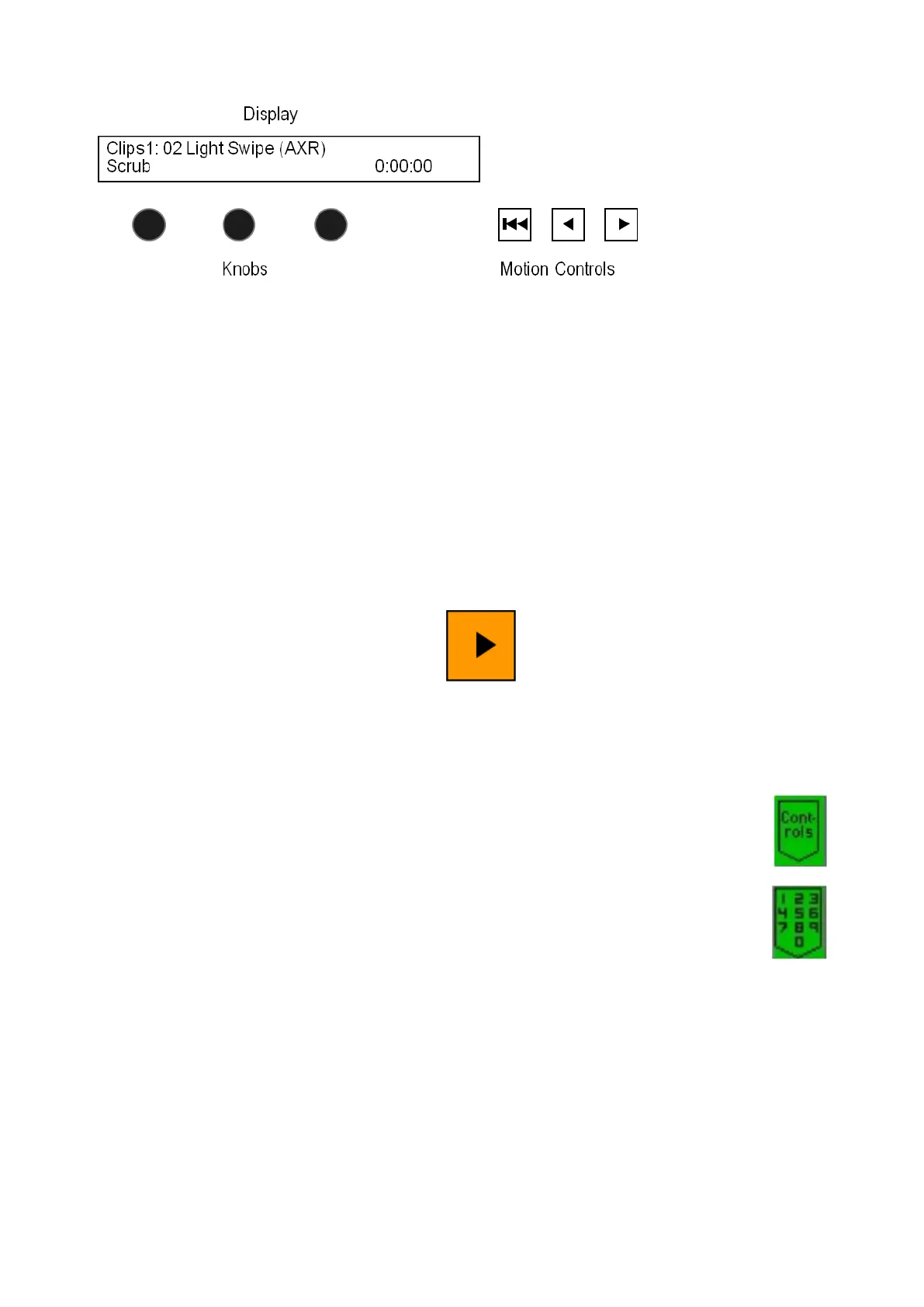
Push the [>] motion button, it will turn orange, the clip will start to play and its
time code will be in the the display as well as the Multi-View.
To Select a Clip by Number
Press the [Clips] Button if it is not already illuminated.
On the Clip Store PixPad, press the [Controls] PixButton,
which will bring up the clip controls PixPad, then press the
[Numeric Keypad] PixButton, and it will bring up the
numeric keypad PixPad, as shown to the right.
Enter the clip [Number] you wish using the numeric keypad.
As you enter each number it will appear in the display.
Press the [Enter] PixButton and the selected clip will appear
on the Multi-View, its name will appear in the display, and its
time code will be shown. The PixPad will change to the
Library containing the selected clip, which will be illuminated.
Push the [>] motion button, and the button will illuminate
orange. The clip will start to play, and its time code will
advance.



 To Next Page