BPswitch Operators Manual
289 / 413
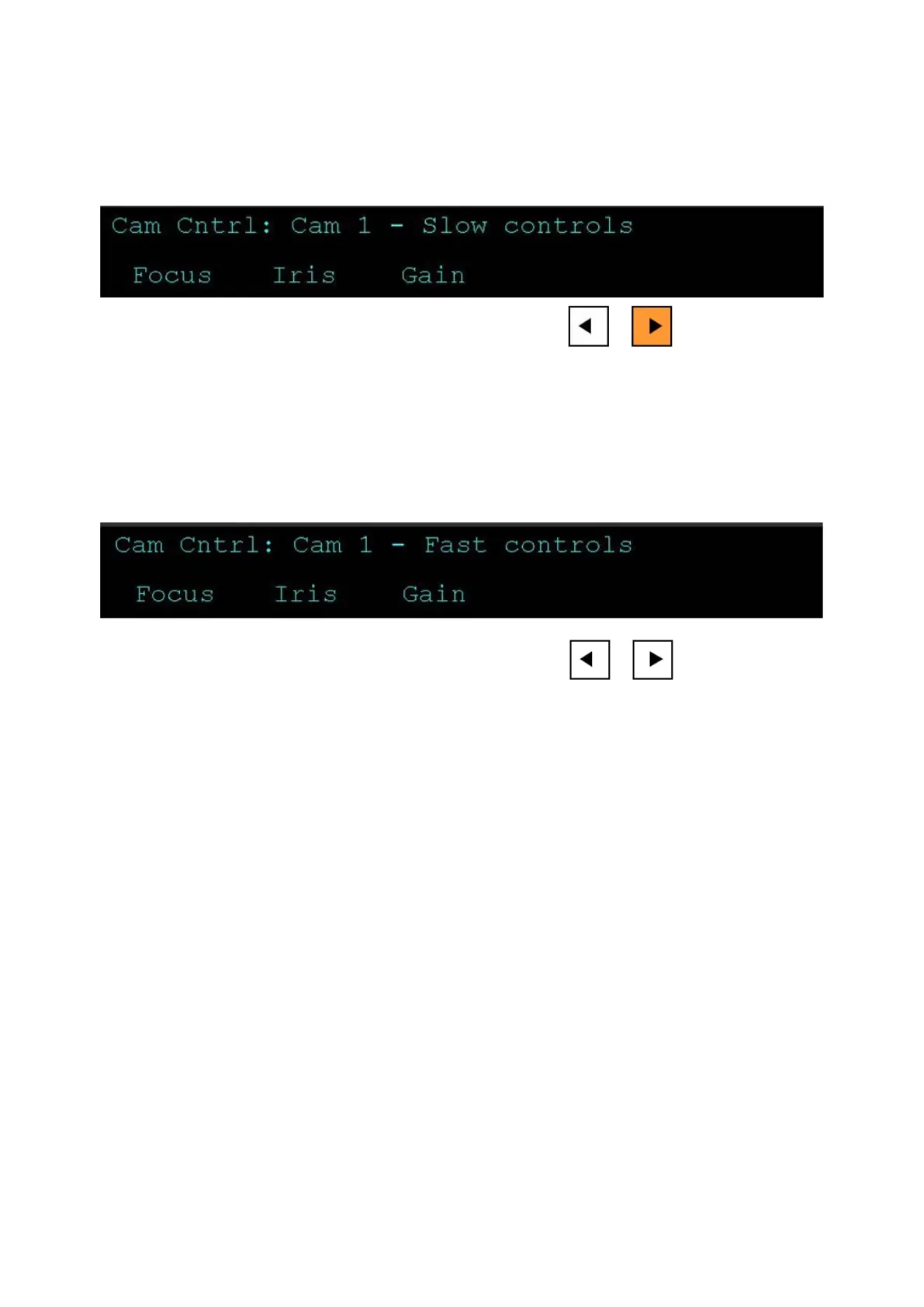
controls”, as shown below, now when you move the joystick and knobs the motion
will be at a slower rate, compared to the Fast setting. When you let go of the
joystick, the [>] button will remain on the slow function. To return to the fast/normal
mode deselect the [>] motion button.
Fast
If you wish to move faster than normal mode, before touching the joystick or
knobs, ensure that both motion control are not illuminated. If turned on, press the
[>] motion button and it will turn off. The display will read out “Fast controls”, as
shown below. Now when you move the joystick and knobs the motion will be at
faster.
Motion controls for Telemetrics Cameras
For Telemetrics camera systems all 3 motion control buttons control a setting,
either a speed setting or a direction selection for the joystick. The Play > motion
control switches from the default/normal speed to the selectable/custom speed set
in the Camera Control Settings window. The Rewind |<< motion control changes
the joystick speed (1-6) similar to the setting in the Camera Control Settings
window. The Back < motion control changes the direction the joystick is used for,
either P/T for Pan/Tilt or X/Y for Pedestal Up/Down and Dolly In/Out. These
controls apply only to the Telemetrics Camera Control and not to Sony, Hitachi or
Panasonic.
To control the speed of manual camera functions:
Default
If you wish to use the default/normal speed for the joystick, press the [>] motion
button and it will illuminate orange. The display will read out “Default Speed”, as
shown below. Now when you move the joystick the motion will be at a medium
rate, compared to the Fast setting. When you let go of the joystick, the [>] button
will remain on the default function.



 To Next Page