BPswitch Operators Manual
290 / 413
Selectable
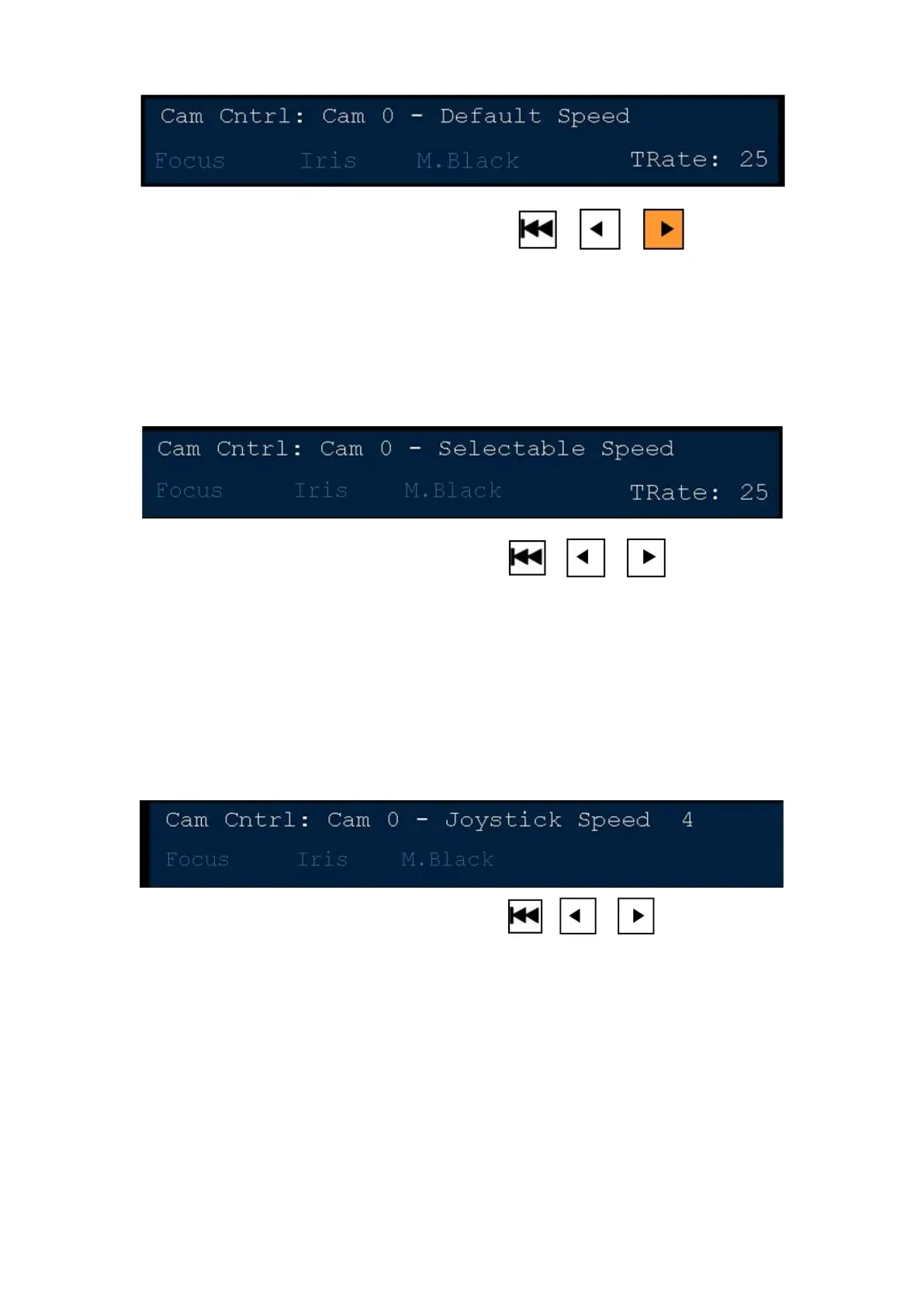
If you wish to move faster or slower than the default mode, ensure that Play
motion control is not illuminated. If turned on, press the [>] motion button and it will
turn off. The display will read out “Selectable Speed”, as shown below. Now when
you move the joystick the motion will be at selected speed assigned in the Camera
Control Settings window.
Selectable Speed Control
For quick access to the Joystick Speed control from the Camera Control Settings
window, the Back motion control button may be used. If you wish to move faster or
slower than the default mode, ensure that the Play motion control is not
illuminated. If turned on, press the [>] motion button and it will turn off. The display
will read out “Selectable Speed”. Now press the [|<<] motion control and the
display will cycle through the 6 Joystick Speeds, as shown below. Now when you
move the joystick the motion will be at selected speed.
Joystick Functions
Depending on which Telemetrics systems is installed, the joystick may be
assigned to control different functions when moved up and down. The default state
of the joystick is to control the Pan and Tilt commands on the camera head. If a
TelePod or TeleGlide system is install Pedestal and Dolly movements may also be
controlled with the joystick.
To control Pedestal/Dolly/Track movements:
In the device control, press the [<] motion control button and it will illuminate
orange. The display will read out “Joystick X/Y”, as shown below. Now moving the



 To Next Page