BPswitch Operators Manual
310 / 413
To remotely put the camera into stand-by mode, press the [Turn Off Cam]
PixButton. This will put the camera into stand-by mode, resulting in a
black/no video output. To turn the camera back on, press the [Cam Cntrl]
device PixButton in the more devices section of the panel and select the
[Cam Number] PixButton in the PixPad.
Telemetrics Camera Control Settings
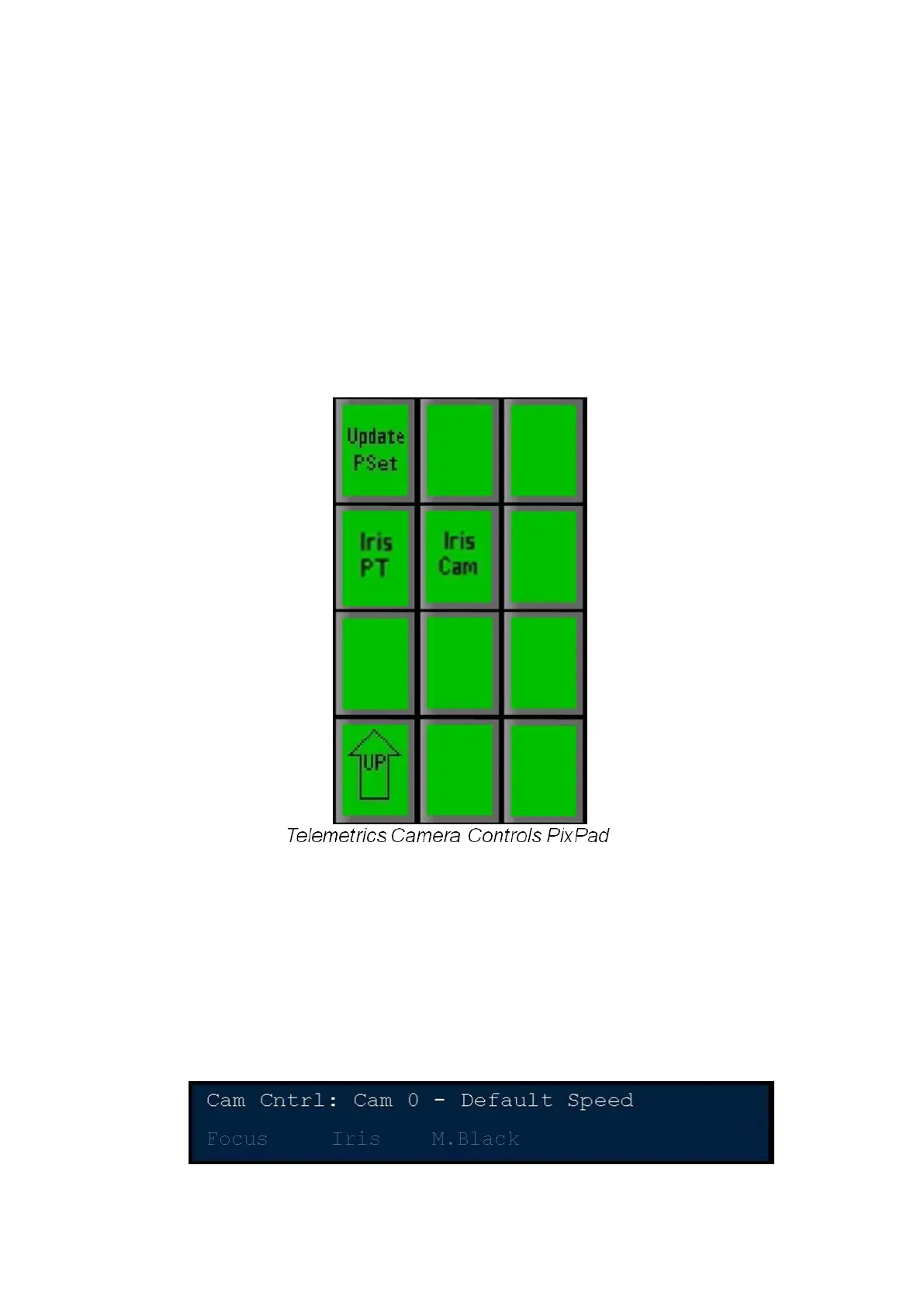
The Telemetrics Camera Control option has access to basic CCU functions for
Focus, Iris and controller selection, as shown below. All shading and white
balance control must be done through a 3
rd
party controller or by using the
Telemetrics Studio Software.
Adjusting CCU Functions
The Camera Settings PixPad can be accessed by selecting the [Camera Control]
device select PixButton, then selecting a [Camera #] PixButton and selecting the
[Controls] PixButton.
To control the Focus
Turn the first knob labeled Focus. The display will update showing positive or
negative Focus numbers.



 To Next Page