BPswitch Operators Manual
22 / 413
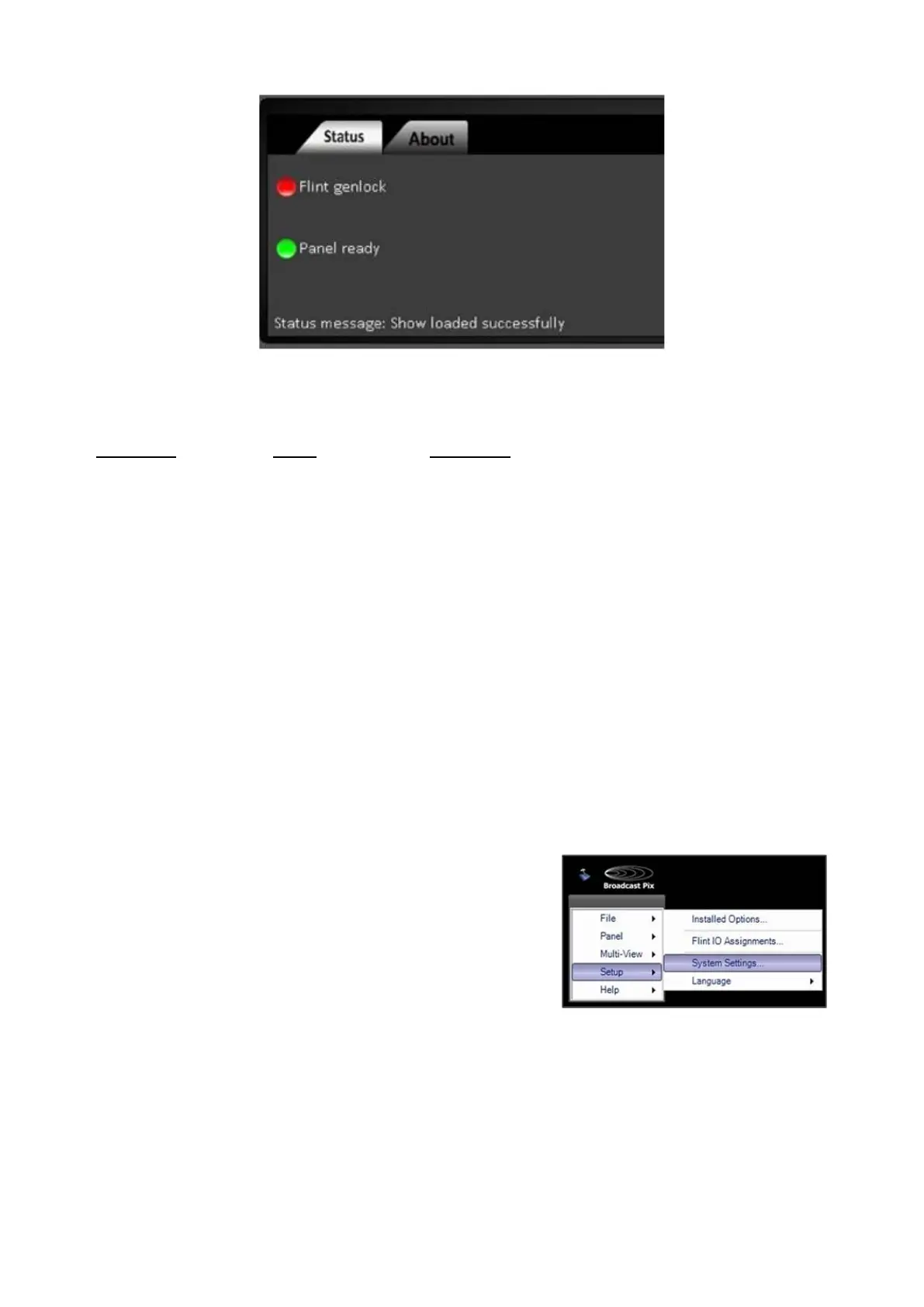
Lights during normal operation on FX Models
Status on all FX models
BPswitch FX has no external reference
BPswitch FX has external blackburst
reference
Control panel is ready and has joined show
It is not (default on Desktop models)
Message on what is currently happening
Changing the Startup Show
When the system ships from the factory it is not set to load any show. You can
turn on auto-loading, or after you create more shows, you can change the system
to auto-load a different show. If you turn off auto-loading, then Broadcast Pix
Switcher will still open, but you need to then Load a Show as described above.
To change which show auto-loads:
In BPswitch, click on Setup and a
drop down window will appear,
then select System Settings…
as
shown on the right
The System Settings window will
appear, as shown below.
In the Startup Tab, place a check
next the to
Load show at startup,
as show on the right.
Select the show you want to auto-
load, by clicking on the drop down



 To Next Page