BPswitch Operators Manual
272 / 413
Telemetrics Dip Switch Settings
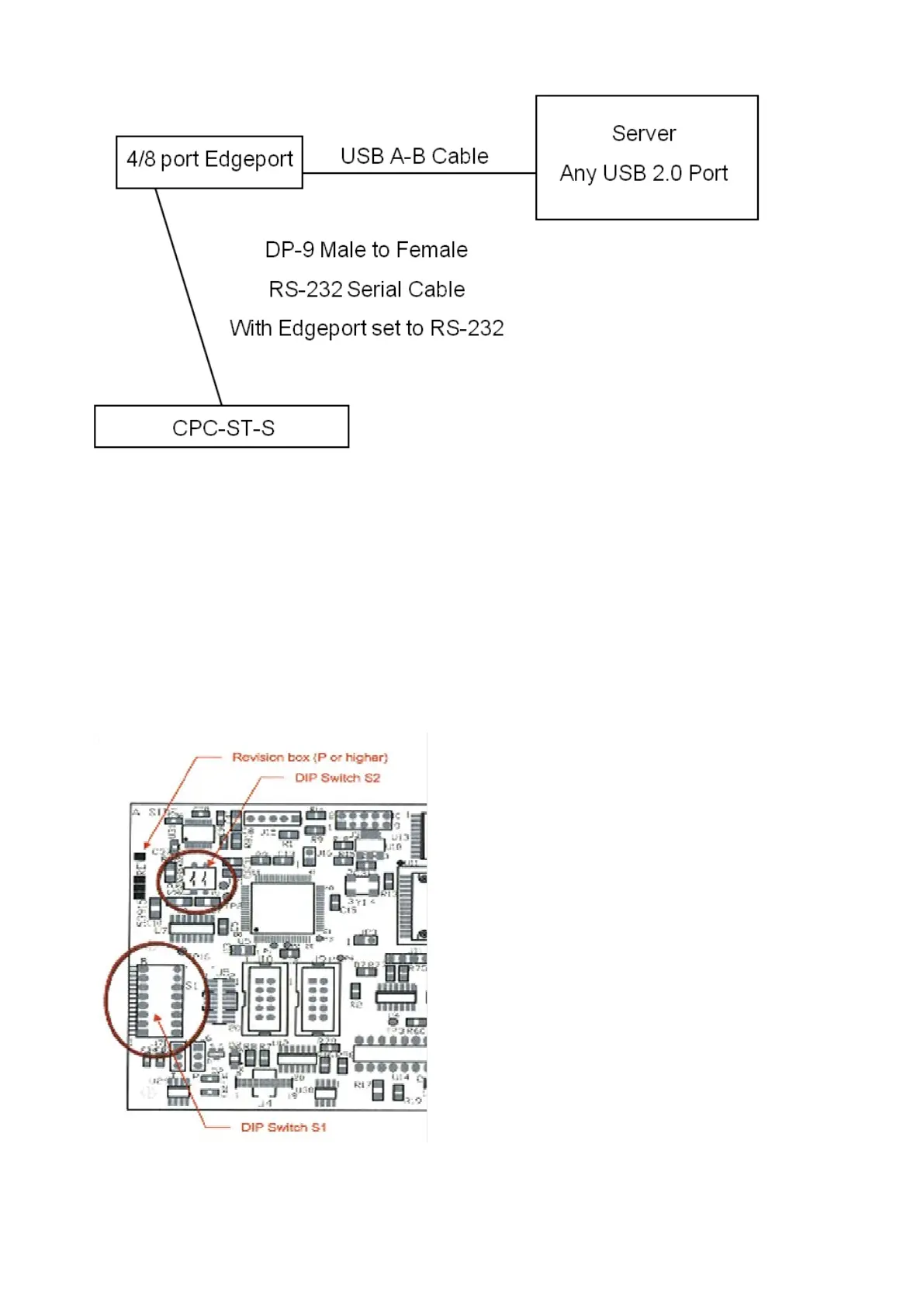
On some Telemetrics pan/tilt heads, if the controller board 53915 has a letter P or
higher as a revision number, dip switch settings must be set for RS-232 or RS-422
control.
The Controller Board is located on the same side as the connecters on the pan/tilt
head. Unscrew the 2 screws, and the board will swing open.
Dip switch labeled S2, as shown below, must both be set to Off (down) for RS232
control or On (up) for RS422 control.



 To Next Page